
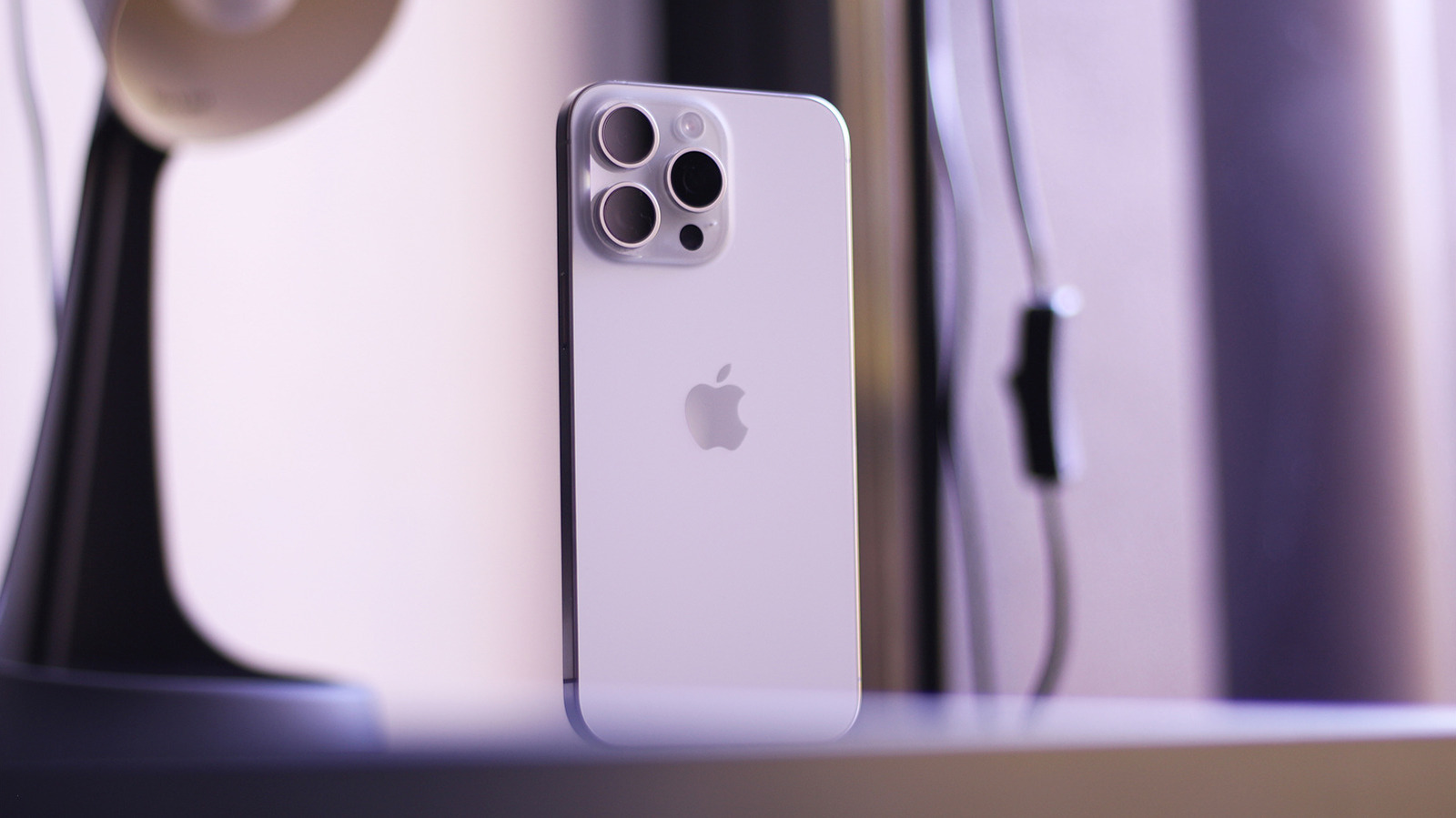
Apple has released the first iOS 27 developer beta, and while it brings the usual early access to new features and APIs, it is not something every iPhone owner should rush to install right now. This piece explains who benefits from the beta, what risks to expect, and practical ways to protect your daily device and data while the software matures.
The developer beta is aimed at app creators and technical testers who need to try their software against the latest system changes. If you build or maintain apps, getting ahead on compatibility and performance testing makes sense. For everyone else, the beta stage is still rough and unpredictable.
Early builds commonly include bugs that impact battery life, background behavior, and system stability. You can run into random crashes, slower performance, and features that work inconsistently. Those annoyances might be more than a minor inconvenience if you rely on your phone for work or essential communications.
App compatibility is another headache during a developer beta window because third party apps often require updates to work properly. That means apps you use every day could behave oddly or refuse to open until developers push fixes. If some of your essential apps are not yet updated, your workflow could be disrupted.
There are also risks tied to device-level systems like messaging, Apple Pay, and device management profiles that businesses depend on. Corporate devices managed through IT policies can face conflicts with pre-release firmware and profiles. If your phone is required for access to employer resources, running a beta can introduce unnecessary complications.
For those curious about new features, developer betas let you test upcoming APIs and system tweaks before they reach the public. Early access can reveal user interface changes and under-the-hood adjustments that may affect how apps behave. But keep in mind that features in a developer beta are provisional and subject to change before final release.
If you are not a developer or a technical tester, the safest path is to wait for the public beta or the official release. Public betas are generally more polished because they benefit from the developer feedback loop and broader testing. Waiting preserves the reliability of your main device and keeps daily routines intact.
For those who decide to try the developer beta despite the warnings, using a secondary device and maintaining up-to-date backups makes a lot of sense. That way you can test freely without risking the phone you depend on every day. Treat the developer beta as an experiment rather than a smooth upgrade path.
Apple will iterate on iOS 27 through multiple beta releases before the final version ships, so if you encounter problems expect fixes to arrive over the coming weeks and months. Watching developer notes and official changelogs helps, but patience is still the best strategy for most users. When stability matters, the conservative choice is to let the early adopters find the rough spots first.
