
Android 17 is on the horizon for tablets, and this piece walks through which flagship slates are expected to get the update, what changes to expect at a glance, how rollout timing usually plays out, and practical steps owners should take to get ready later this year.
It’s safe to say Android 17 won’t be a surprise patch — the update cycle for major tablets is already lining up. Familiar names like Samsung and Google lead the conversation, with other manufacturers also preparing builds for their premium and midrange models. If you follow tablet news, many of these devices will sound familiar because they anchor each brand’s lineup.
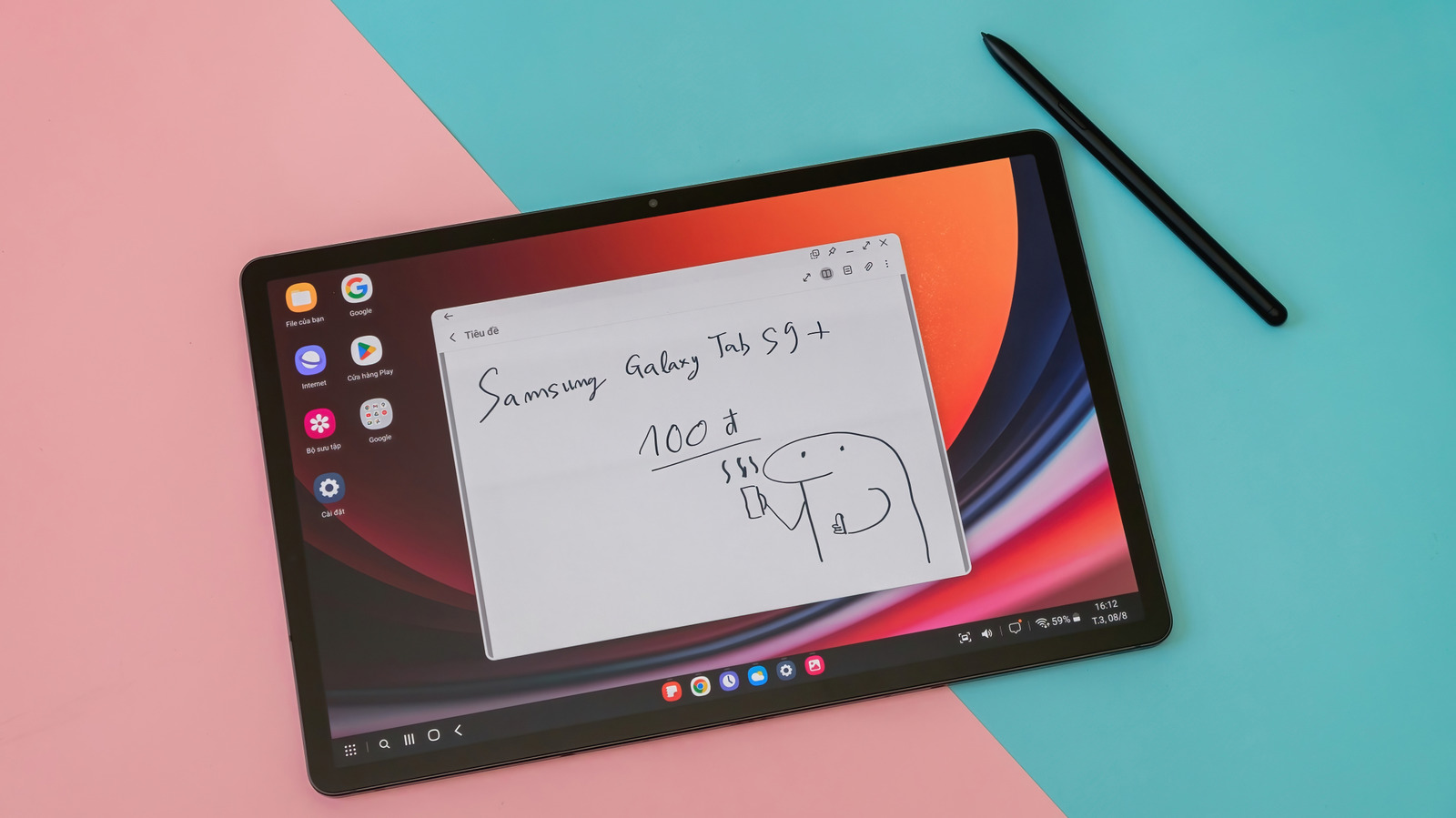
Samsung’s Galaxy Tab S series typically headlines tablet rollouts and will likely be among the first to see Android 17 on stable builds. Google’s Pixel Tablet crew usually follows with its own optimized flavor, while Lenovo, OnePlus, Xiaomi, and Oppo tend to push updates to higher-end models shortly after. Expect staggered releases rather than a single global switch because manufacturers test region and carrier compatibility.
On the OS side, Android 17 brings refinements rather than a radical overhaul, focused on responsiveness, smoother animations, and tighter power management. Security and privacy tweaks are a given, and you’ll see improved background task handling that helps apps stay efficient on large-screen devices. App compatibility is a priority, so many vendors will include tools to smooth the transition for existing tablet apps.
Tablet-specific UI upgrades are where Android 17 will feel most noticeable for daily users, with better multiwindow handling, larger widgets that are more interactive, and a more flexible taskbar. Pen and keyboard accessories should see deeper integration, with quicker switching between input modes and enhanced drag-and-drop. These enhancements aim to make tablets behave more like full productivity machines when needed.
Generative features and assistant improvements are starting to creep into platform updates, and Android 17 is expected to build on that trend by making system-level AI features more responsive and more privacy-aware. Don’t expect an on-device miracle overnight, but anticipate smarter suggestions, faster transcription, and more context-aware actions that respect local processing where feasible. These are gradual steps toward a richer, more helpful tablet experience.
Performance gains often show up in lower-level optimizations rather than flashy headlines, and that’s what you’ll likely notice with Android 17: better memory management, cooler thermals under load, and marginally longer battery life in real-world use. Apps that used to stutter during complex splits should run cleaner, and animations will feel snappier across the board. Expect differences to be more pronounced on newer hardware with capable SoCs.
Rollout schedules remain the messy part: betas and developer previews typically come first, followed by stable builds that hit certain flagship models. Carrier-locked tablets and region-specific variants always add delays, so patience is part of the upgrade experience. If you want early access, sign up for beta programs where available, but remember betas can be rough around the edges on mission-critical devices.
Before you tap update, take a few practical steps: back up important data to the cloud, confirm you’ve got plenty of free storage, charge up or keep the tablet plugged in during the process, and update apps after the OS upgrade. A quick inventory of essential apps will help you spot compatibility issues fast, and a factory reset remains an occasional troubleshooting tactic if performance feels off after an update.
Developers should treat Android 17 as a prompt to revisit adaptive layouts and test multiwindow behavior thoroughly on large screens. Update target SDKs, run compatibility checks, and make sure input methods like pens and external keyboards behave as expected. The tablet audience cares about workflow, so ironing out edge cases now pays off when the update hits users.
Device owners who like to tinker will find beta channels and staged rollouts the best way to preview changes, while conservative users should wait for the carrier- or OEM-signed stable release. Keep an eye on your manufacturer’s support pages and community forums for exact timing and reported issues, and prepare your tablet by cleaning up storage and ensuring backups are current. This update cycle is another step toward making tablets more flexible, productive, and reliable as everyday companions.
