
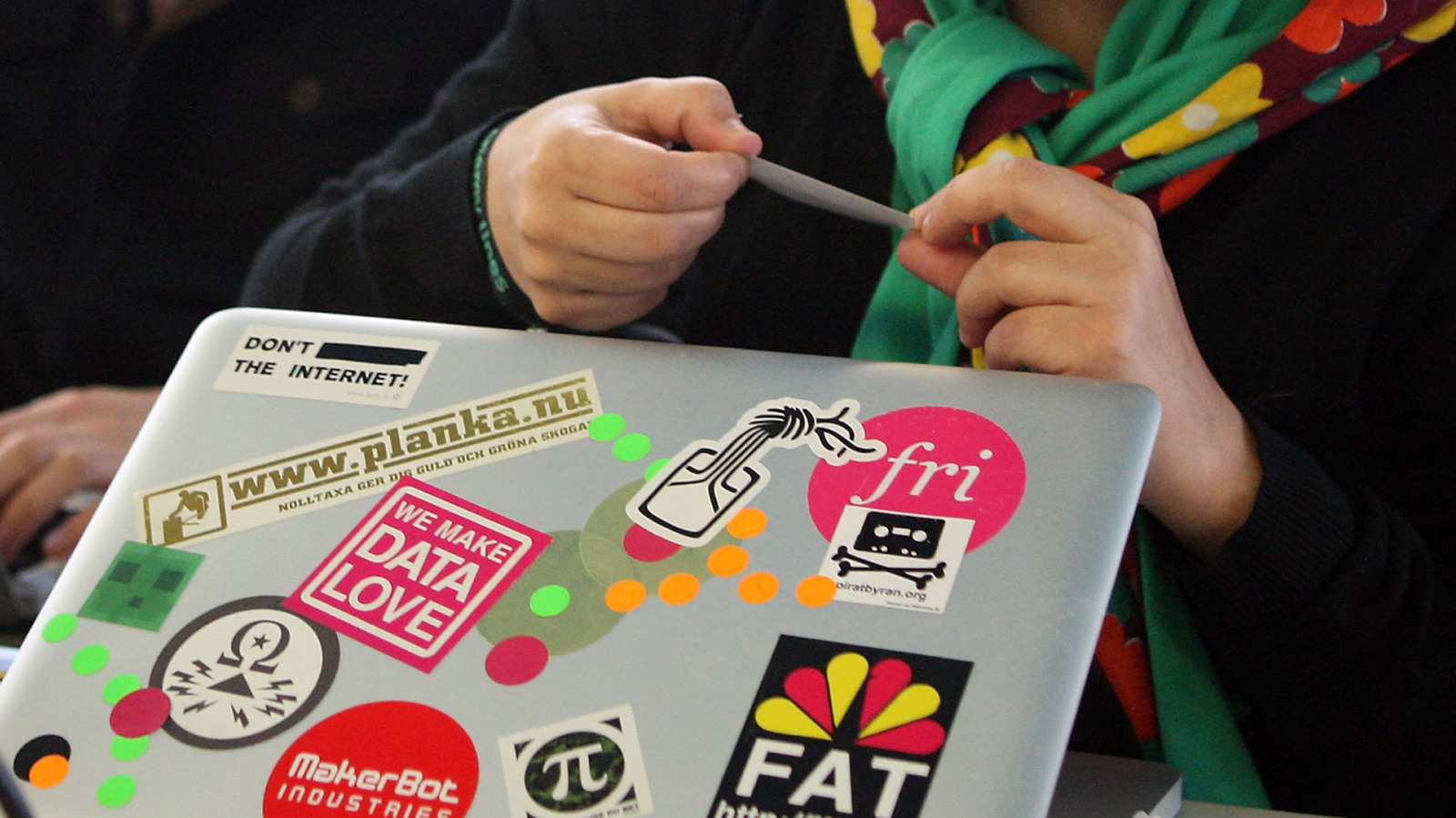
Stickers are a great way to personalize a laptop, but knowing where to put them can save you headaches later. This piece walks through the spots to avoid, why they matter, and better alternatives so your laptop looks sharp without compromising function. Stick with these simple rules and you’ll keep your machine healthy and resale-friendly.
First, don’t slap stickers over vents or cooling areas. Those tiny openings exist to move air and keep components from overheating, and adhesive can trap dust and restrict flow. Over time that gunk can make fans work harder and shorten the life of your laptop.
Avoid covering ports, connectors, and the hinge area as well. Sticky residue around USB-C, HDMI, or charging ports can make connections flaky and annoying to clean. Hinges flex constantly, so stickers can peel or leave sticky bands where you least expect them.
Keep stickers off the keyboard deck and trackpad, even if it seems cute at first. Oils from your hands and heat from the laptop can make adhesive smear into crevices and break down coatings. The trackpad needs a smooth surface to function precisely, and any obstruction ruins that experience fast.
>
Never obscure regulatory labels, serial numbers, or warranty stickers. Those tiny printed tags are often needed for repairs or reselling, and covering them can complicate service or void warranties. If you plan to trade or sell, uncluttered, original surfaces hold value.
Speakers and microphones are other sensitive spots to avoid. Sound quality drops when grills are covered, and microphones pick up muffled audio if adhesive blocks them. If you care about clear calls, keep those areas sticker-free.
Consider the finish of your laptop before you start decorating. Matte surfaces and anodized aluminum often handle removals better than glossy or soft-touch coatings, which can peel or discolor when adhesive is lifted. Test a small, hidden edge first if you’re unsure; you’ll thank yourself later.
If permanence worries you, go with removable vinyl decals or a protective skin instead of paper stickers. High-quality vinyl peels cleanly and protects the surface beneath, and skins can be replaced when tastes change. Magnetic covers or decorative cases offer another quick swap that never touches the laptop body.
For professional settings, keep the lid tasteful and minimal. A single small decal in a corner or a subtle logo mimic can add personality without shouting. In shared workspaces or client meetings, a conservative approach keeps attention where it belongs: on your work.
When it’s time to remove a sticker, warm it gently with a hairdryer and lift from a corner with steady pressure to avoid tearing. Use a mild adhesive remover or isopropyl alcohol on a microfiber cloth for residue, and avoid harsh scraping that can mar the finish. Clean carefully and let the laptop cool before powering it back up.
Decorating a laptop should be fun, not risky. Keep vents, ports, hinges, speakers, and regulatory labels clear, choose removable or protective options for personalization, and treat delicate finishes with care. That way your laptop looks like yours and still works like it should.
