
USB-C has turned a laptop port into a small but mighty command center. It does far more than top off a battery, opening the door to better cooling, cleaner desk setups, gaming gear, video upgrades, extra storage, and more flexible connections. Once that becomes clear, the humble port starts looking a lot more useful than most people give it credit for.
One of the simplest uses is powering a compact fan when the room feels like a furnace. A USB-C fan can make a huge difference during long work sessions, especially in places where air conditioning is weak, noisy, or flat-out missing. Many of these fans are easy to plug in, easy to carry around, and handy enough to keep nearby all summer.
USB-C also makes life easier when a laptop needs a bigger display. External monitors remain one of the best ways to improve comfort and productivity, and USB-C monitor support can cut down on the mess that usually comes with HDMI setups. Instead of juggling extra adapters and power bricks, a single cable can handle the display connection and keep the workspace feeling less crowded.
Gaming is another area where that port earns its keep. A controller can be a much better fit than a keyboard and mouse for plenty of games, especially action titles, sports games, and anything built for console-style play. Wired USB-C connections can also keep input steady and avoid the hassle of pairing issues or dead batteries at the worst possible moment.
For video calls and content work, an external webcam can be a real upgrade. Built-in laptop cameras often look soft, dim, and a little rough around the edges, which is fine for a quick call but not great when image quality matters. Plugging in a better webcam through USB-C can bring sharper video and, in some cases, stronger audio too.
Storage is another smart use that does not get enough attention. External drives and USB-C flash drives give laptop users a way to keep important files close without leaning entirely on cloud services. That matters when cloud plans change, storage fills up, or a reliable offline backup suddenly feels like the smartest move in the room.
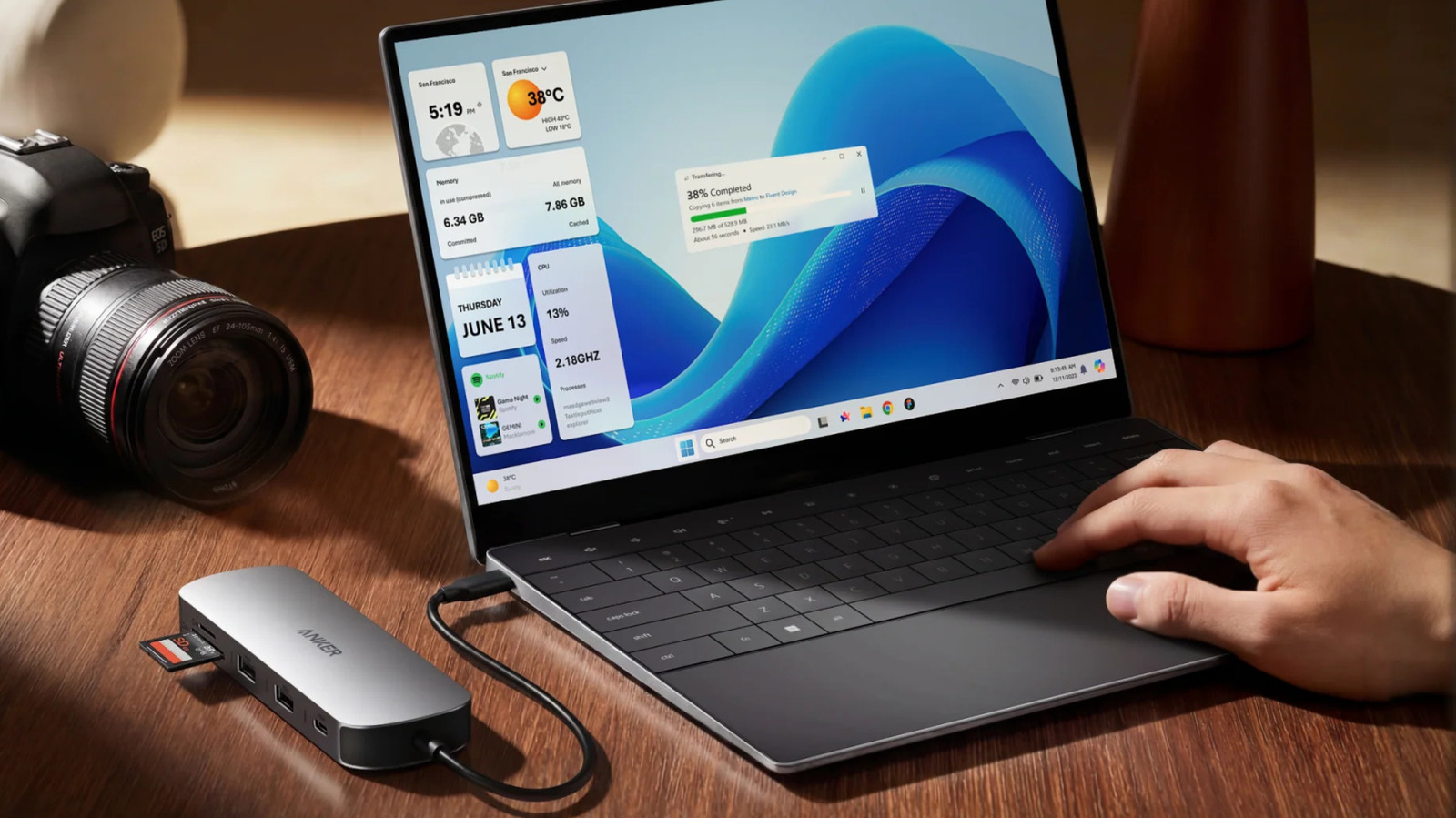
A USB hub may be the most practical trick of all. Thin laptops look sleek, but that slim design often leaves users with fewer ports than they would like, and the problem gets real fast once a webcam, drive, phone, and monitor all need space at the same time. A good hub turns one USB-C connection into a much more flexible setup, which helps reduce cable chaos while making the laptop far more capable.
That is the real strength of USB-C on a modern laptop. It is not just a charging hole tucked into the side of a machine, but a gateway to better comfort, better organization, and more useful gear all around. The smartest setups tend to start with that one port and build outward from there.
