
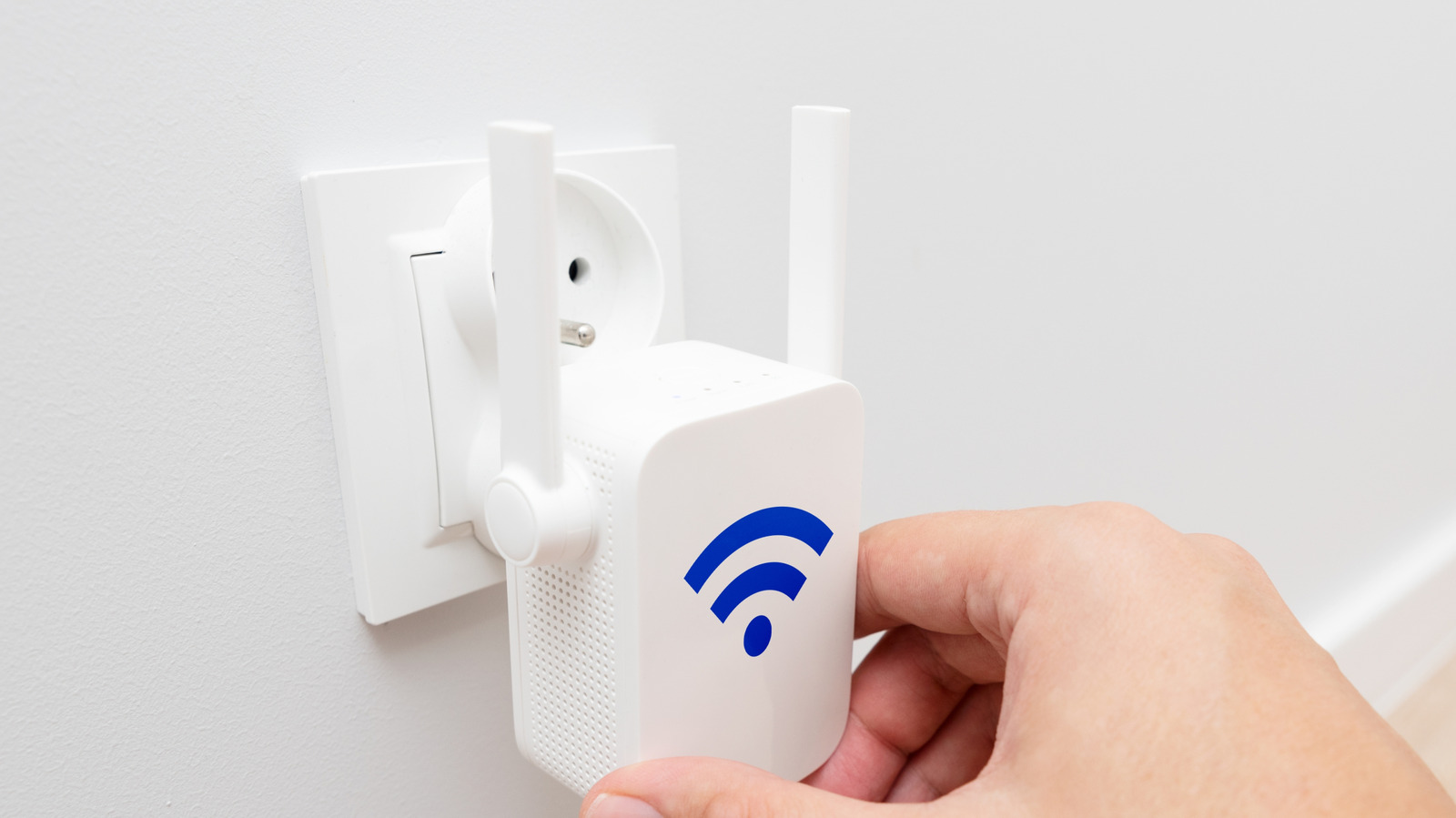
If your home or apartment keeps dropping Wi-Fi in corners, this piece walks through whether a Wi-Fi extender is the right fix for you, what it can and cannot do, and smarter alternatives to consider before spending money on another gadget.
Wi-Fi extenders can feel like a magic wand when a single router leaves dead zones, but they come with real trade offs. They rebroadcast a signal, which can boost reach but usually halves the bandwidth for devices connected through them. If you need raw distance and not speed, an extender can be a quick, cheap patch, but expect compromises in performance when multiple devices are active.
Placement is everything with extenders and most people get it wrong at first. Putting the extender too far from the main router gives it nothing strong to repeat, while placing it too close wastes potential coverage gains. Find the spot where your router still has a solid connection but where your devices start to falter, and you’ll get the best practical improvement without turning your network into a slower game of telephone.
Before buying hardware, check whether your router is the real culprit. Older routers struggle with contemporary device counts and modern streaming needs, so upgrading to a newer model with better antenna technology and wider channel support often fixes more problems than an extender. Also, tweaking router settings, updating firmware, and moving the router off the floor or out of a cabinet can deliver surprisingly big improvements at no extra cost.
There are smarter alternatives. Mesh Wi-Fi systems create a unified network that hands devices off smoothly and keeps speeds higher across the house, especially if you pay for models that support wired backhaul. Powerline adapters and MoCA solutions send data over your home’s electrical wiring or coax, giving you near-wired performance in rooms where running Ethernet would be a pain. Each option has pros and cons, but they often beat an extender when you care about responsiveness and multiple simultaneous users.
Speed versus coverage is the key decision. If your priority is occasional web browsing in a farther room, an extender is a reasonable, low-cost gamble. If you stream 4K, game online, or host video calls from that same spot, the bandwidth loss an extender introduces will be noticeable and frustrating. Think about the heaviest use case you want to support and choose the tool that can meet that demand reliably.
Security and compatibility matter too. Cheap extenders sometimes ship with outdated software or weak default settings, and they can become an easy target if you don’t update them. Make sure any device you add supports modern encryption like WPA3 when possible and that you change default passwords. Also check whether your extender supports the same Wi-Fi bands and speeds as your router, because mismatched gear can lead to worse results than sticking with just the router.
Cost and scale are practical constraints. A basic extender costs less than a mesh system, but if you need coverage across multiple floors or a larger property, a single extender may not be enough and you could end up buying several. Buy the solution that scales sensibly: sometimes spending a bit more up front on mesh or wiring gives you a network that simply works without constant fiddling.
If you decide to try an extender, test it like a pro. Check speeds and latency before and after, test with the kinds of apps you actually use, and move the unit around while retesting to find the sweet spot. If those tests leave you wanting, swap to a mesh system or a wired alternative rather than piling on more extenders and complexity.
