
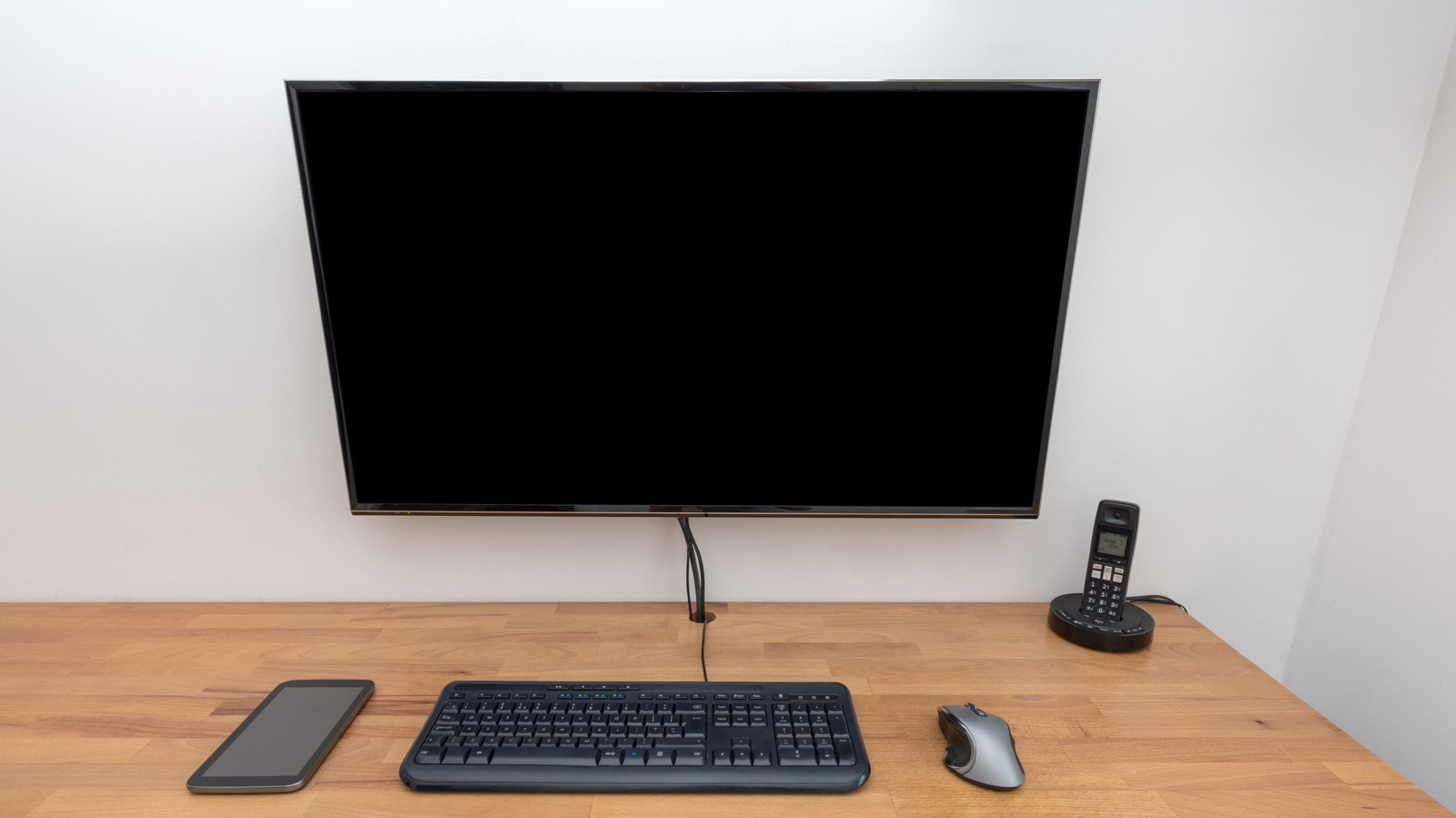
Using a TV as a computer screen can feel like a clever shortcut at first. The price is tempting, the screen is big, and if the TV is already sitting nearby, the setup can look like an easy win. But once it becomes a daily workspace, the tradeoffs start showing up fast.
- TVs and monitors are built for different viewing distances
- Performance differences affect gaming and demanding tasks
- Lower pixel density can hurt sharpness up close
- Eye strain can become a real problem during long sessions
- Game Mode and other settings can help, but only to a point
TVs are usually made for living rooms, not desks. That matters because a screen meant to be seen from across the room behaves differently than one that lives right in front of your face. A monitor is designed for close-up work, where clarity, speed, and comfort matter every minute.
The biggest letdown is often performance. TVs tend to lean on extra image processing, which can slow things down just enough to be annoying in fast-paced games or precise work. That delay, called input lag, can make mouse movements feel slightly off and button presses land a beat late.
Response time also plays a big role. When pixels switch colors more slowly, motion can look smeared or soft, especially in games and action-heavy video. Dedicated monitors are usually tuned to keep that motion cleaner, which is why they often feel snappier even when the specs look similar on paper.
Pixel density is another quiet problem that becomes obvious fast. A big TV spread across a desk can look fine from a couch, but up close the text, icons, and interface elements may not look as crisp. That loss of sharpness is easy to ignore for a while, then impossible to miss once you start reading documents or editing files for hours.
Game Mode can help reduce some of the pain. On many modern TVs, this setting trims down processing and improves responsiveness, so casual gaming feels better than it would otherwise. Still, it does not magically turn a TV into a purpose-built monitor, and the gains only go so far.
Eye strain is where the experience can really turn sour. A screen that is too large or too close can overwhelm your field of view, forcing your eyes to work harder than they should. Over time, that can make long sessions feel tiring, especially if the TV is mounted low or sits awkwardly on a desk.
Viewing distance matters more than many people expect. TVs are generally meant to be watched from several feet away, often around 1.5 times the screen size for a comfortable view. That spacing works fine in a living room, but at a computer desk it can be hard to maintain, which is why a 50-inch or 65-inch panel can feel oversized in a tight workspace.
Flicker can add another layer of discomfort. Some TVs adjust their backlights in ways that are barely noticeable at first but become irritating during long stretches of work. Add in the desk space a large screen can eat up, and the setup can start feeling less like a bargain and more like a compromise.
None of this means a TV cannot do the job. Plenty of people use one as a monitor, and in the right space it can be a perfectly workable setup. The catch is simple: what looks like a cheap upgrade can come with a steady drip of annoyances once the screen becomes the center of a real computer routine.
