
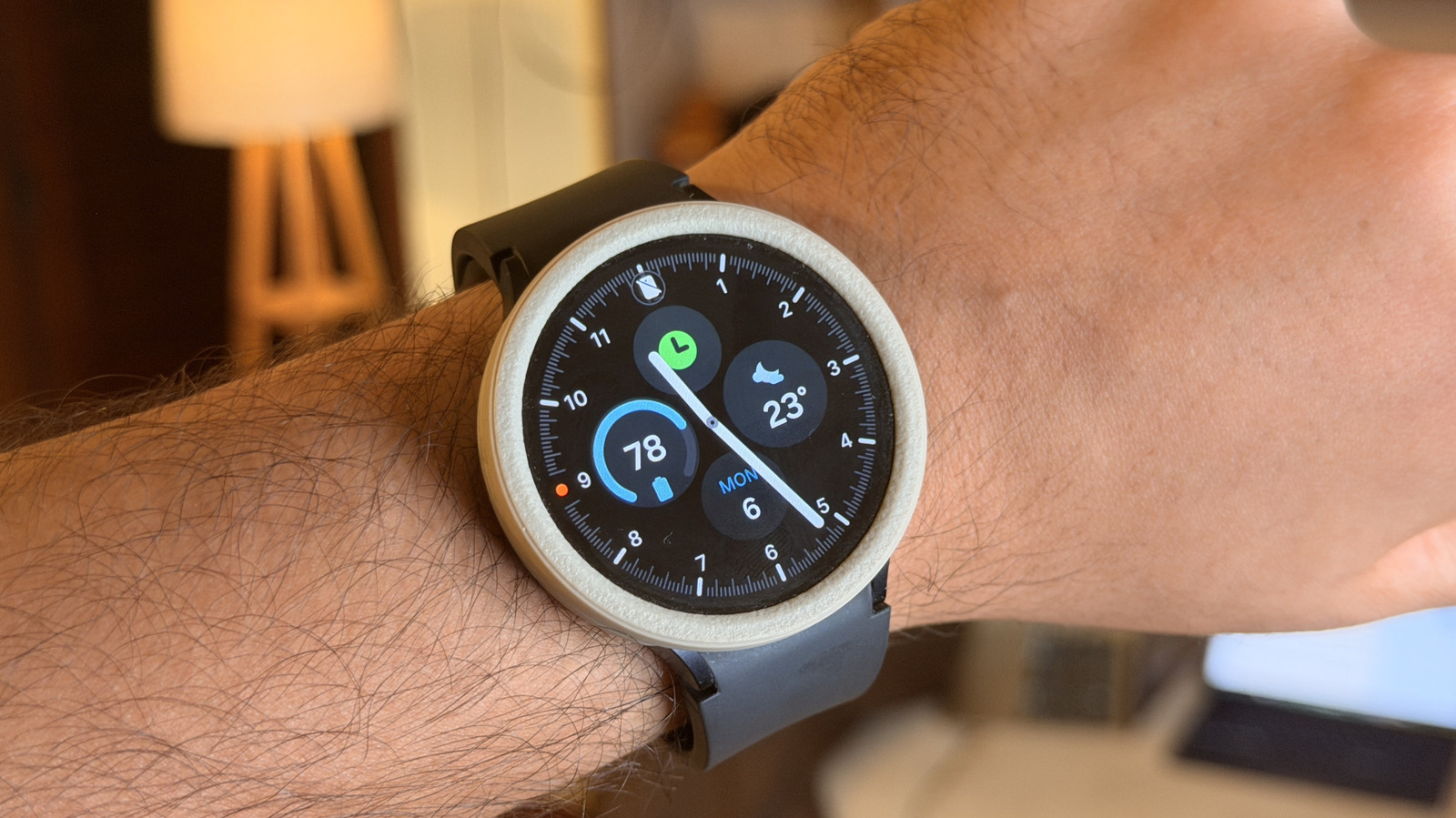
This piece walks you through practical ways to stretch the battery life of your Samsung Galaxy smartwatch, covering power-hungry features, settings to tweak, app management, and charging habits so your watch lasts longer between charges.
Samsung Galaxy watches are tiny powerhouses that can still get chewed up by features running in the background. Bright screens, always-on displays, constant heart rate monitoring, and GPS tracking all drink battery like it’s free. Understanding which systems cost the most juice is the first step to getting more uptime without giving up the core functions you rely on.
Start by looking at the display because it is the most obvious offender. Lowering brightness and shortening the screen timeout shaves away a lot of wasted power, and switching off always-on display when you do not need it can double your standby time. Also pick watch faces that are simple and dark since colorful, animated faces use more energy than minimalist designs.
Connectivity comes next: LTE, Wi-Fi, and Bluetooth each have a price. If you rarely use phone-free features, turning off LTE when you can and leaning on your phone’s connection via Bluetooth saves serious battery. Use Wi-Fi and background sync selectively, and disable automatic network scanning so the watch is not constantly searching for connections it does not need.
Sensors and monitoring features are convenient, but continuous heart rate, stress monitoring, and advanced sleep tracking run down the battery fast. Set those sensors to measure less frequently or switch them to on-demand mode so the watch only samples data when you ask it to. GPS is another heavy user, so limit real-time tracking to workouts where it matters and use phone-based location when possible.
Apps and notifications are stealth drains you might not notice until the battery is already half gone. Cull apps you do not use and deny background activity to anything nonessential so processes stop pinging in the background. Trim your notification list to the essentials; fewer vibrations and screen wake-ups equal longer battery life and fewer interruptions throughout the day.
Software matters: keep your watchOS build and companion phone app updated because manufacturers regularly squeeze efficiency gains into updates. Use built-in battery saver modes when you know you will be away from a charger and customize those modes to preserve the features you want while shutting off the rest. If your battery behavior changes dramatically after an update, a quick restart or app cache clear often stabilizes things without invasive steps.
Finally, treat the battery thoughtfully. Avoid extreme temperatures, which degrade capacity, and try to keep top-up habits consistent rather than letting the battery run to zero regularly. If battery life is still poor after all these moves, a factory reset or a professional check can reveal software corruption or failing hardware. Small routine changes add up, and with a few adjustments you can go from daily charging to multiple days between charges without losing the convenience that makes a Galaxy watch worth wearing.
