
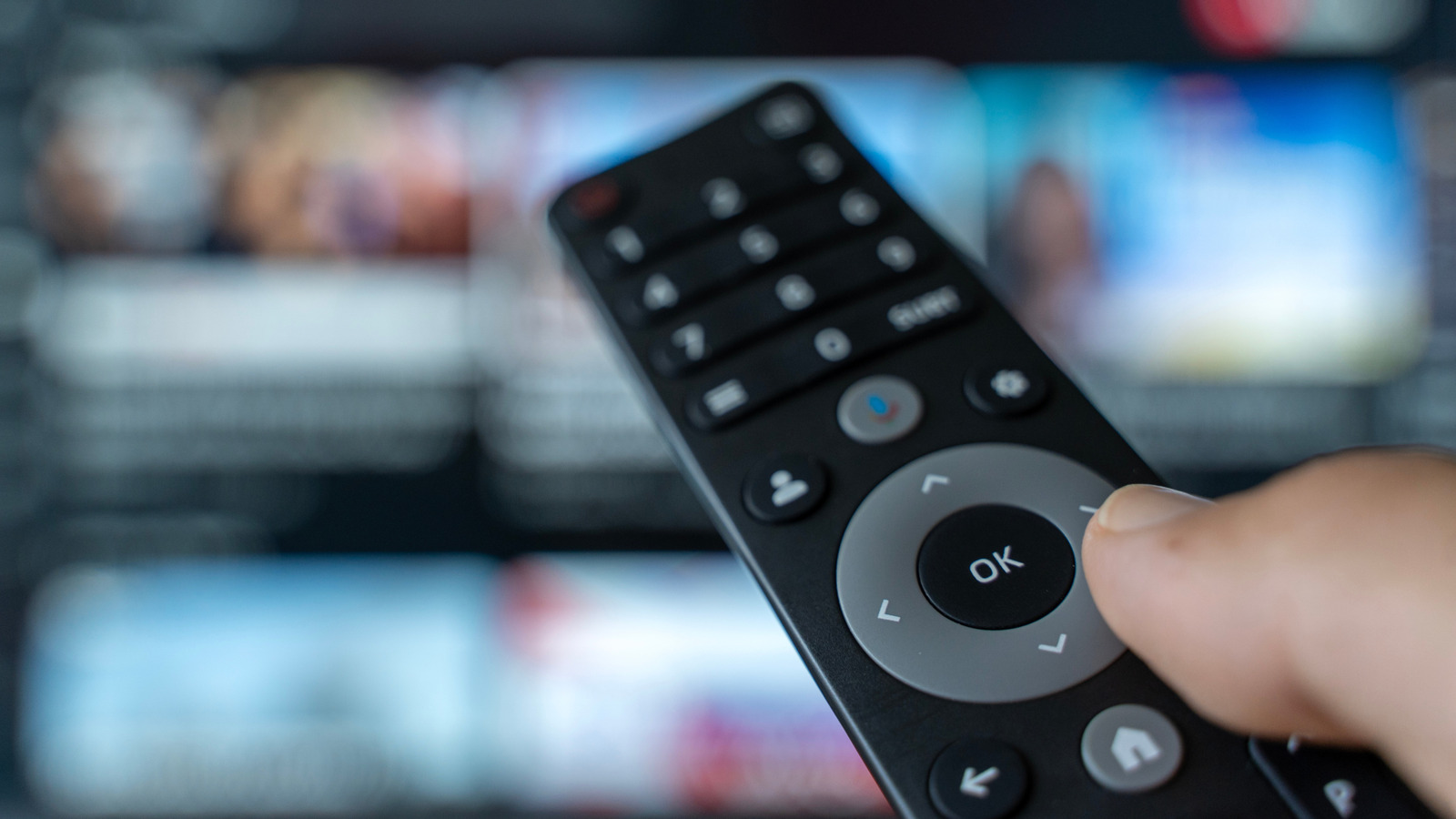
This piece lays out why your television remote control deserves regular attention, how often experts suggest a deep clean, and practical steps to get it truly hygienic without damaging the device. It covers safe materials, what to avoid, simple maintenance between deep cleans, and smart habits to keep germs from piling up on that tiny, often-neglected gadget. Read on for a straightforward, no-nonsense plan you can follow in minutes that will make your living room feel cleaner and actually be healthier.
Most cleaning pros point to a monthly deep-clean as the sweet spot for a television remote control, with quicker surface wipes happening weekly or whenever someone is ill. The idea is to remove built-up oils, food particles, and microbes that settle into crevices over time rather than leaving them to multiply. If your household includes young children, pets, or anyone with a weak immune system, err on the side of cleaning more often.
Start any deep-clean by powering down the remote and removing the batteries to prevent short circuits and accidental button presses. Work over a towel or tray so tiny parts do not get lost, and use a soft brush or a dry toothbrush to dislodge crumbs and dust from around the buttons. Compressed air can help blow out debris from tight spots, but do not blast liquid into the unit.
For disinfecting, use a cloth slightly dampened with 70 percent isopropyl alcohol or a disinfectant wipe rated safe for electronics, and gently clean the surface and between the buttons. Avoid pouring or spraying liquid directly onto the remote since moisture can seep inside and damage the circuit board or contacts. Cotton swabs moistened with alcohol are great for reaching narrow gaps without soaking the device.
Battery contacts deserve attention too because corrosion and grime can block power and shorten battery life, so inspect and clean them carefully using a dry cloth or a cotton swab with a touch of alcohol if needed. Let the remote dry completely before reinstalling batteries, and replace old batteries rather than leaving depleted ones inside where they might leak. If any buttons stick after cleaning, lift the rubber membrane gently if your model allows and rinse that piece with mild soap and water, drying it thoroughly before reassembly.
Between monthly deep-cleans, adopt a simple routine of wiping the remote once a week with a disinfecting wipe or a cloth dampened with a small amount of cleaner to keep surface germs under control. Encourage everyone in the household to use clean hands when touching shared devices and consider a small bottle of hand sanitizer near the couch for guests and family members. Those tiny behavior changes cut down on how quickly the remote gets dirty again.
If you want a fuss-free barrier, remote covers or silicone skins are inexpensive and easy to wash, and they protect the underlying device from spills and grime while making weekly cleanings simpler. UV sanitizers are another option for those interested in gadgets, but you should verify that any device is designed for electronics and proven effective before buying. Whatever route you choose, make sure it does not trap moisture or abrasives that could wear down buttons over time.
Keep in mind that deep-cleaning a television remote control is not just about appearances; it’s about preventing the slow buildup of debris that can cause malfunctions and about reducing the spread of germs in shared spaces. A quick, methodical monthly deep-clean combined with light weekly wipes will keep the remote working smoothly and your living room feeling cleaner. Make the routine part of your regular cleaning rhythm and skip the guesswork about when to act.
