
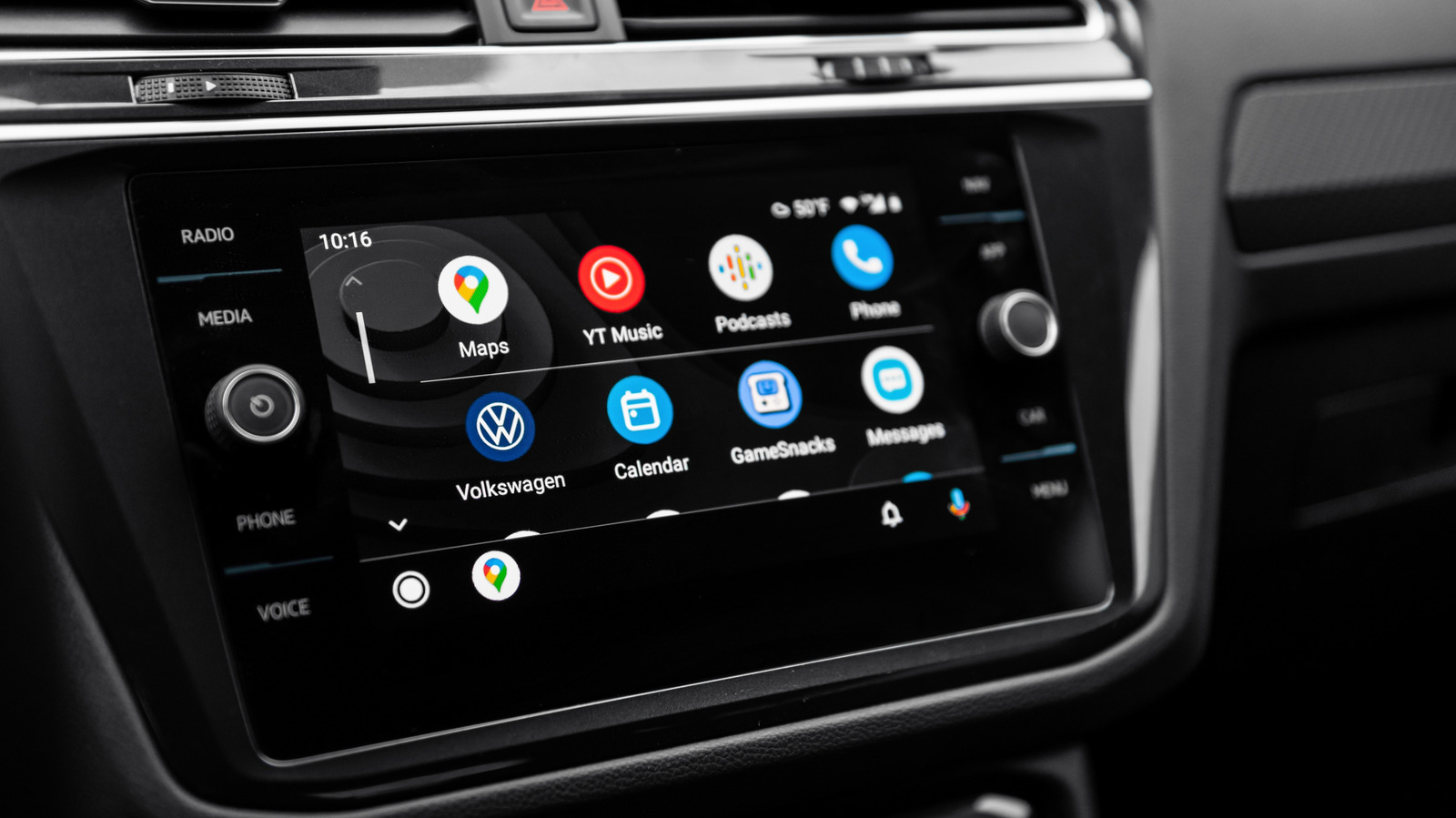
Long road trips get a lot easier when Android Auto is doing more than just showing a map and playing music. A little setup before departure can keep the drive calmer, cut down on phone fiddling, and make the miles feel less like a grind and more like a smooth stretch of time on the road.
Offline maps are one of the smartest moves for any route that might wander into weak signal territory. Google Maps can keep guiding you even when cellular service gets flaky, but it only works well if the right areas are saved ahead of time.
That same planning mindset also helps with stops. Building a route with gas, food, and bathroom breaks already lined up takes pressure off the driver and makes the whole trip feel more controlled, especially when the schedule is tight or the road seems endless.
Google Maps also makes it easy to share trip progress, which is handy when someone is waiting for an arrival or when a group is splitting up and trying to stay in sync. On top of that, Android Auto can turn a single route into a more flexible experience by letting drivers avoid tolls, highways, or ferries when needed.
Audio is another place where preparation pays off fast. Downloaded playlists, podcasts, and audiobooks keep the cabin lively even if the signal drops, and that matters when the drive stretches across long quiet highways or remote patches of road.
The exact download options depend on the app and subscription level, so it helps to check before leaving. Some services keep the offline library locked behind premium plans, while others may offer local files or library-based listening options that work just fine for travel.
Once the audio side is ready, Android Auto’s display settings can make everyday use feel much cleaner. Quick controls and taskbar widgets let navigation and media stay within easy reach, so there is less need to bounce between screens just to pause a song or jump back in a podcast.
Customization matters too, because not every driver wants the same clutter on the dashboard. Android Auto settings can hide apps that are never used, keep useful phone features available even when the device is locked, and set media to start automatically when the car does.
For solo travelers or anyone who wants fewer taps and more voice control, Gemini can be a big help. It can handle directions, place calls, send messages, read incoming texts, and answer quick questions without making the driver reach for the phone.
The real payoff shows up when Gemini becomes more than a command box. It can recommend stops based on several conditions at once, build a playlist that matches the mood, and even keep the drive interesting with trivia, local details, or a live conversation when the cabin gets too quiet.
