
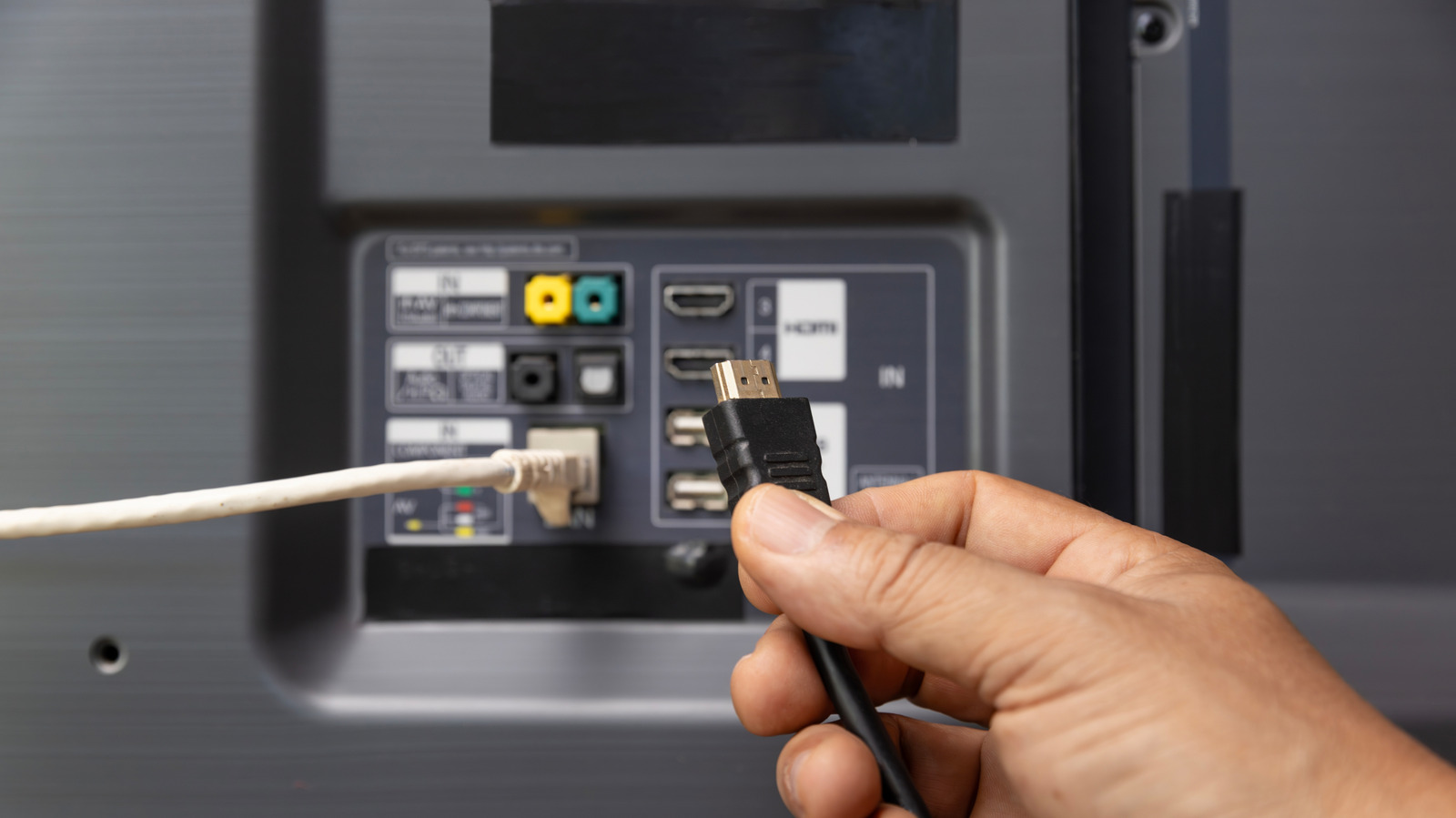
Want to squeeze fresh life out of an older TV without buying a new set? This piece runs through five smart, budget-friendly devices you can plug into spare HDMI ports to add streaming, gaming, computing, better audio, and wireless freedom, with practical reasons each is worth considering.
Old televisions still have a lot to offer when you treat their HDMI ports like a playground, not a retirement plan. Instead of shopping for a replacement, think of adding small boxes or sticks that bring modern features: apps, higher-quality video, or a way to use the screen for work. You get new capabilities without the sticker shock and the waste of tossing perfectly serviceable hardware.
Streaming sticks and set-top boxes are the quickest way to modernize a TV, and they come in all shapes and price points. Plug in a streaming stick and your TV gains access to millions of shows, live channels, and apps, plus consistent updates so the interface doesn’t feel ancient next year. They also give you a cleaner experience than many built-in smart systems, and the remote game has improved a lot—voice search and shortcuts actually work.
Game consoles or mini-consoles turn a passive screen into an entertainment machine for families, friends, or solo play. Contemporary consoles stream, run apps, and play games with graphics far beyond what your old TV’s smart platform could dream of, and many also double as media hubs with Blu-ray players or 4K streaming capabilities. If big consoles feel like overkill, consider compact retro or plug-and-play consoles that provide instant fun and usually plug straight into HDMI.
A compact PC, Chromebox, or compute stick is the secret weapon when you want a real workstation on the living room screen. These devices can handle web browsing, office tasks, and light media editing while supporting a proper desktop interface that smart TVs rarely match; hook up a wireless keyboard and mouse and you’ve got a functioning computer. They’re great for web apps, streaming in high bitrate, and even casual game emulation, making a TV more useful than just a movie machine.
For picture purists, an external 4K upscaler or a modern Blu-ray player can dramatically improve what you see without swapping the panel itself. Upscalers and modern disc players clean up lower-resolution sources, help reduce motion judder, and often add better color handling that older TV processing simply lacks. If you still buy discs or have a collection, a Blu-ray player with good HDMI passthrough gives you the sharpest, most consistent picture possible from physical media.
Adding a soundbar or AV receiver with HDMI inputs upgrades audio and acts as a smart traffic cop for your devices, simplifying connections while boosting sound. A receiver with multiple HDMI inputs lets you connect all your boxes to one unit and then feed a single HDMI output to the TV, which keeps the TV’s HDMI ports from getting overcrowded and improves audio quality for movies and music. Many modern soundbars also include smart features and wireless music streaming, so you get multiple upgrades in one sleek device.
Wireless HDMI transmitters, casting dongles, and media players solve tricky setups where running cables is a pain or when you want to mirror a phone or laptop effortlessly. These gadgets let you beam content across a room with minimal lag for video and decent audio synch, and they’re great for presentations or sharing photos with a crowd. Combine them with small accessories like HDMI switchers and you’ve expanded a single TV into a flexible hub that handles streaming, gaming, work, and legacy devices without fighting over ports.
