
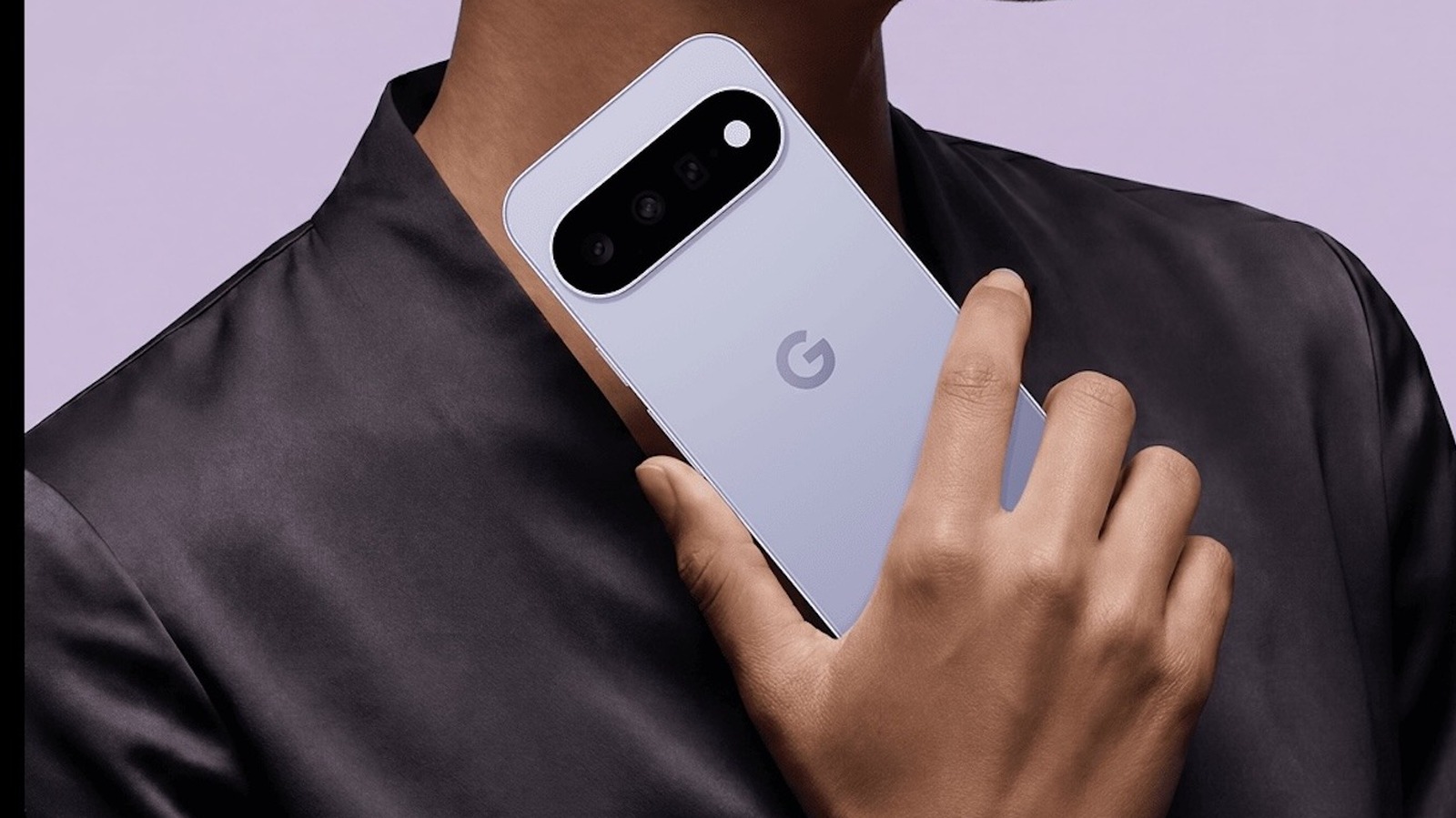
- Pixel 11 lineup and its familiar design language
- Exclusive new features for the latest devices
- HiLight as a standout Pro-only addition
- Magic Capture and its photo-from-video approach
- Camera Looks and the new creative control options
- Creator Suite and faster Instant Night Sight
Google’s Pixel 11 family keeps the same clean look as the last generation, but the real action is inside. The company has packed the new phones with a batch of fresh tricks that are meant to make the lineup feel smarter, faster, and more useful right away. Some of them lean heavily into photography, while others are aimed squarely at people who create and post content all day long.
That pattern should sound familiar to longtime Pixel fans. Google has a habit of giving its newest phones special features first, then rolling some of them out later through Pixel Drops or broader updates. The Pixel 11 series follows that playbook again, which means early buyers get a few goodies that older devices will have to wait for, if they get them at all.
One of the most eye-catching additions is HiLight, a feature that brings back the idea of a notification light but in a much more polished form. It can flash for incoming calls and glow when Gemini is actively listening and carrying out a command. Google even lets users assign a custom color for favorite contacts, which gives the feature a little extra personality.
HiLight is not for every model in the lineup, though. It appears to be reserved for the Pixel 11 Pro tier and above, since the standard Pixel 11 does not include the necessary hardware. That makes it feel less like a universal perk and more like a quiet flex for the premium crowd.
Magic Capture is another feature that sounds simple on the surface but gets more interesting the more it is used. It lets the phone take a video and then turn that moment into high-quality 12MP stills, using a mix of on-device intelligence and Gemini models. The phone can also sharpen blurry shots and crop them automatically, which means the results are closer to share-ready without much effort.
For people who care about how their photos actually look, Camera Looks may be the most personal upgrade of the bunch. Instead of forcing everything into the familiar Pixel style, Google is offering a wider range of visual moods, including Natural, Shadows, Vanilla, Digi, Black Tie, Minimal, Editorial, Classic, and Velvet. That gives users more say over whether an image feels clean, dramatic, bold, or understated.
The broader shift here is pretty obvious. Google wants the Pixel camera to be less about one signature look and more about choice, especially for users who like their photos to match a certain vibe. That kind of flexibility matters when the phone is not just a camera, but a creative tool that is expected to fit different styles without fuss.
The Pixel 11 also leans hard into content creation with its Creator Suite. This set of tools makes it possible to handle recording, editing, and uploading without bouncing the footage to another device first, which cuts down on friction fast. An on-screen teleprompter mode helps with delivery, while Storyboard and dedicated project folders keep the whole process a little more organized and a lot less chaotic.
Google is also trying to make video the default mindset on these phones. With the Pixel Camera app opening straight into video mode, creators can get moving faster instead of digging through menus first. It is a small change, but the kind that saves time when the whole point is to capture an idea before it disappears.
Then there is Instant Night Sight, which attacks one of the biggest pain points in low-light photography. Pixel phones have long been strong in dim conditions, but the wait time for a shot could still feel sluggish when the phone needed to hold steady and process everything. Google says the updated system can speed up night image capture by as much as 4.5 times, which should make nighttime shooting feel far less tedious.
The camera app is getting a few extra conveniences too, including direct access to Circle to Search and translation tools. That makes the Pixel 11 feel less like a plain upgrade and more like a phone trying to shave seconds off everyday tasks wherever it can. The hardware may look familiar, but the software story is doing a lot of the heavy lifting this time around.
