
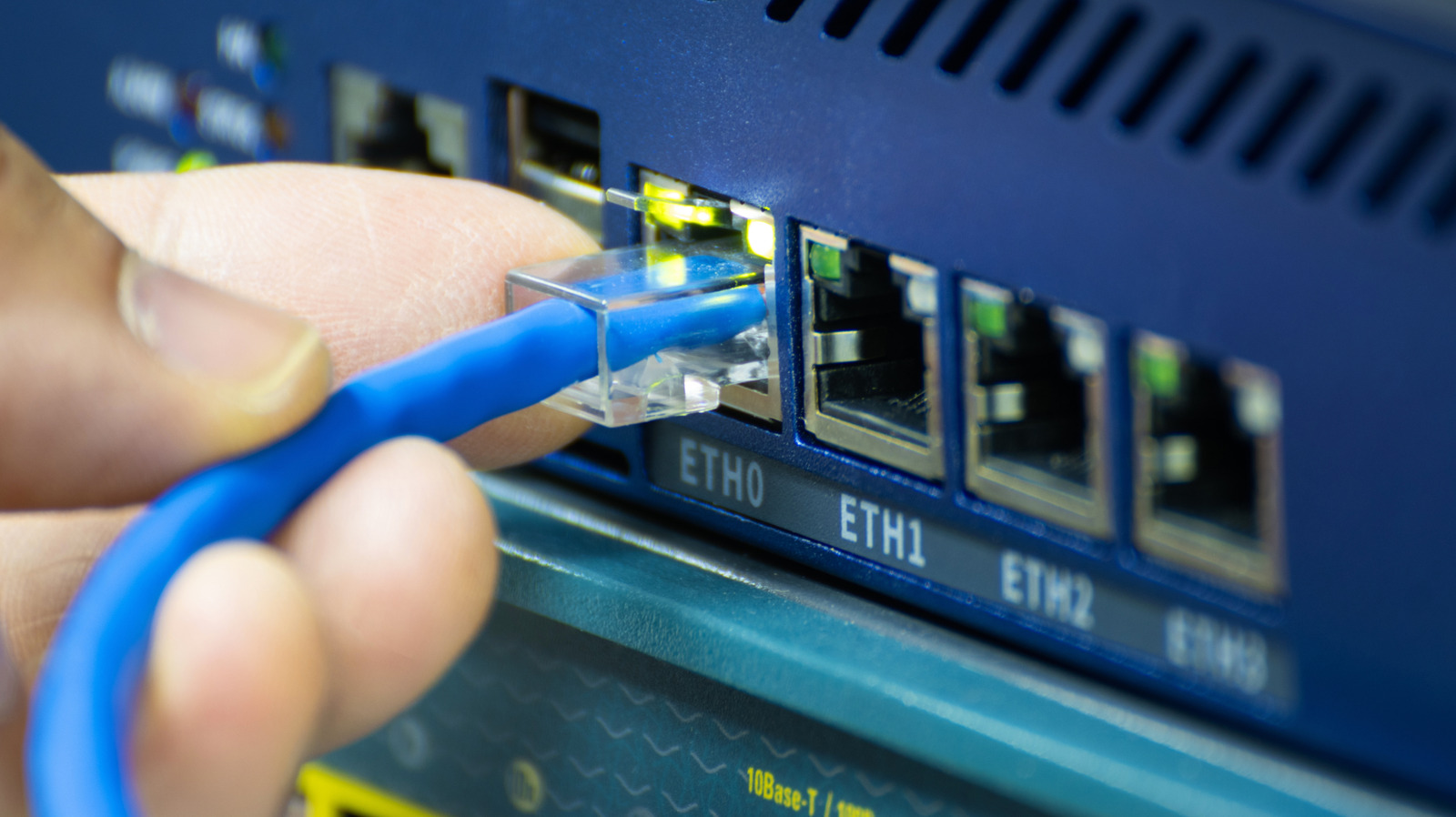
That little Ethernet port on a Wi-Fi extender can do a lot more than sit there looking useful. In the right setup, it turns the extender from a simple signal repeater into a more stable bridge, and that can make a big difference when your home network is acting up.
A Wi-Fi extender is often handy when one part of the house has a weak connection, but it is not always the magic fix people hope for. If the extender is relying only on wireless signals, it still has to deal with the same walls, distance, and interference that caused the problem in the first place.
That is where the Ethernet port changes the game. By running a cable from the router to the extender, you give the extender a direct path back to the main network, which usually means fewer drops, less lag, and a steadier connection overall.
Once that wired link is in place, the extender behaves a lot more like an access point. Instead of stretching a weak Wi-Fi signal, it is using Ethernet as the backbone and then sharing that connection to nearby devices.
The upside is pretty simple: wired connections are not as easily thrown off by interference. They do not have to fight through as much signal loss, and they are less bothered by walls, appliances, or all the other noise that can crowd a wireless network.
That extra stability matters most when reliability is the priority. Streaming a movie, joining a video call, or trying to keep a game from freezing all feel a lot smoother when the connection is not constantly wobbling.
The Ethernet port can also be useful for devices that do not have Wi-Fi built in. A desktop computer, game console, or smart TV can plug into the extender and still get online, which is handy when you do not want to run a long cable all the way back to the router.
Even then, the extender is still limited by how strong that router connection is. If the extender itself is in a bad location, or the main network is already struggling, plugging in a device does not suddenly fix every weak link in the chain.
When Ethernet is not an option, the extender has to lean entirely on the router’s wireless signal. That works best when the extender is placed close enough to catch a solid signal first, because putting it too far away can leave it repeating a bad connection instead of improving it.
For some homes, a mesh extender may be the better middle ground. It can blend more smoothly into the network and often uses the same Wi-Fi name, so you are not hopping between separate connections as you move around the house.
Still, a mesh extender is not the same thing as a full mesh system. A real mesh setup uses multiple nodes that work together across the home, and that usually gives you a more polished experience when the goal is wide coverage and fewer dead zones.
That kind of system can cost more, but in a larger home it may be worth it. The bigger the space and the tougher the layout, the more likely you are to notice the difference between a basic extender, a wired extender, and a network built to stay connected from room to room.
