
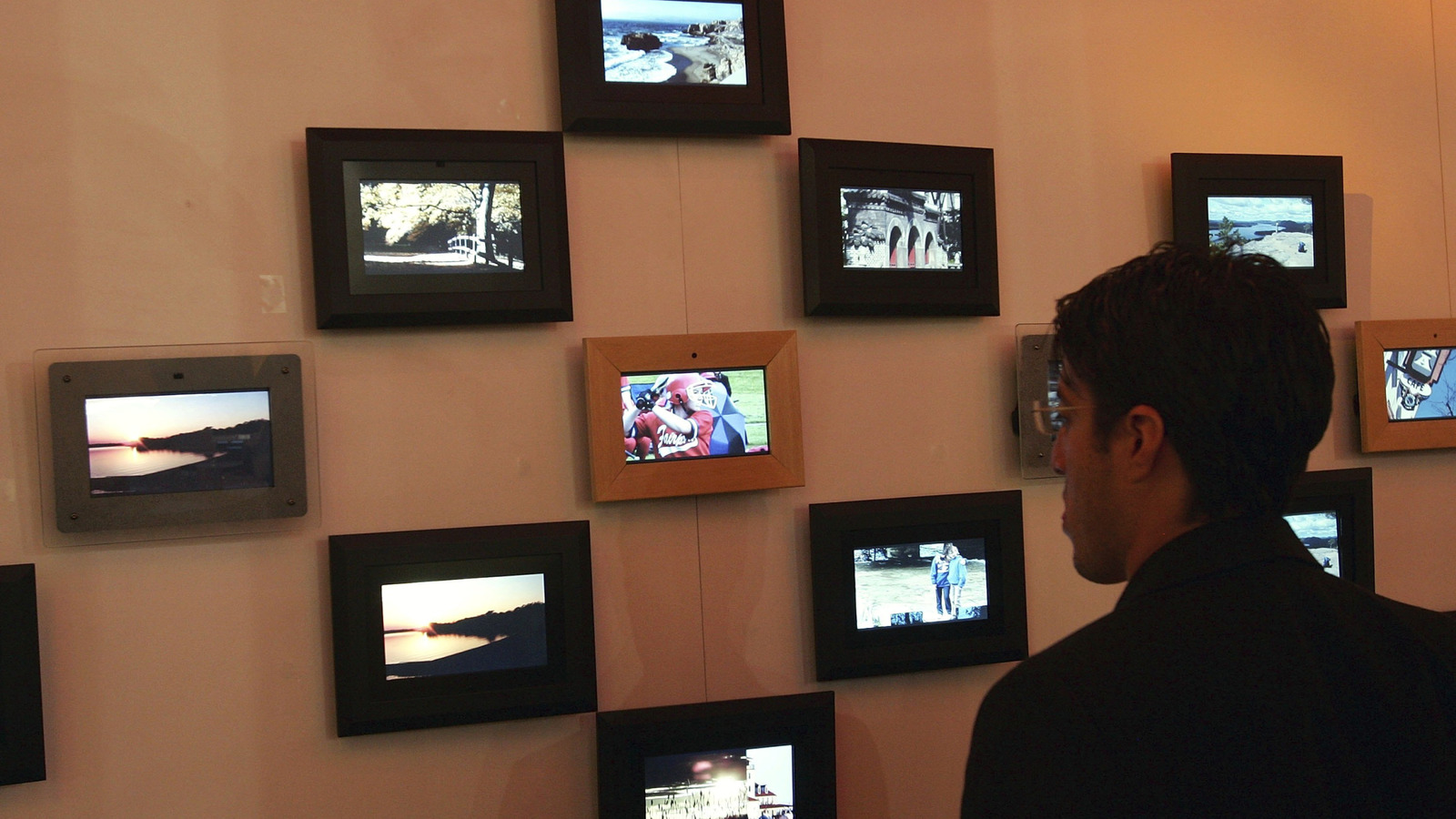
Digital picture frames have moved from novelty to serious display devices, and choosing the right one comes down to screen tech, color handling, connectivity, and physical design. This article cuts through jargon to explain how resolution, panel type, brightness and smart features actually affect photo quality. Read on for clear pointers to help you match image performance to what you want to display, whether it’s family shots, art, or high-detail prints.
Start with resolution and pixel density because they matter more than marketing numbers. A 1080p frame looks great at 8 to 10 inches, but once you push to 15 inches or more, higher pixel counts keep images crisp and textures believable. Also think about viewing distance: a larger frame viewed from a few feet needs more pixels per inch to avoid a soft, blocky look.
Panel type changes how pictures feel in the room, not just how many pixels you get. IPS LCD panels deliver wide viewing angles and reliable color, while OLED brings deep blacks and punchy contrast that make portraits pop. E ink gives a paper-like look with ultra-low power use for static galleries, and emerging microLED tech promises the best of both with high brightness and efficiency when it becomes available at consumer price points.
Color accuracy and brightness are the next vote winners for image quality. Look for frames that support wide color gamuts and have decent factory calibration or the option to tweak settings; otherwise skin tones and subtle hues can look off. Brightness plus anti-reflective coatings matters if the frame sits near windows or under lights, because a vivid panel that glare-washes will still disappoint.
Contrast and dynamic range decide how photos handle highlights and shadows. Panels that can show deep blacks alongside bright highlights preserve more detail in tricky scenes, especially backlit portraits or high-contrast landscapes. Some frames advertise HDR support, but implementation varies; true benefit comes from a display that preserves detail without crushing mids or blowing out bright spots.
Motion handling and image processing are easy to overlook until you notice blur or artifacts during slideshows. Faster refresh and better internal scaling keep pan and zoom effects smooth, and smarter upscaling reduces edge halos around compressed photos. Equally important is how the frame handles file formats and compression; support for higher-bitrate JPEGs or PNGs keeps detail intact and avoids banding on gradients.
Connectivity and software shape daily experience once image quality is settled. Cloud syncing, local Wi-Fi, USB, and SD card options all have tradeoffs: cloud makes updating convenient, local storage gives privacy and zero-lag access, and USB remains the simplest for one-off transfers. Check app quality and account rules because poorly designed software can downscale or recompress uploads, undermining an otherwise great screen.
Design and power matter in practical use. Slim bezels and neutral finishes help the photo, not the frame, stand out, while wall-mounting hardware and stable stands dictate placement flexibility. Decide whether you want a plugged-in setup for constant display or a battery option for portability; batteries mean fewer wires but more compromises in brightness and continuous uptime. Match the frame’s real-world habits to how you live with photos, and prioritize the screen traits that will be visible every time you walk past it.
