
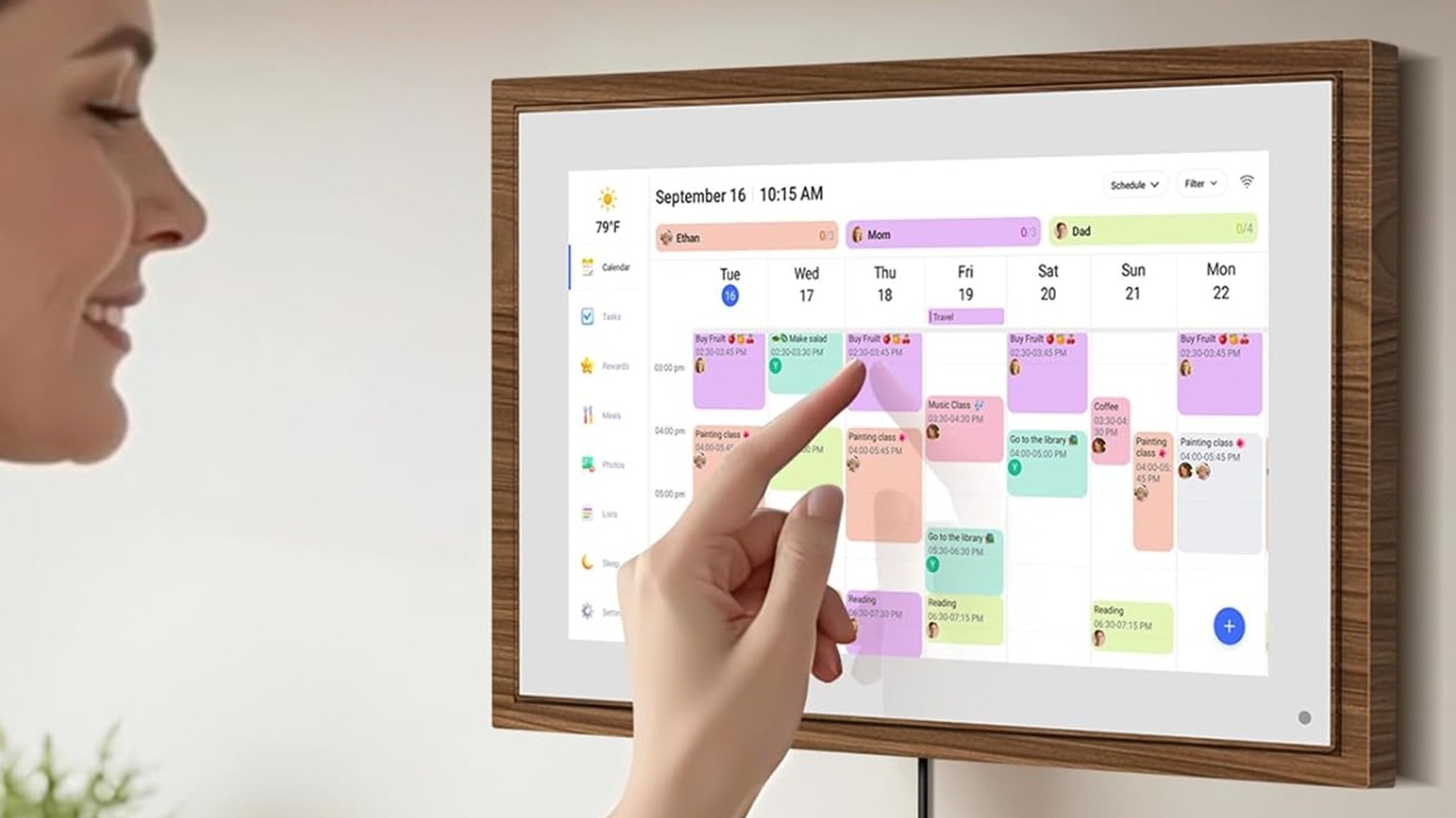
Digital calendars make running a household smoother without breaking the bank, and this article walks through how to choose and use budget-friendly devices that keep schedules visible, synced, and simple for everyone at home.
If you want a digital calendar that actually gets used, visibility matters more than features. A bright, well-placed display wins over a phone notification that gets ignored, so think wall space and line of sight. Size and readability are the first practical filters to apply when shopping.
Integration with the services you already use is the next big point. Devices that natively sync with Google Calendar, Apple Calendar, or Outlook avoid messy workarounds, and two-way syncing means people can add events from phones or computers and see them instantly. Look for straightforward account setup rather than complex third-party bridges.
Shared access is crucial in busy homes where chores, appointments, and soccer practice collide. Pick devices that support multiple profiles or at least let multiple people add and edit events without breaking everyone else’s entries. A device that locks edits behind a simple confirmation reduces accidental deletions and keeps the calendar reliable.
If you want reminders that stick, consider what kind of alerts the device offers. Visual cues like persistent banners or color-coded entries work well in shared spaces, while gentle chimes or voice prompts are handy for members who aren’t always looking at the screen. The sweet spot is a device with customizable notifications so every family member can choose what works.
Budget options are surprisingly flexible: entry-level smart displays, refurbished models, and repurposed tablets often cover all the basics. A used smart display from a previous generation will show a full calendar, set timers, and accept voice commands at a fraction of the price of a brand-new model. Repurposing an old tablet with a dedicated calendar app and a permanent charging spot is one of the smartest money moves.
E-ink displays are another low-power solution for simple, always-visible calendars that don’t glare or demand much attention. They won’t run every widget, but they excel at showing clear, readable schedules and last for weeks between charges in some cases. For families that prioritize calm and clarity over flashy features, they can be an ideal match.
Mounting and placement make or break usefulness, so plan where the device will live before you buy. Kitchens, entryways, and home offices tend to capture the most traffic, which means the calendar becomes part of daily habit rather than something people ignore. A dedicated wall mount or a neat stand keeps the device stable and prevents it from vanishing under clutter.
Privacy and security deserve attention even on tighter budgets, because a shared device in a public spot can reveal more than you want. Choose devices with clear account controls and the ability to limit notifications on the lock screen, and avoid models that require excessive permissions or unknown cloud integrations. A little setup work upfront—strong passwords, two-step verification, minimal sharing—goes a long way.
Finally, weigh longevity and support: devices with longer software update windows or strong community support tend to remain useful longer. Buying a well-known platform, even if older or refurbished, often gives you the latest calendar integrations and fewer compatibility surprises. With the right choice, a budget digital calendar keeps your household synchronized without demanding a constant tech babysitter.
