
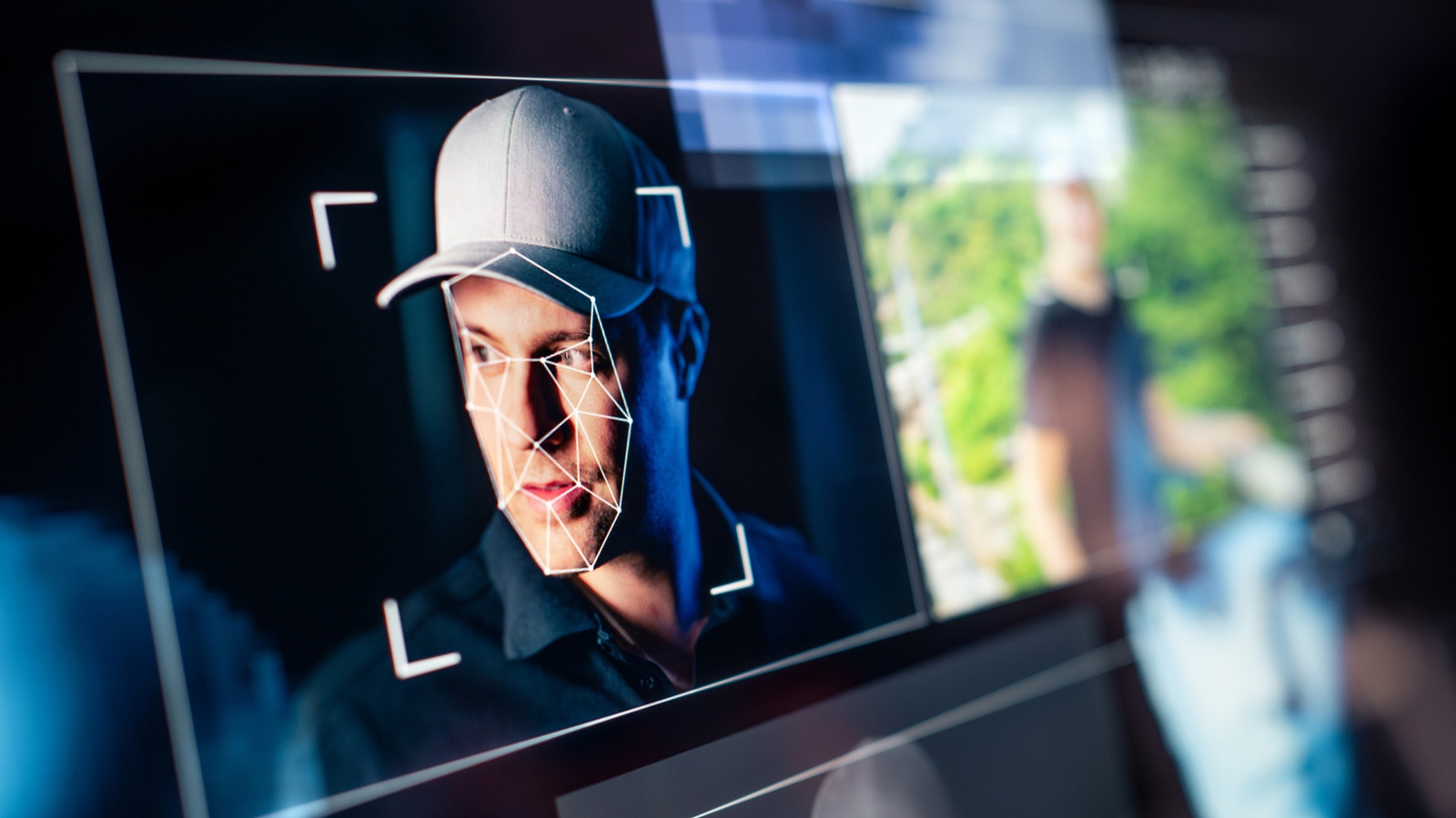
Deepfakes are getting sharper as AI improves, and spotting them takes a mix of attention and healthy skepticism. This article breaks down the visual and audio clues to watch for, plus practical steps you can take to verify a suspicious clip. You’ll get clear signs to look for in faces, voices, backgrounds, and metadata so you can judge a video faster and smarter.
Start with the face because that’s where most generators slip up. Check for odd skin texture, patchy tones, or unnatural smoothing that looks like a filter rather than real pores. Pay close attention to hairlines and edges where hair meets background, since AI often struggles with fine strands and creates telltale halos or weird blending.
Eyes and mouth reveal a lot about authenticity. Blinking that feels too regular or too rare, mismatched eye reflections, and tiny timing errors between lip movement and audio are all red flags. Listen for audio that seems detached from the mouth—if syllables land slightly off or small consonants vanish, the voice may be synthetic or poorly synced.
Lighting and shadows are surprisingly reliable indicators when you know what to watch. Look for inconsistent light direction across the face, mismatched shadow angles on the neck, or highlights that don’t line up with the background. Reflections in glasses or in pupils are often ignored by generators, so missing or bizarre reflections should raise your suspicion.
Movement quality often gives deepfakes away, especially in gestures and microexpressions. Human motion has tiny, jittery imperfections; AI-generated motion can feel too smooth, robotic, or oddly repeated across frames. Notice the way hair, clothing, and background objects move—if they lag or smear differently from the subject, that’s a sign of synthetic editing or blending.
Zoom in on fine details like teeth, ears, and jewelry because models frequently botch these elements. Teeth can look unified or misaligned, earrings may flicker or shift, and earlobes can be oddly shaped. Background details also matter: repeated textures, inconsistent reflections, or cloned elements often reveal that frames were stitched or composited.
Metadata and technical checks are your practical backstop when visual cues aren’t decisive. Examine file properties if you can, look for mismatched codecs or strange creation timestamps, and run a reverse image search on still frames to see where else the face appears. If you don’t have technical access, compare the clip against known footage of the person, watch for differences in voice timbre and phrasing, and try to verify the original publisher.
Use tools and resources to make life easier, but don’t outsource all judgment. Browser plugins and detection services help flag obvious fakes, while audio analyzers can show unnatural spectral patterns, yet none are foolproof. Keep a skeptical mindset, ask for source context, and favor primary accounts or direct confirmations from trusted people before you accept dramatic content as real.
When in doubt, pause and verify rather than amplify; that small delay helps stop false clips from spreading. A careful look at faces, eyes, lighting, movement, and metadata will catch most amateur deepfakes and many advanced ones. Trust your instincts, and use the concrete checks above to separate a believable lie from genuine footage.
