
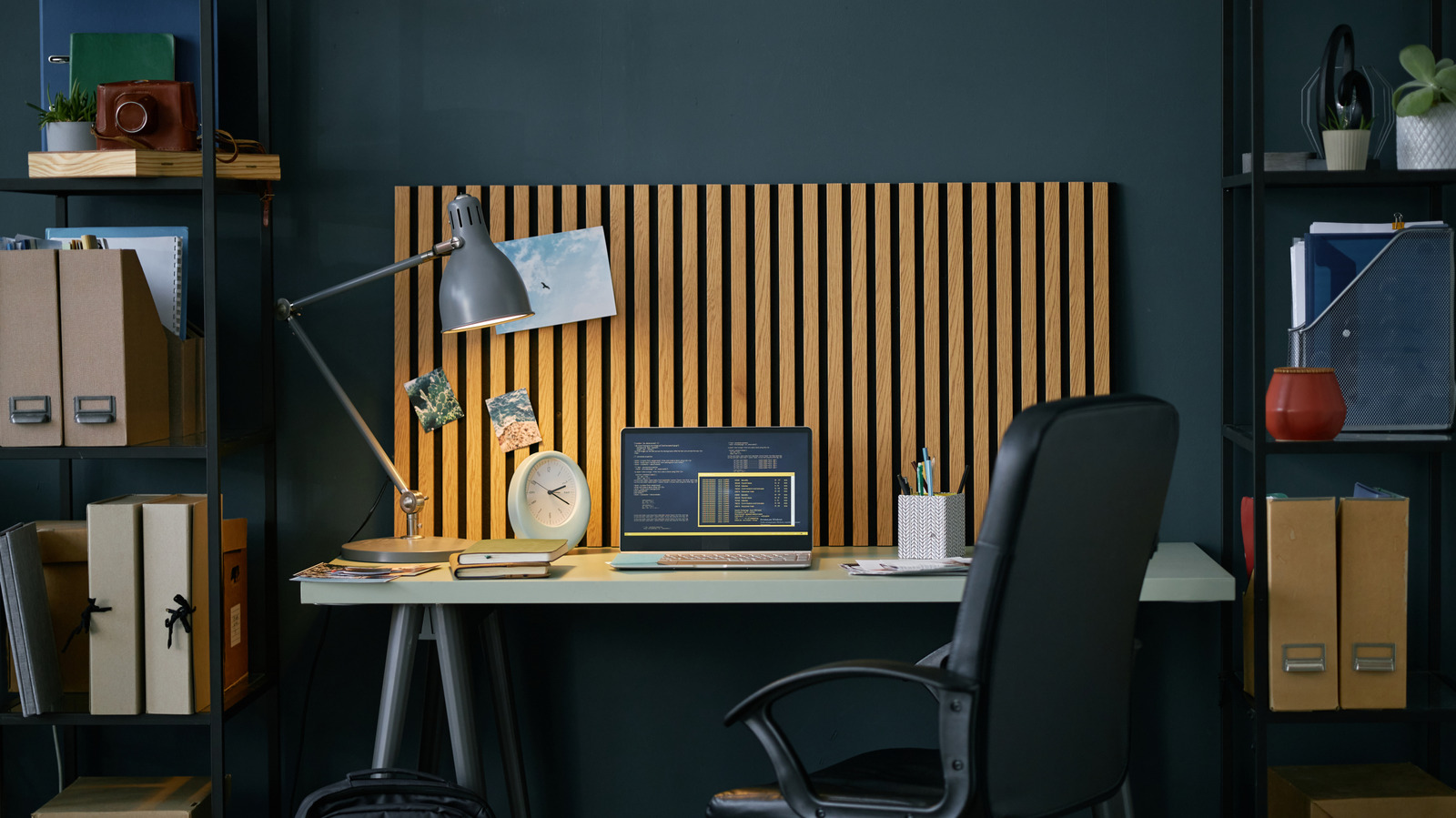
Quick look: this piece explains why makeshift home workspaces sap productivity, highlights common comfort and focus problems, and walks through practical gadget choices that actually fix those pain points without breaking the bank.
Most of us cobble a workspace out of a spare table, a soft couch, or the kitchen counter, and it shows in how we feel by late afternoon. Small fixes matter because the wrong posture, glare, and noise pile up and turn a four-hour stretch into an exhausting slog. The right tools stop that slide and keep you sharp instead of sore.
Start with the basics: posture and screen positioning are the silent productivity killers nobody thanks until they stop nagging. A sturdy laptop stand or monitor arm elevates your screen to eye level, which reduces neck strain and forces your shoulders back into a normal position, and pairing that with an external keyboard and mouse lets your wrists relax. That combination alone often makes the day feel shorter because it removes the constant low-level ache that steals concentration.
Seating matters more than most people admit, and a chair designed for long sits will repay its cost quickly in comfort and fewer distractions. Look for adjustable lumbar support and a seat depth that fits your legs so you’re not shifting every twenty minutes, and consider seat cushions only if you need them to tune firmness. When you stop fidgeting, you get more done with less fatigue.
Lighting is underrated but huge: harsh overhead bulbs and shaded corners both wreck video calls and spike eye strain. A dedicated task light with adjustable color temperature lets you warm things up for casual work or switch to crisp daylight for reading spreadsheets and code. Proper lighting means less squinting, fewer headaches, and video calls that don’t scream “I stay in the dark cave.”
>
Noise gets under your skin faster than you think, and it’s not always constant; it’s the unpredictable clatter that ruins focus.
Noise-cancelling headphones handle both steady and sudden sounds and create a calm bubble for deep work, while a good microphone can make calls less tiring because listeners don’t ask you to repeat things. You don’t need studio-level gear to notice a difference—clarity in and out of meetings reduces friction and keeps the day moving.
Space organization is less glamorous but just as effective: cable wrangling, a simple desk tray, and a charging hub eliminate visual clutter that chips away at focus. When everything has a place, transitions between tasks are smoother because you’re not searching for chargers or scrambling for notes. A tidy surface also makes you treat your workspace like work instead of a landing strip for everything else.
If you alternate between sitting and standing, a converter or a sit-stand desk is the best single upgrade for energy and posture variety, even in a small footprint. Shifting positions wakes your body and mind, and a top that doesn’t wobble means you won’t dread standing for fear of spilling coffee. Small changes like this add up to better afternoons and fewer aches at night.
Finally, focus on tools that match how you work rather than chasing every shiny gadget; the best picks solve the nagging problems you actually feel. Choose items that are easy to adjust and integrate so they become part of your routine rather than extra chores. When your environment supports your work instead of fighting it, the day flows smoother and the makeshift setup starts to feel like a proper office.
