
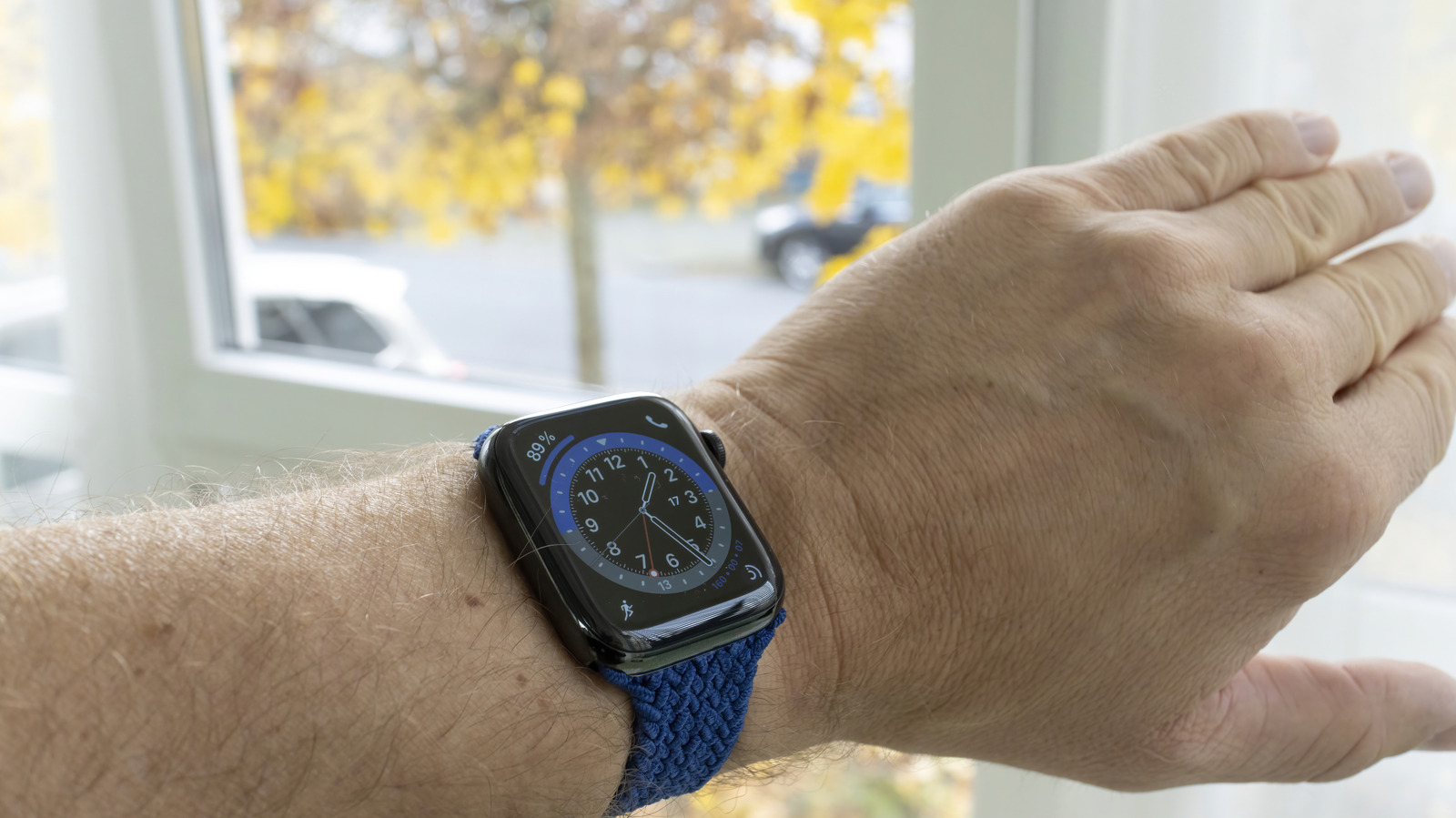
Apple Watch users can do more than glance at a tiny screen for the time, and that small detail makes the device feel a lot smarter in everyday life. With Taptic Time, the watch can relay the hour and minute through taps on the wrist, which is handy when the display is hard to see, your hands are busy, or you just want a quieter way to check the clock.
The feature lives inside the Clock settings on the watch itself, where Taptic Time can be turned on and adjusted. Once enabled, it offers three different ways to deliver the time, each with its own rhythm and level of precision. That means the watch is not just vibrating for the sake of it, but actually translating time into a pattern you can feel.
Digits is the most exact mode, and it works by using a sequence of long and short taps to represent the numbers in the current time. The system uses military time, so the hour and minute arrive in a format that may take a second to decode at first. After a little practice, though, the pattern becomes surprisingly readable without needing to look at the screen.
Terse takes a looser approach and gives the time in 15-minute chunks instead of pinpoint accuracy. It uses long taps to mark hours and short taps to fill in the rest, with extra long taps helping indicate quarter-hours. That makes it useful when a rough time check is enough and there is no need for minute-by-minute precision.
The third option, Morse Code, is exactly what it sounds like. It turns the time into taps based on Morse symbols, which is clever but best suited for people who already know how to read that system. For anyone else, it is more of a novelty than an everyday tool.
Turning Taptic Time on does not require the watch to be on your wrist at that moment, either. The same setting can be managed from the Apple Watch app on an iPhone by heading into My Watch, then Clock, and then Taptic Time. That gives users another easy route if the watch is charging or sitting across the room.
There is one important catch to keep in mind. If Speak Time is set up in a way that overrides it, Taptic Time may not behave the way it should. In the Clock settings, the option to control it through silent mode needs to be enabled so the feature can do its thing without getting blocked by other voice settings.
Once everything is lined up, using it is simple enough to feel almost effortless. Just place two fingers on the watch face, and the device sends the current time through haptic taps on the wrist. It is a neat little trick, but it also fits the Apple Watch perfectly, since the device has always been about blending convenience with a bit of polish.
For people who have worn an Apple Watch for years, features like this can still sneak under the radar. The watch has a habit of packing in tools that are easy to miss until the right moment makes them useful, which is part of what keeps it interesting. Taptic Time is a good example of that, giving the watch a practical edge even when the screen itself is out of sight.
