
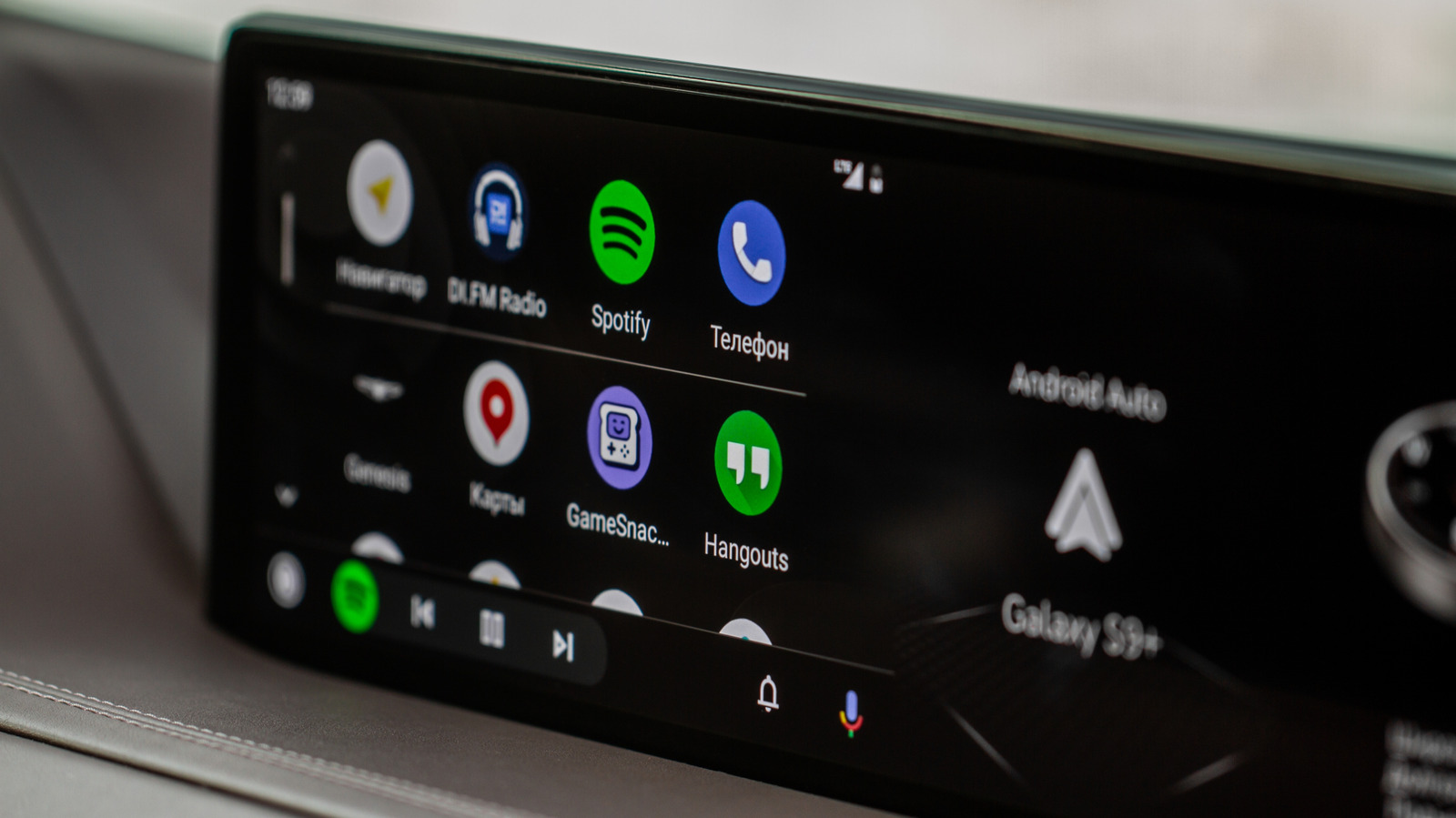
Your car’s touchscreen just got a stealthy new trick: a productivity app quietly added to Android Auto that turns short drives into useful time for lists, notes, and quick planning. This piece walks through what the app does, why it matters, and how it fits into the driving experience without turning screens into distractions.
The app arriving on Android Auto feels like a small change with outsized potential. Instead of another media tile, this one is built around short tasks you can manage between stops: quick notes, lightweight to-do items, and glanceable reminders that don’t demand long interactions. It aims to squeeze a little productivity into the commute without asking drivers to stare at the screen.
At its heart the app focuses on simplicity and speed. The interface prioritizes big buttons and short text so drivers can confirm or dismiss items at a glance. Voice input plays a big role too, letting you capture thoughts hands-free and keep your eyes on the road.
Integration with your phone matters here because it keeps the experience seamless. Items you add on the car screen sync back to your phone so those quick notes don’t vanish the moment you leave the driver seat. That syncing also means you can pick up longer tasks on your phone later, turning in-car moments into actual progress instead of forgotten ideas.
Safety is still the central limit on what this app can do. Design choices make sure the app discourages deep interactions, and developers seem to have tuned delays and prompts to avoid encouraging long looks at the dash. The overall aim is to be useful for short, safe check-ins rather than a replacement for a full productivity suite.
For people who live by lists this change is quietly welcome. The app reduces friction for capturing small items like errands, follow-ups, or quick reminders to call someone when you reach your destination. It won’t replace a full planner, but it does a good job of keeping the small stuff from slipping through the cracks while you’re out and about.
There are privacy and data handling questions worth noting. Because the app syncs with the phone, data flows between devices and likely through the platform’s servers. Users who care about where their notes live will want to check privacy settings and app permissions, since default options often favor convenience over strict data separation.
This kind of rollout also tells a story about platform strategy. Android Auto has become more than just music and navigation; it’s a little ecosystem, and adding a productivity tile shows how platforms are nudging drivers toward more utility without creating hazards. It also reflects developers’ interest in capturing attention in those short windows of daily life.
Expect this app to evolve. Early versions tend to focus on the basics, and if users respond positively we could see richer integrations with calendars, reminders, or third-party task services. For now, the takeaway is simple: your car’s screen can now do more than play music, and if you use it wisely it can make routine drives a bit more productive without becoming a safety problem.
