
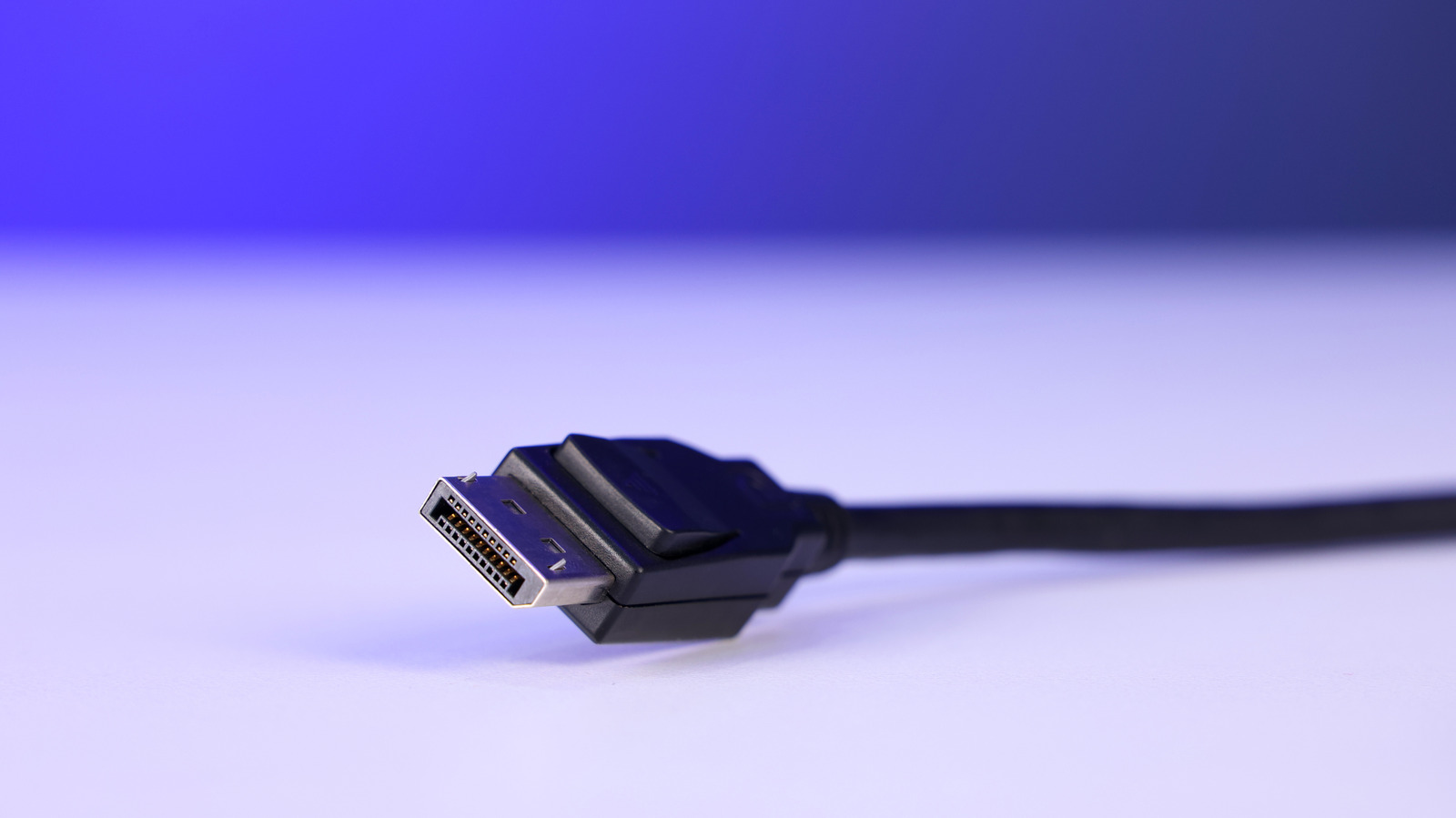
DisplayPort cables may look interchangeable at a glance, but once resolution, refresh rate, and cable length start climbing, the differences get real fast. The key split is simple enough: passive cables rely on the source device to carry the signal, while active cables use built-in electronics to help move that signal cleanly over longer runs. If you are setting up a gaming rig, a multi-monitor desk, or a high-bandwidth display chain, knowing which type you need can save you from a lot of flicker, dropouts, and headaches.
Passive DisplayPort cables are the plain, no-frills option. They let the source device do all the heavy lifting, which makes them cheaper, easier to use, and generally fine for typical desktop setups. For short runs, especially on most home or office desks, they usually get the job done without drama.
That starts to change as the cable gets longer or the display demands get tougher. A short cable running a modest monitor at 1080p is one thing, but a long run pushing 4K or a high refresh rate can expose signal weakness pretty quickly. At that point, the cable itself can become the bottleneck, even if the monitor and graphics card are capable of much more.
Active DisplayPort cables are built for those tougher situations. Inside the connector, they use powered circuitry, often a redriver or retimer, to reinforce the signal before it fades too much along the way. That extra help makes them a strong fit for demanding setups where the cable has to travel farther or carry more data without losing stability.
There is a catch, though, and it is a pretty important one. Active cables cost more, and many of them are directional, which means you have to plug them in the right way or they will not work properly. They are less casual than passive cables, but in the right situation, they are also the difference between a clean picture and a frustrating mess of artifacts or screen blanking.
Distance matters just as much as resolution. DisplayPort 2.1b passive DP80-branded cables can reach up to 2 meters, which covers a lot of normal desk setups, but once you stretch farther than that, the margin for error shrinks. If you are trying to run a longer cable for 4K144, 5K, or even 8K output, active hardware becomes a much smarter bet.
That is why active cables are often used in more complicated room layouts or workstation builds. They are especially useful when the monitor is nowhere near the computer, or when the run has to pass through a less-than-ideal path where interference or signal loss can creep in. Fiber optic versions can go even farther, reaching 30 meters or more in some cases, which opens the door to setups that passive cables simply cannot handle well.
For most people, passive still makes sense because it is simple, affordable, and widely available. If the run is short and the display is not pushing extreme bandwidth, there is no need to overthink it. But once the setup gets ambitious, the safe move is to pay attention to certification, cable quality, and whether the cable is actually designed for the job you are asking it to do.
That is where VESA-certified options stand out. They give you a better shot at matching the cable to the display standard instead of gambling on a cheap wire that only looks the part. DisplayPort can deliver a lot, but only if the cable between your gear is up to the task.
