
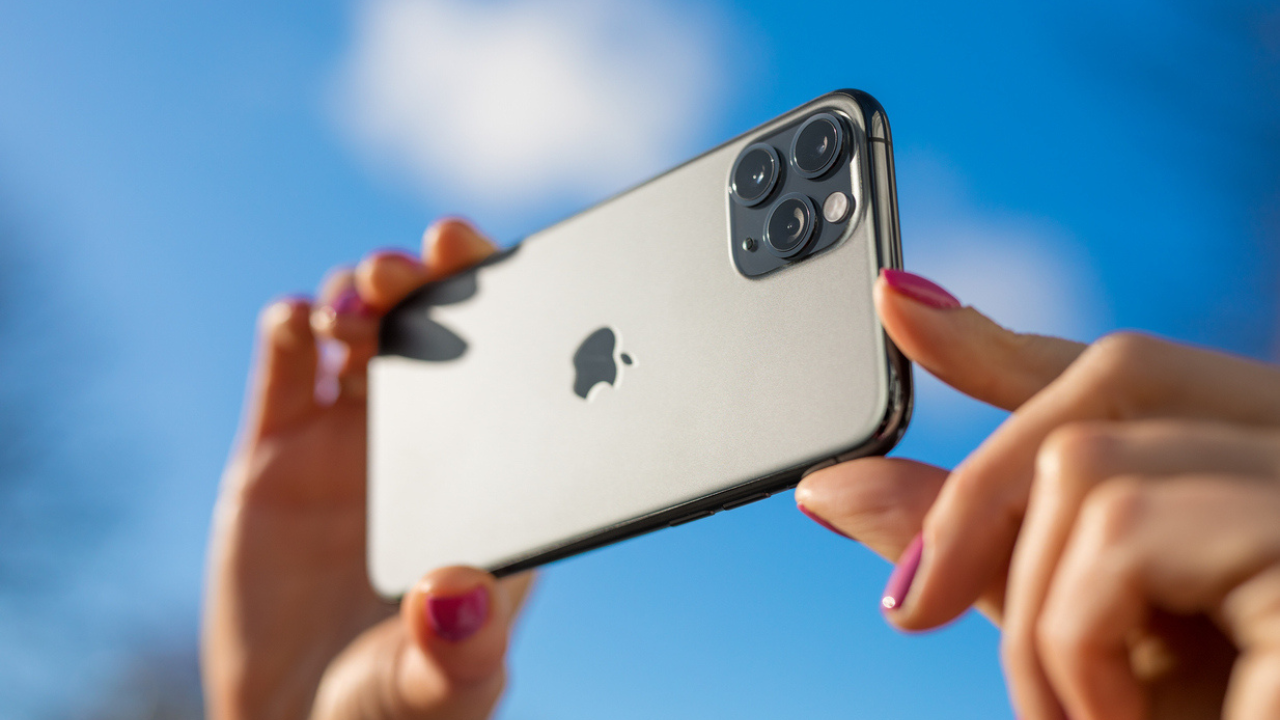
Phone cameras make it easy to miss the frame, but the newest editing tools are trying to clean up those mistakes after the shot is already taken. Apple, Samsung, and Google are all leaning on AI to stretch backgrounds, shift compositions, and salvage photos that would have been deleted before.
Apple’s latest Photos update brings Extend and Reframe to supported iPhones with Apple Intelligence. Extend can build out the edges of an image when the crop feels too tight, while Reframe lets the picture be shifted, rotated, zoomed, or angled into a better composition after the fact.
That is a big jump from basic cropping, which only trims away what is already there. These tools generate new visual content around the original shot, which can make a cramped photo feel more open and usable. They can also produce odd artifacts, so the final result still deserves a close look.
Only newer iPhones can use the feature set, and Apple Intelligence is limited to the iPhone 15 Pro, iPhone 15 Pro Max, and iPhone 16 models or later. Even then, language and region can affect availability, and older phones that can run the software may still miss out on the AI part entirely.
Using Extend on iPhone is meant for photos that need breathing room. If a subject is pressed against the edge of the frame or the scene feels cut off, the tool can create extra background so the picture looks less cramped.
Reframe is a little different because it is built for photos that feel awkward rather than merely tight. It can help when the subject is off-center, the angle feels wrong, or the camera was held at a lousy position and the whole shot needs a better balance.
Samsung Galaxy phones offer a similar idea through Galaxy AI Photo Assist. The Move tool can reposition, resize, or rotate parts of a photo, then generate the missing background so the image still looks complete.
Samsung’s Gallery editor also gives people a few more classic fixes, like changing the aspect ratio, rotating the image, or adjusting the angle. That means Galaxy owners can do both the practical cleanup and the AI-powered rescue work in one place.
Google Pixel phones have their own answer in Google Photos with Auto frame. It is designed to recompose a shot that was framed too tightly or awkwardly and can also extend the background when the original picture does not leave enough room.
Google’s Crop menu includes other tools too, such as Straighten, Rotate, Perspective, and Aspect ratio. The feature may not show up everywhere right away, since Google often rolls out Photos tools gradually across devices, accounts, and regions.
AI editing can be impressive, but it works best when the original photo is decent to begin with. A blurry, dark, or messy image is still a tough rescue, and smaller changes usually look more natural than huge changes.
Faces, hands, hair, jewelry, and text are the trouble spots that deserve the most attention. Generative tools can get clever fast, but they can also make strange choices around details that humans notice instantly. Saving a copy instead of overwriting the original is a smart move, especially when the edited version looks almost right but not quite.
The bigger takeaway is simple. Smartphone cameras still capture the moment first and ask questions later, but AI is making the cleanup much less painful. That can turn a nearly good photo into something worth keeping, which is a nice backup plan when the framing went sideways in a hurry.
