
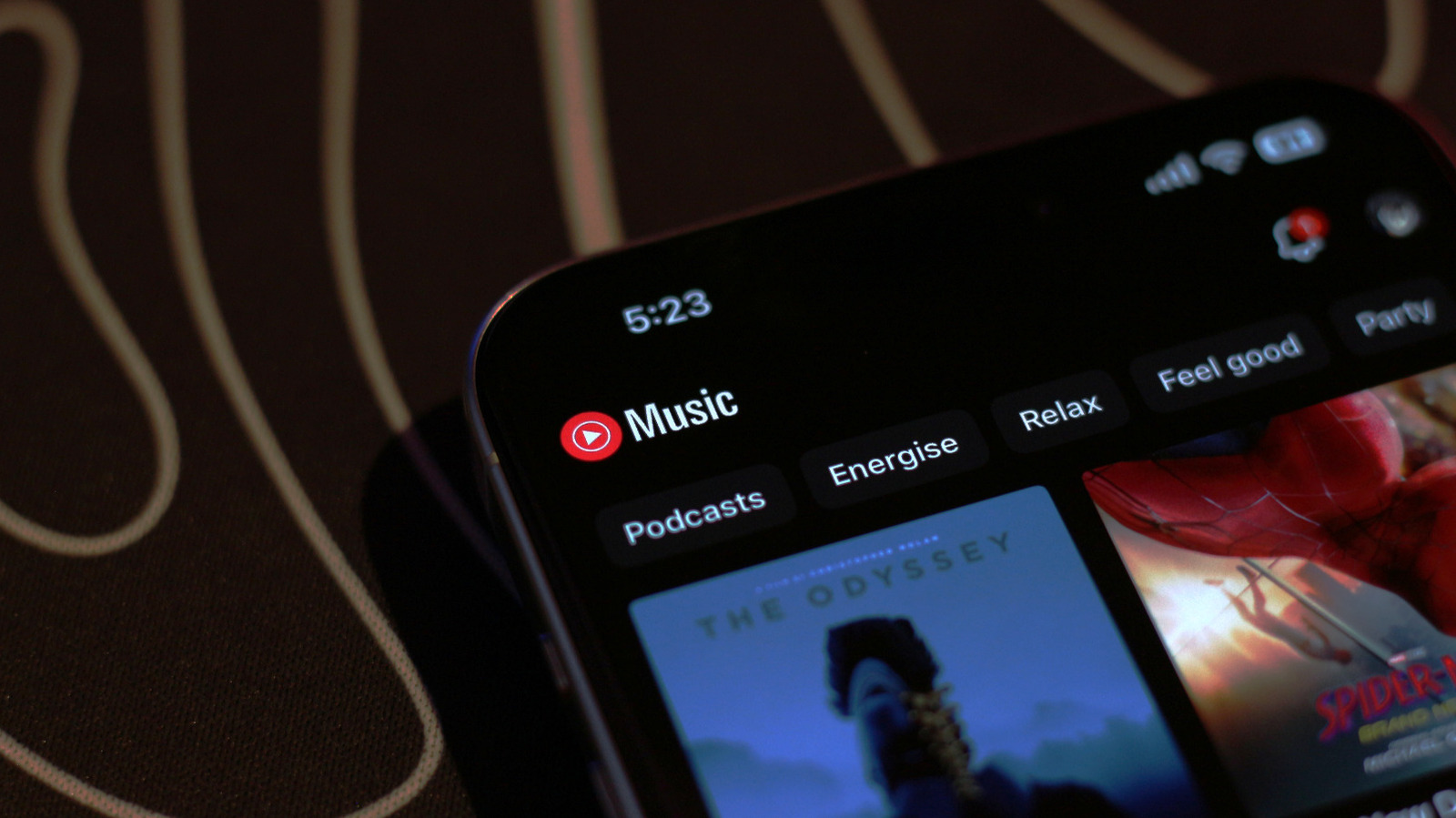
YouTube Music can sound a lot better than people give it credit for, but only if you actually dig into the settings and turn the quality up. The app is easy to use, comes bundled with YouTube Premium, and gives you a huge music catalog, but the default experience is not always the best one for sound. If you want cleaner playback and better downloads, a few quick changes can make a real difference.
On Android, the path is simple enough: tap your profile picture, then head into Settings, Data saving, and Audio quality on Wi-Fi. From there, pick Always High so the app stops playing it safe and starts streaming at the best quality it offers. You can make the same kind of adjustment for mobile data if you do a lot of listening away from Wi-Fi.
iPhone and iPad users can get to the same payoff with a slightly different route. Open Settings, then go to Playback and restrictions, and choose Audio quality on Wi-Fi before selecting Always High. That setting keeps the app from settling for a lower bitrate when you want your music to come through with a little more punch and clarity.
Downloads deserve attention too, especially if you save albums and playlists for offline listening. Go to Settings, then Download & storage, and set Audio quality to High so fresh downloads land in the best version available. If you already have music stored on your device, use Clear downloads first and then grab everything again so you are not stuck with older, lower-quality files.
This is the kind of tuning that matters most when your connection is strong and your ears are paying attention. YouTube Music can stream tracks at up to 256 kbps using AAC or Opus when set to Always High, which is perfectly fine for a lot of people. If you listen casually through everyday earbuds or phone speakers, that level is usually more than enough.
Still, the audio conversation changes once you start using better headphones or a nicer speaker setup. More serious listeners tend to notice the limits sooner, especially when comparing YouTube Music with services built around higher bitrates and lossless playback. That does not make YouTube Music bad, but it does put it in a different lane from the apps chasing absolute fidelity.
There is also a lot to like beyond pure sound quality, which helps explain why so many people stick with it. The app has a sleep timer, handy queue tools, and a Speed Dial section that keeps your most-played music within easy reach. Because it is tied so tightly to YouTube, you can jump into music videos, browse comments, and move between audio and video without feeling like you are switching worlds.
That broader ecosystem is part of the appeal, especially for listeners who like discovery as much as playback. YouTube Music often surfaces tracks, live versions, remixes, and deep cuts that may be harder to find elsewhere, which gives it a flavor some competing apps just do not match. So while it may not be the king of pure audiophile bragging rights, it can still be a very smart setup when you want convenience, variety, and better sound all at once.
