
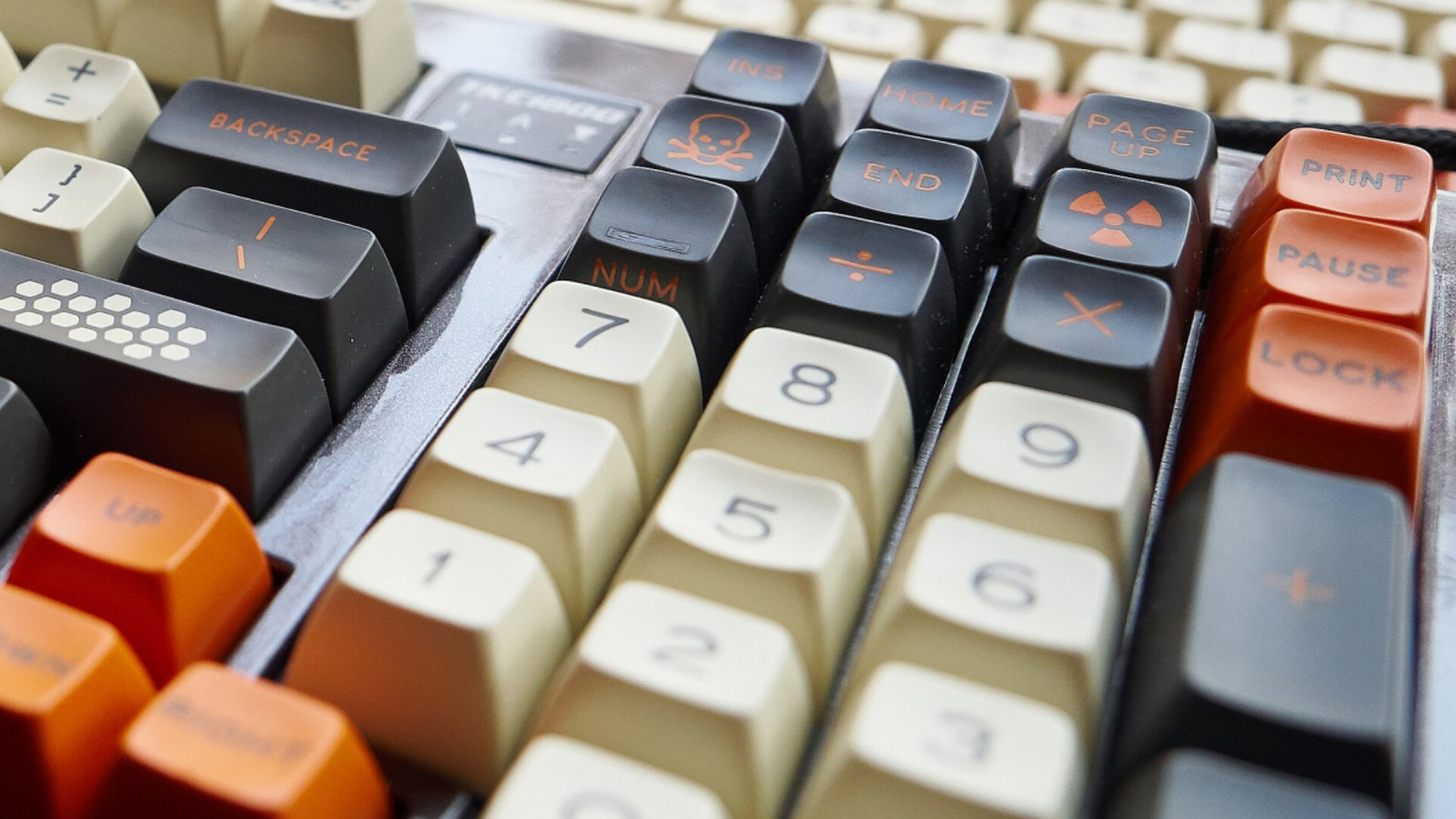
If you’ve ever stared at your keyboard and wondered what the Pause/Break key actually does, you’re in good company. This little relic has a weird history and a few stubborn uses that survive on modern machines. Here I trace where it came from, why it stuck around, and when it still matters. No fluff, just the useful bits so you can stop treating it like a mystery button.
The Pause/Break key goes back to an era when keyboards had to manage hardware and software in a much more manual way. On older terminals and early PCs the key could literally pause the output on a screen or send a break signal to a connected device. That functionality came from teletypes and early serial communications where operators needed to halt flow without killing the machine or losing state.
By the time IBM PC compatibles arrived, Pause and Break appeared together on one key because they were related but distinct functions. Pause would freeze screen output temporarily, useful during long boot messages or scrolling logs. Break was used to signal an interrupt to a connected modem or host, effectively telling the remote system to stop what it was doing and pay attention to the operator.
In DOS and early Windows environments the combination of Control and Break became a handy way to stop running programs or break out of loops in scripts. Programmers used Control-Break during batch runs and interactive sessions when Ctrl+C did not behave as expected. In short, it was a low-level “stop now” tool that worked when other interrupts might not.
Modern operating systems rarely rely on Pause/Break for everyday tasks, but the key did find a few persistent niches. Windows maps Win+Pause to open System Properties, which gave the key a visible role for system info. Some development tools and debuggers still honor Ctrl+Break as a hard stop command, so developers working in legacy or low-level environments might use it without thinking.
Laptop manufacturers started omitting or hiding the key because its use cases dwindled and keyboards got smaller. When it disappears, manufacturers usually offer the function through an Fn layer or legacy key mapping in firmware. If you want Pause/Break behavior on a machine that lacks the key, software remapping tools or terminal emulators can usually emulate the signal you need.
Remote desktop and virtual machines bring the key back into relevance sometimes, because the host and guest may interpret interrupts differently. Sending a Break to a remote shell can terminate stubborn processes or halt serial consoles during embedded device work. That makes the key useful to network engineers and embedded developers who still rely on serial ports and low-level control signals.
For most everyday users the Pause/Break key is vestigial, something you ignore and never miss. But it lives on because it still does a few things no other key does as cleanly, especially in legacy systems and specific developer workflows. If you find yourself in a command-line fight or staring at a boot log, that lonely key might be the clean escape hatch you need.
