
If you think laptops are underpowered and desktops too massive, this piece walks you through what mini PCs bring to the table versus traditional tower rigs, covering performance, footprint, upgrade paths, connectivity, and who should pick which form factor.
Mini PCs have come a long way. Tiny enclosures now pack competent processors, snappy SSDs, and enough memory for daily work and media tasks without hogging desk space. They shine when silence and a small footprint matter, slipping behind monitors or into entertainment centers without fuss. For many users, that tradeoff between size and raw expandability is worth it.
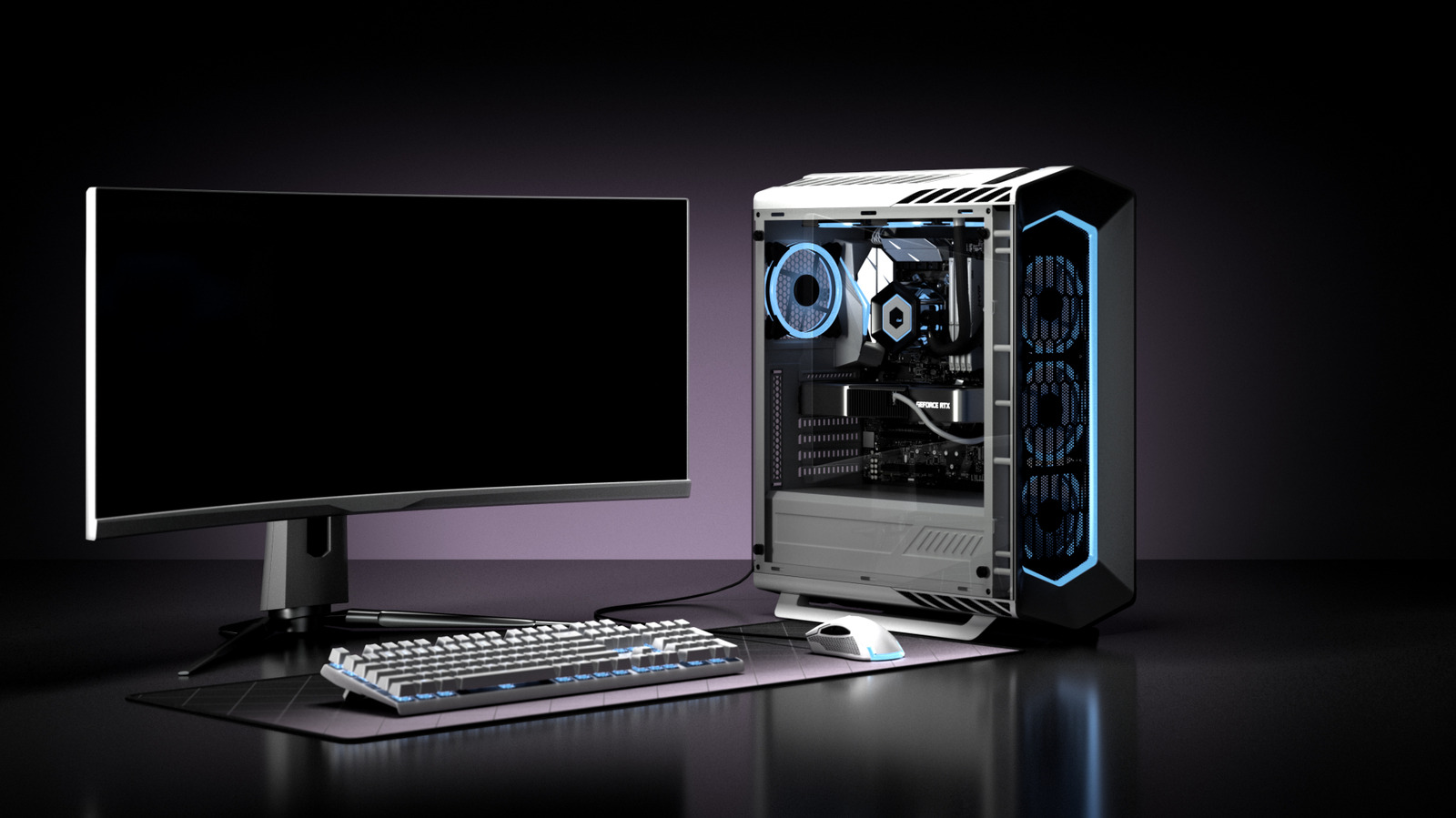
Tower desktops still hold the easy advantage when you need brute force and flexibility. Full-size cases swallow powerful CPUs, multi-slot graphics cards, and generous cooling systems, so they sustain higher sustained performance in demanding workloads. If you’re planning heavy gaming, 3D rendering, or large-scale video projects, a tower gives clearer upgrade lanes and thermal headroom. That makes towers a safer bet when future-proofing with modular parts matters most.
Benchmarks often tell a nuanced story rather than a simple winner. A high-end mini with a modern CPU and fast NVMe SSD can match midrange towers in everyday tasks and even light creative work. But under extended heavy loads, thermals and throttling become the limiting factors for many small-form-factor designs. The real question isn’t absolute speed in one benchmark, it’s whether performance holds up under the kinds of sustained use you actually do.
Thermals and noise are where mini PCs often score highest for casual users. Less air volume makes clever engineering essential, and good mini systems balance heat with quiet fans or passive solutions better than many slim laptops. Still, when you push them hard, some mini PCs will increase fan speed and noise to avoid overheating, which can be noticeable near your workspace. Tower builds can use large, slow-spinning fans or liquid cooling to keep temperatures down while staying whisper quiet even under load.
Connectivity and ports vary wildly between small boxes and towers. Mini PCs typically prioritize a tidy mix of USB, HDMI, and an ethernet jack, sometimes sacrificing multiple PCIe lanes or drive bays. Towers offer expansion slots, multiple SATA connectors, and room for additional networking or storage cards, making them better for complex setups. If you need multiple high-speed peripherals, docks, or RAID arrays, a tower avoids awkward external workarounds.
Upgrade paths are where towers shine and minis show limits. In a full case you can swap motherboards, drop in a new GPU, and add drives without custom parts. Many mini systems use soldered components or proprietary layouts that limit RAM or CPU upgrades and force you to replace the whole unit sooner. That said, modular mini PCs are increasingly common, offering replaceable storage and memory so you can extend life without rebuilding everything.
Price-performance often depends on what you prioritize. A compact mini with current-gen mobile silicon can be very affordable while delivering excellent efficiency for web work, office tasks, or media playback. Conversely, assembling a tower with discrete desktop-class parts typically costs more upfront but provides a better performance ceiling for serious gaming or content creation. Think in terms of total ownership: how long you want the machine to stay relevant versus how much desk space and noise you tolerate.
Use cases make the choice obvious in many situations. If you want a clutter-free living room media center, a compact office machine, or a secondary computer for light editing, a mini PC is a strong pick. If you need a workstation that will scale with added GPUs, specialized PCIe cards, or multiple storage banks, a tower is the practical option. Consider where the device will live and how often you expect to tinker or upgrade.
Shopping tips: check thermal solutions, confirm which components are replaceable, and compare real-world workload tests rather than headline clock speeds. Look at port layouts to avoid surprise dongles and verify warranty and support for the configuration you choose. Finally, match expectations: minis deliver impressive convenience and quiet operation, towers deliver expandability and long-term adaptability, and your workflow will decide which tradeoffs are acceptable.
