
- Show how phone cameras have become powerful identification tools
- Cover Google Lens as the most flexible all-purpose option
- Explain Pinterest’s visual search and shopping focus
- Highlight Amazon Lens Live for live product discovery
- Include PictureThis for plant identification and Lookout for accessibility
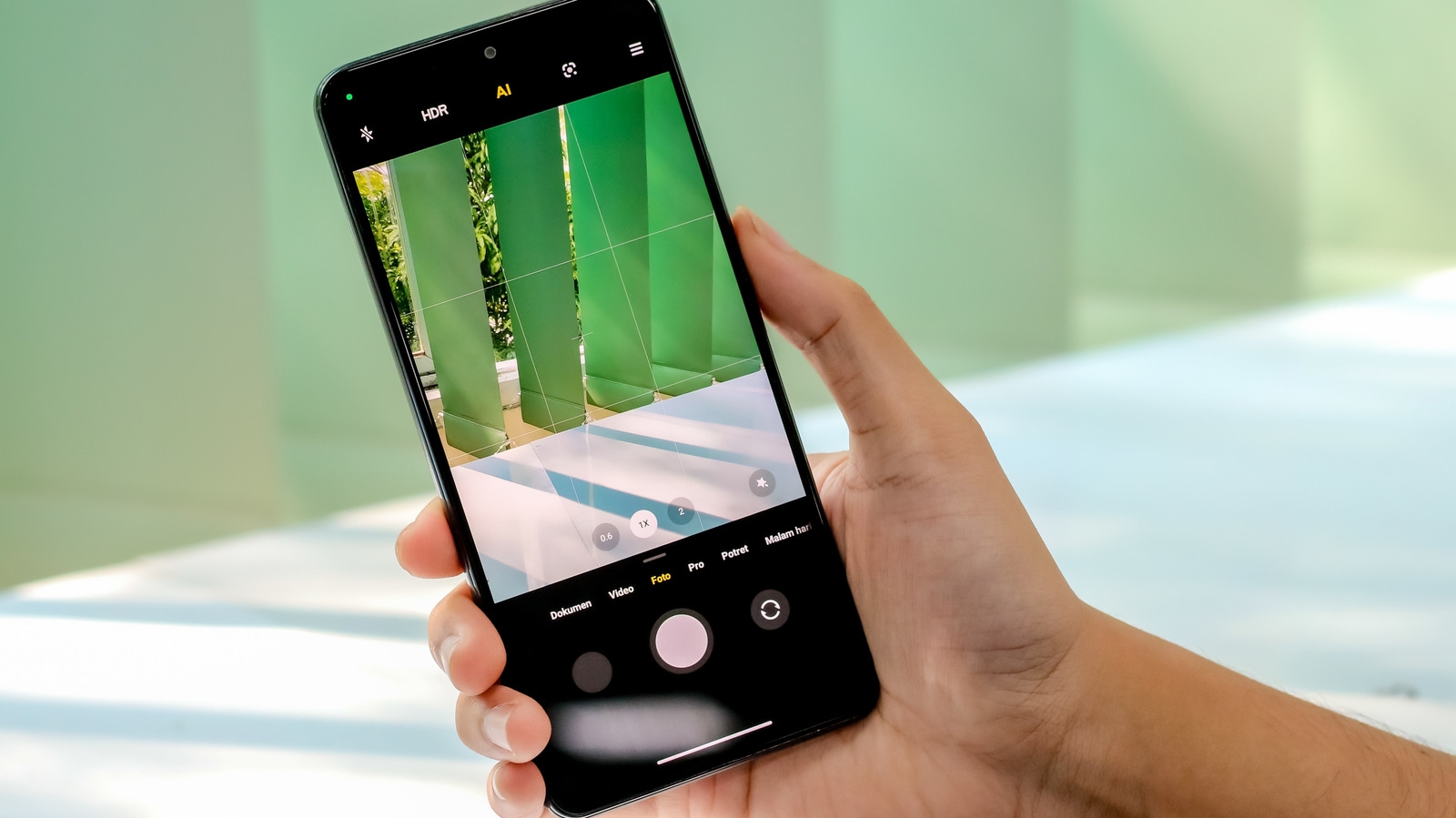
Your phone camera can do a lot more than snap photos now. It can help you identify food, clothes, plants, products, and even what is sitting across the room, turning a simple point-and-scan moment into a quick answer. The best part is that many of these tools are already built into apps people use every day, so the jump from confusion to clarity is usually only a tap away.
Google Lens is the heavyweight here because it covers so much ground without making the process feel complicated. It lives inside the Google app and, on many Android phones, right in the camera app itself, which makes it easy to use on the fly. Point it at a dish, a landmark, a pair of shoes, or a worksheet, and it tries to match what it sees with useful results instead of forcing you to type out a search.
That flexibility is what makes Google Lens feel almost magical in daily life. It can help with homework, translate text, identify places, and even steer you toward shopping results when you scan clothing or accessories. It is not flawless, though, and a blurry shot or something rare can throw it off, but when the image is clear, it usually lands close enough to be genuinely useful.
Pinterest takes a different route, leaning hard into inspiration and shopping. Its camera search tool is built for the kind of things people actually want to browse or buy, like furniture, outfits, decor, jewelry, and food ideas. Snap a picture, tap the camera icon in search, and the app serves up visually similar pins that can lead you straight into a shopping rabbit hole.
What gives Pinterest an edge is that it does not stop at naming something. It tries to connect the image to real products and real stores, which makes it feel more like a visual discovery engine than a plain identifier. The newer Pinterest Assistant pushes that even further by letting you combine an image with spoken or typed follow-up questions, so you can narrow down styles, colors, and variations without starting over.
Amazon Lens Live keeps things squarely focused on buying. Inside the Amazon Shopping app, the live camera feature scans products in real time and starts surfacing matches almost immediately, which is a lot faster than taking a photo and uploading it later. That speed matters when you are trying to track down sneakers, a lamp, or some other item you saw in the wild and want to compare before you forget.
Amazon also ties Lens Live into its shopping assistant, so you can tap a result and get quick answers before deciding whether to add it to your cart. It is a practical setup for people who already shop on Amazon and want a faster way to move from curiosity to checkout. Still, it is a shopping tool first, so it is not the app you want when you are trying to identify a bird, a car part, or something outside its retail lane.
PictureThis is built for a much narrower job, and that is exactly why it stands out. Instead of trying to identify everything under the sun, it focuses on plants, which makes it far more reliable for leaves, flowers, houseplants, and garden finds than a general-purpose app usually is.
The app goes beyond a simple plant name, too. It can warn you if a plant is toxic, offer care tips, and even help diagnose a struggling plant, which is handy if you are trying to keep your home jungle alive. That said, no plant app should be treated like a final authority when something poisonous might be involved, so a second check is always smart.
Lookout takes camera identification in a more helpful, accessibility-first direction. Built by Google for people who are blind or have low vision, it uses the camera and spoken feedback to describe what is in front of you without demanding that you stare at a screen. It can read documents, identify currency, scan labels, and talk through a scene in real time.
The Explore mode is the one most people would notice right away, since it narrates objects, people, and text as you move through a space. That makes it feel less like a search tool and more like a steady guide that is always describing the room as you go. For anyone who wants the camera to do the talking, that is a pretty powerful trick.
