
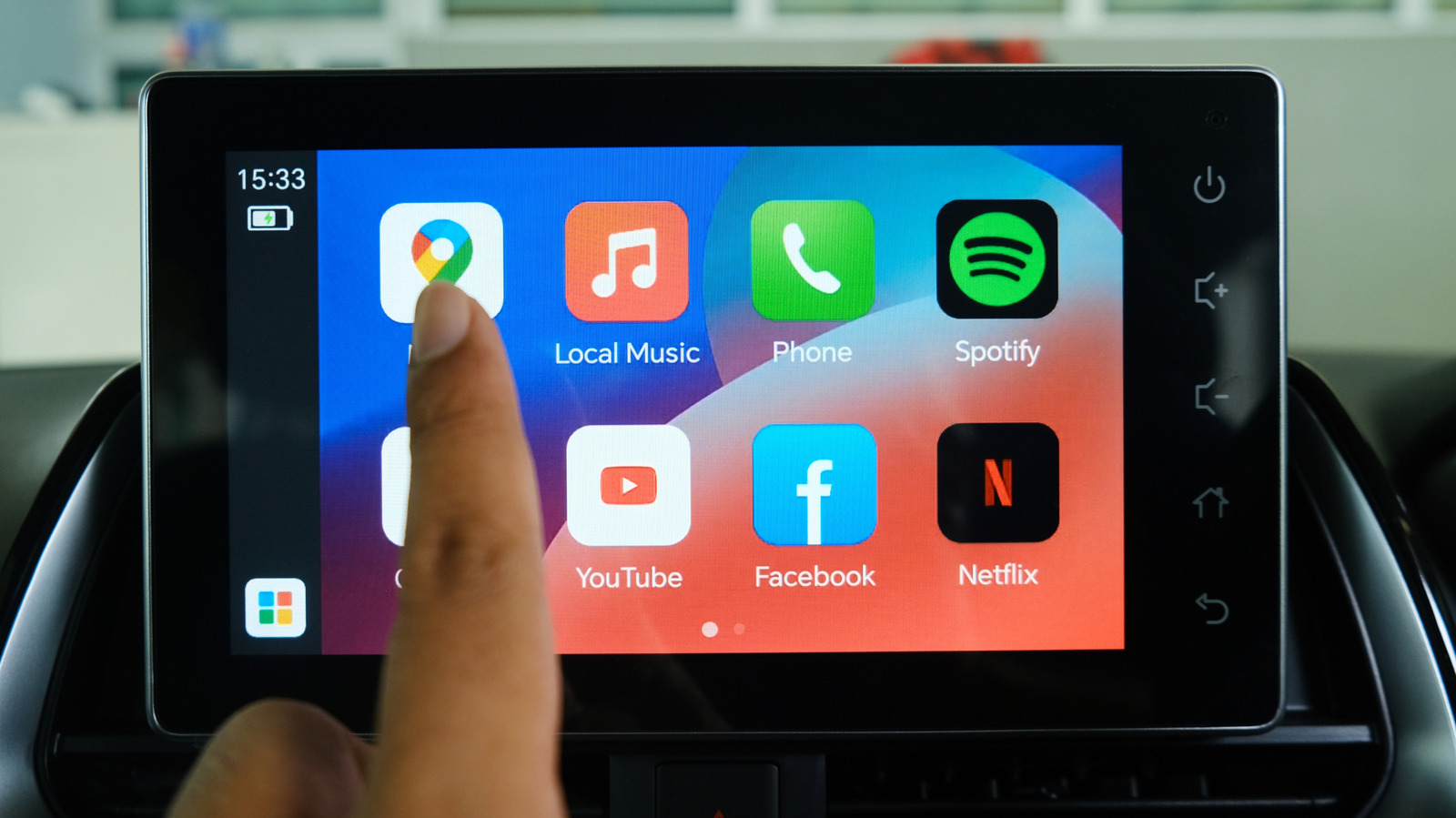
Android Auto can feel like a simple phone mirror at first glance, but there’s a lot more hiding under the hood. A few buried settings can make the interface cleaner, quicker, and easier to live with on the road. The trick is knowing which tweaks matter most and how they change the way the system behaves.
One of the easiest upgrades is turning on taskbar widgets. Instead of switching between full app windows all the time, the bottom strip can show compact controls that keep music, maps, and other essentials within reach. That means less tapping, fewer menu hops, and a setup that feels more tailored to daily driving.
The default layout also puts navigation and media in fixed spots, and that does not work for everyone. Some drivers prefer the media controls closer to the wheel so skipping tracks feels more natural, while others want navigation front and center. Android Auto gives enough flexibility to flip that layout around without much fuss.
Custom Gemini shortcuts push that idea even further. These shortcuts can bundle several actions into one tap, which is handy when the same routine happens every morning or every evening. A single command can pull up directions, check the weather, and start a playlist without making the screen feel crowded.
Notifications are another area where Android Auto can be either useful or a little too chatty. Message previews, chimes, and group conversation alerts can all be managed separately, so the display does not become a distraction while driving. That matters even more in a car full of passengers, where privacy and calm both start to count.
For anyone who gets tired of constant pop-ups, the messaging controls offer a nice middle ground. Text alerts can be shut off completely, or dialed back so only the most important ones come through. That kind of control keeps the system useful without turning every drive into a rolling inbox.
Then there is the hidden developer menu, where Android Auto keeps some of its deeper tweaks. It takes a few extra taps to unlock, but it opens the door to settings that can change how the display fits the car’s screen. For drivers dealing with awkward shaping, clipping, or stretched visuals, that adjustment can make the whole interface feel far less annoying.
Video resolution scaling is one of those behind-the-scenes fixes that sounds technical but has a very practical payoff. Different vehicles do not always handle the Android Auto display the same way, and a mismatch can make buttons look cramped or oddly placed. A better resolution match can clean that up fast, and the difference is often obvious the moment the screen reloads.
What makes these settings worth the trouble is how much they improve the day-to-day feel of the platform. Android Auto is already built for convenience, but the stock experience is only the starting point. Once the layout, shortcuts, notifications, and display behavior are tuned a little more carefully, the whole system starts to feel less generic and more like it belongs in the car.
