
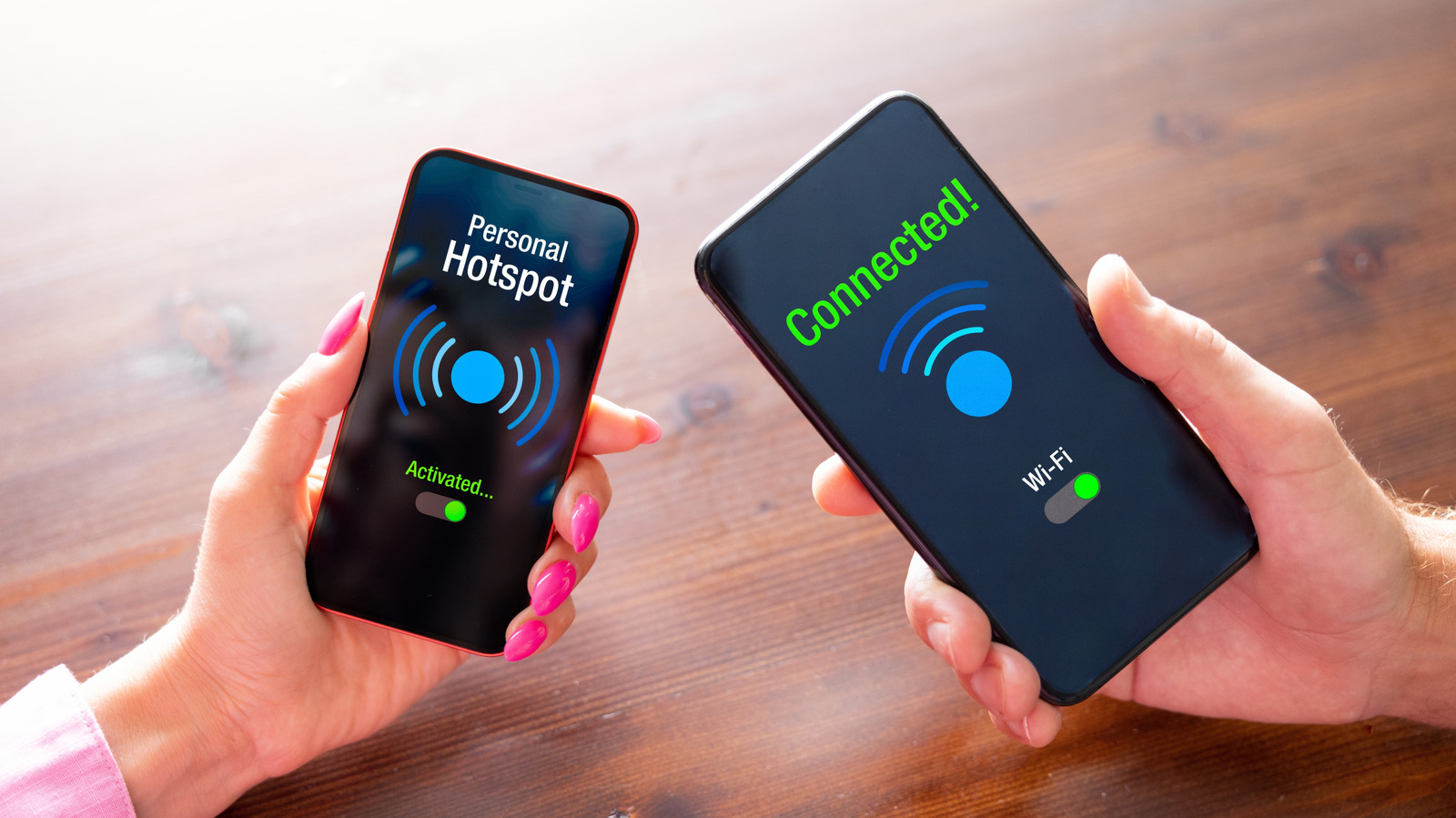
Using a phone as a mobile hotspot can feel like a lifesaver when public Wi-Fi is sketchy, home internet cuts out, or another device needs a quick connection. It is fast, convenient, and easy to forget about when everything is working smoothly. But that convenience comes with a few real tradeoffs that can show up fast, especially if hotspot use becomes part of the daily routine.
One of the first things people notice is how quickly the battery starts to disappear. Hotspot mode asks the phone to keep a cellular connection alive while also broadcasting Wi-Fi, which is a lot more work than basic browsing. That extra strain can also make the device heat up, and over time the repeated charging cycle can be rough on battery health.
It is not just the battery that takes a hit. A hotspot can chew through mobile data much faster than expected because every connected device is pulling from the same plan. Streaming video, downloading updates, or even a few background app refreshes can quietly burn through a monthly allowance before the end of the billing cycle.
Unlimited plans sound like the easy fix, but they are not always as wide open as they look. Some of them cap high-speed usage before slowing things down, which means a hotspot can still turn into a frustrating experience once that limit is reached. After that point, the connection may remain active, but it can feel painfully sluggish.
Network quality is another weak spot, and this is where hotspot use can become unpredictable. A phone depends on cellular service, not a wired home connection, so performance rises and falls with signal strength, congestion, and location. Even if a plan advertises strong speeds, real-world results can change from one block to the next.
That problem gets worse in places with spotty coverage. Rural areas, buildings with thick walls, or homes sitting far from a tower can all make the signal weaker than expected. When the phone only has a shaky connection to work with, every device tied to the hotspot feels that slowdown.
Multiple devices connected at once can also create a traffic jam. A phone hotspot has limited bandwidth, and that bandwidth has to be shared by everything using it at the same time. A laptop, tablet, and streaming device all competing for the same connection can make even simple tasks drag.
That is why hotspot use tends to work best as a backup, not a long-term replacement. It is great for a quick email check, navigation on the road, or getting through a brief outage, but it is less ideal for heavy streaming, big downloads, or a full workday online. Once the phone starts handling too much, the cracks show pretty quickly.
The upside is that hotspot mode still has a place when the alternatives are worse. Public Wi-Fi can be risky, and a dead home connection can leave devices stranded without a link to the web. In those moments, the phone becomes a handy bridge, just not one that is built for endless use without consequences.
