
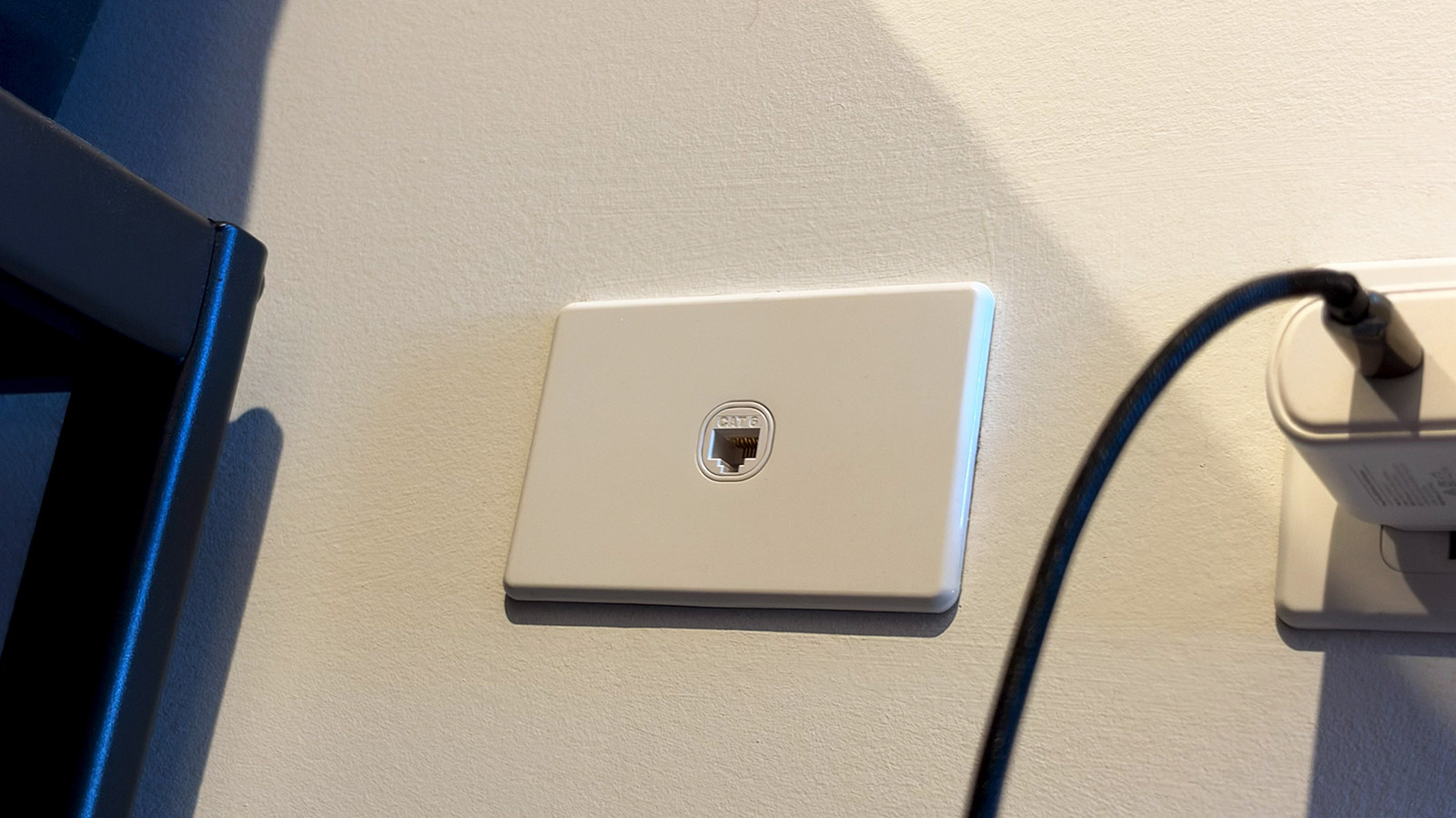
Wall Ethernet ports can be a quiet game-changer when they work. They offer a cleaner, steadier path to the internet than Wi-Fi, which is especially handy for gaming, streaming, and any setup that hates lag or random dropouts. But when that jack in the wall seems dead, the problem is usually not the port itself. More often, the wiring just has not been hooked up correctly on the other end.
The good news is that getting a built-in Ethernet port online is usually pretty straightforward. In many homes, all those wall jacks run back to one central spot such as a basement, garage, or utility closet. That is where the real action happens, because the cables need to be tied into a router or a switch before anything in the room can get a signal.
To make the setup work, you need a few basics in place: an active internet connection, a router, and at least two Ethernet cables. For most homes, Cat5e or Cat6 is plenty, and there is no need to overcomplicate it. One cable links the patch panel to the router, while the wall jack in the room connects your device to the home network.
Finding the central wiring point is usually the biggest hurdle. Once there, look for a patch panel with several numbered ports, because that is where the wall jacks terminate. Plug one end of an Ethernet cable into a port on the panel and the other end into a LAN port on the router, or into a switch if multiple rooms need live connections.
If the patch panel ports are labeled, the job gets easy fast. If they are not, a little trial and error can save the day. Unplug Wi-Fi from a laptop, connect it to the wall jack in the room, then try patch panel ports one by one until the device goes online.
That same process can help map out the rest of the house. Once one room is identified, the others can be tested the same way, which makes it much simpler to light up more outlets later. This comes in especially handy for devices that stay put, like desktop PCs, smart TVs, and game consoles.
If a wall port still refuses to work, the first suspect should be the cable. Swap in another Ethernet cable and make sure both ends are seated firmly, since a loose connection can be enough to kill the link. A proper click at each end is a good sign that the plug is fully snapped in.
Computer settings can also get in the way, even though Ethernet is usually plug-and-play. On Windows, the Network and Internet troubleshooter can point out obvious issues, while Mac users can check connection status in System Settings under Network. It also helps to disconnect from Wi-Fi so the device is not hanging onto the wireless connection instead of switching over.
The other end of the system deserves attention too. The cable from the patch panel has to go into a LAN port on the router, not just any random opening, and a switch must be powered on and connected back to the router. If everything is plugged in correctly and the port still stays dead, the wall wiring or the jack itself may be damaged.
That is when a cable tester becomes worth its weight in gold. It can reveal common wiring faults without much guesswork, which is a lot better than endlessly swapping cables and hoping for magic. If the tester points to a real problem in the wall, a qualified technician is the safest next move.
