
- Why USB drives should not be discarded casually
- How deleted files can still be recovered
- The difference between quick format and full format
- When overwriting tools make sense
- Why physical destruction is the most secure option
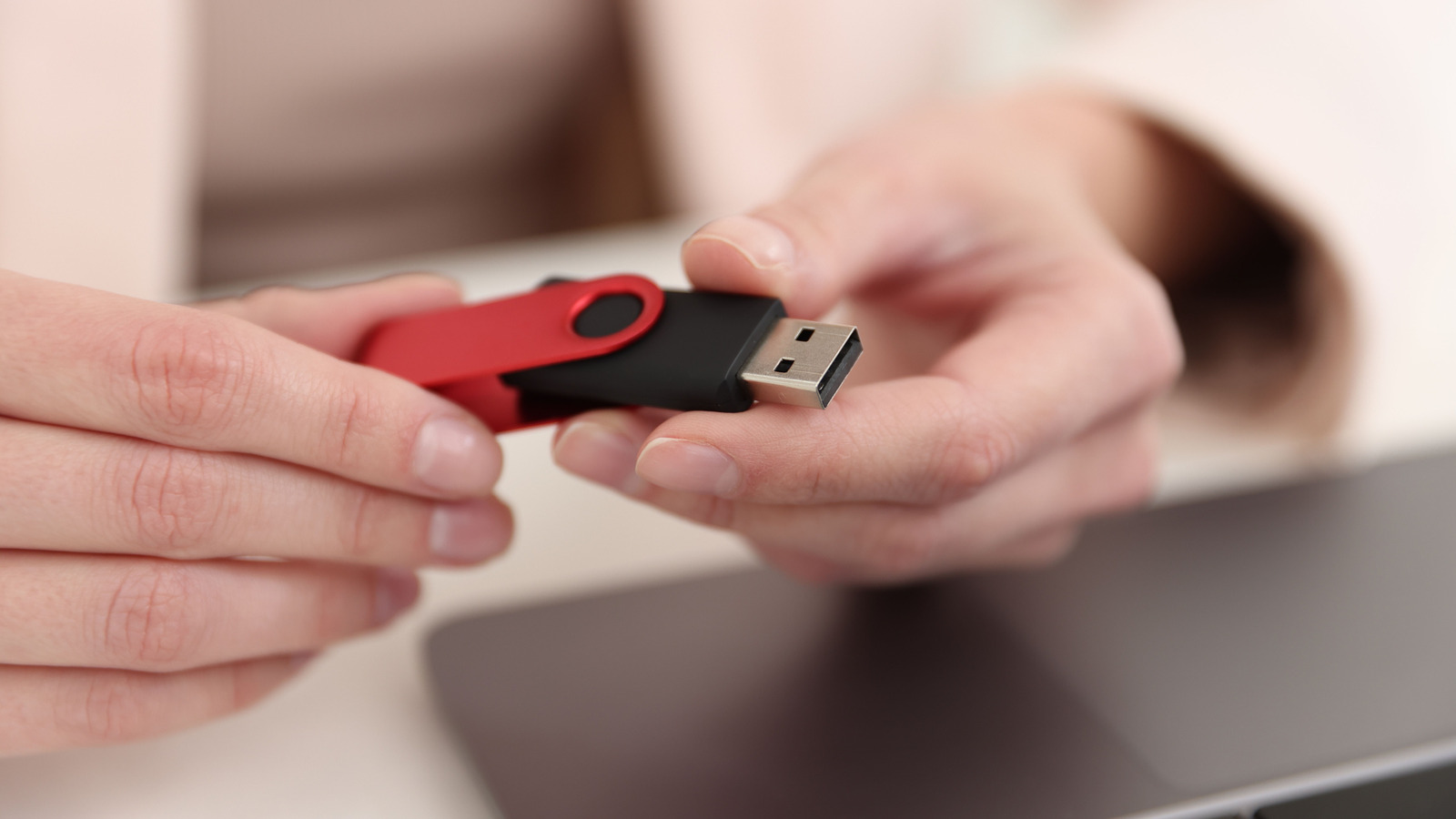
USB drives are handy, cheap, and easy to toss in a bag, which is exactly why they end up holding far more than people realize. The problem is that old files do not vanish just because a drive looks empty, and that makes careless disposal a privacy risk. Before an aging flash drive gets binned, it needs a little more attention than a drag-and-drop delete.
Deleting files from a USB drive usually only removes the pointers to that data, not the data itself. The drive’s space gets marked as available, but the old content can still sit there until something new overwrites it. That means recovery tools may still be able to pull information back, even after a quick cleanup.
This is why a simple delete is not enough if the drive ever held anything private, financial, or personal. A quick format can create the same false sense of safety, since it mainly clears the file index and leaves the underlying data far more exposed than most people expect. For anyone handing the drive to someone else or throwing it away, that gap matters a lot.
A full format is a stronger move because it goes beyond the surface-level cleanup. On Windows, that means skipping the quick format option so the system checks the drive and writes over it more thoroughly. On macOS, Disk Utility offers a similar route through the erase process, and in some cases the security settings can push it even further.
Even then, no software-based wipe is perfect in every situation. Dedicated formatting tools can help, especially if they are built to handle flash storage rather than spinning hard drives, but the results still depend on the drive itself and how it was used. For most ordinary junk files, that level of cleanup may be enough to keep things out of the wrong hands.
When the stakes are higher, though, a full format starts to feel like a compromise instead of a guarantee. Old tax records, login files, work documents, or anything else sensitive deserve a tougher ending than a polite erase. If the goal is to make recovery effectively impossible, the best answer is not software, it is destruction.
Physical destruction is the surest way to shut the door completely. That does not mean snapping the plastic shell and calling it done, because the real data lives on tiny memory chips inside the device, not just in the outer case. The chip itself has to be damaged, and that takes a bit more force and a lot more care.
People sometimes underestimate how messy that can get. Breaking open a USB drive can send fragments flying, and using tools like a drill can be risky if the drive is not handled properly, so safety should not be an afterthought. Once the memory chip is ruined, the drive should be disposed of responsibly, not just left in a drawer like a tiny evidence box.
The right choice depends on what the drive held and what happens next. If it only stored harmless downloads or temporary files, a full format may be enough to retire it with confidence. If it carried important personal data for years, the smartest move is the one that leaves recovery nowhere to hide.
