
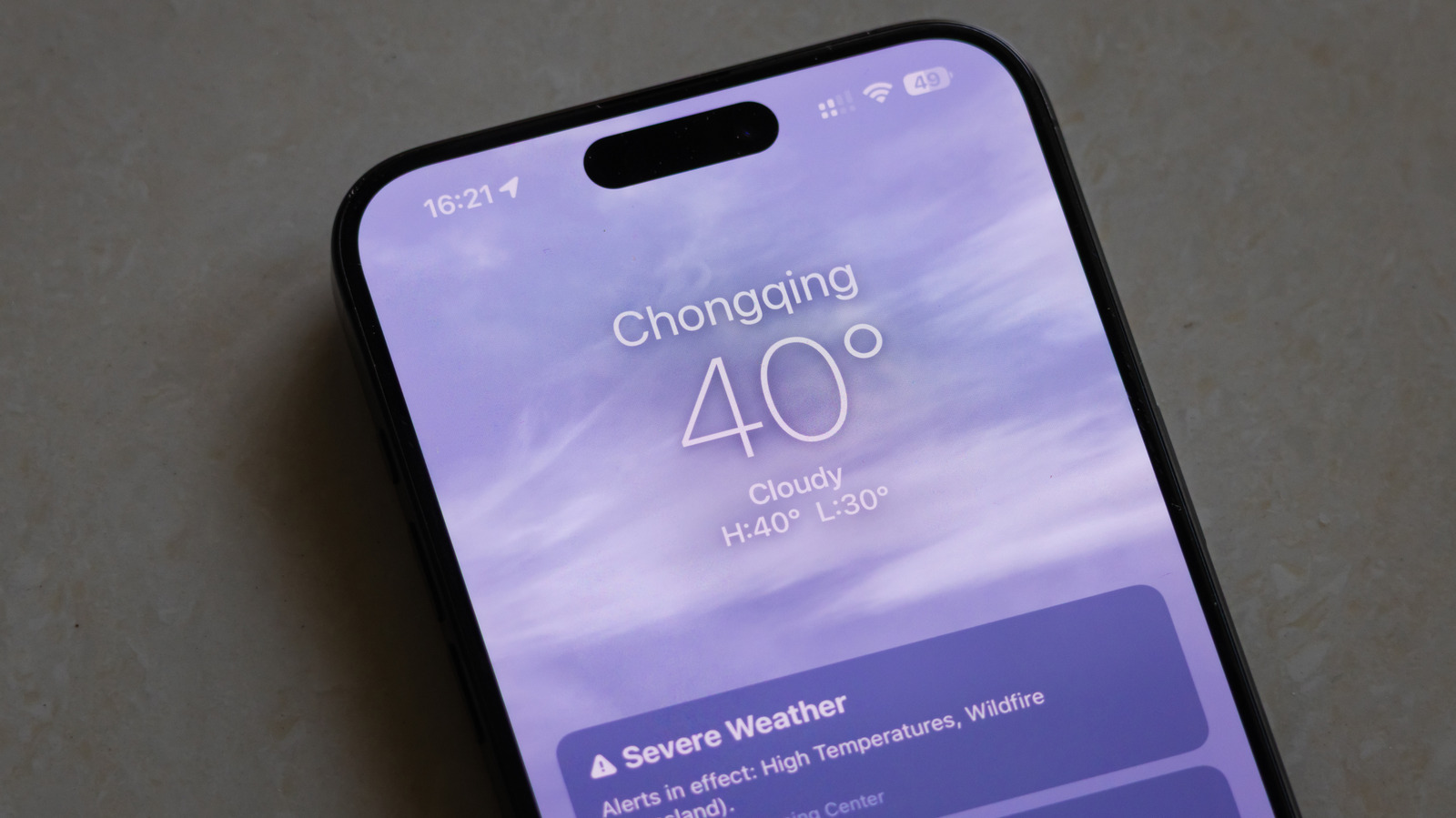
The iPhone Weather app quietly hides a lot of useful tricks, from minute-by-minute rain forecasts to layered radar maps and air quality details. This piece walks through the app’s most practical, little-known features and how to use them to stay one step ahead of changing skies.
Most people open Weather and glance at the temperature, then close it. Dig a little deeper and you find a precise precipitation timeline that tells you if the drizzle will stop in five minutes or persist for hours. That minute-by-minute forecast is perfect for timing a run or deciding whether to risk leaving laundry on the line.
The interactive radar is more than a pretty animation. You can pinch to zoom, scrub the timeline to see storms in motion, and switch between precipitation, satellite and temperature overlays. Those layers turn raw data into context, so you can spot where a front will move and plan the rest of your day without guessing.
Air quality and UV warnings live in the same app for quick reference. The AQI reading helps you decide whether to exercise outside, while the UV index suggests sunscreen or a hat before you step out. These metrics are especially handy for families, runners and anyone with respiratory concerns.
Severe weather alerts are unobtrusive until they matter, then they show up loud and clear. The app pulls in emergency notifications so you get flash flood, tornado or storm warnings without digging through menus. If you travel, add multiple locations to track weather across cities and be ready when plans shift on the fly.
Widgets and Lock Screen weather make the app work harder without opening it. A glanceable widget or a tailored Lock Screen glance keeps the hour-by-hour outlook front and center. Set up a compact or detailed widget to match how much info you want at a glance and avoid opening the full app unless you need a deeper look.
Siri and Shortcuts let you automate weather checks and get updates hands-free. Ask Siri for the hour-by-hour or use a shortcut to text ETA forecasts to friends before a hike. These automations are small time savers that add up when weather affects schedules or meetups.
The forecast details include humidity, wind, sunrise and sunset times that make planning easier than a single temperature number. Seeing wind direction with gust estimates helps motorcyclists and sailors make better decisions, while sunrise and sunset times help photographers and outdoor enthusiasts plan golden hour. It all combines into a fuller picture of the day, not just a number on your screen.
Tip-driven tweaks unlock even more: pin essential locations, enable severe alerts for areas you care about and try different widget sizes to find what sticks. The Weather app is surprisingly customizable, and a few minutes spent in settings pays off with better timing and fewer soggy surprises. Keep the app where you can check it quickly and let the features do the heavy lifting when the weather turns on you.
