
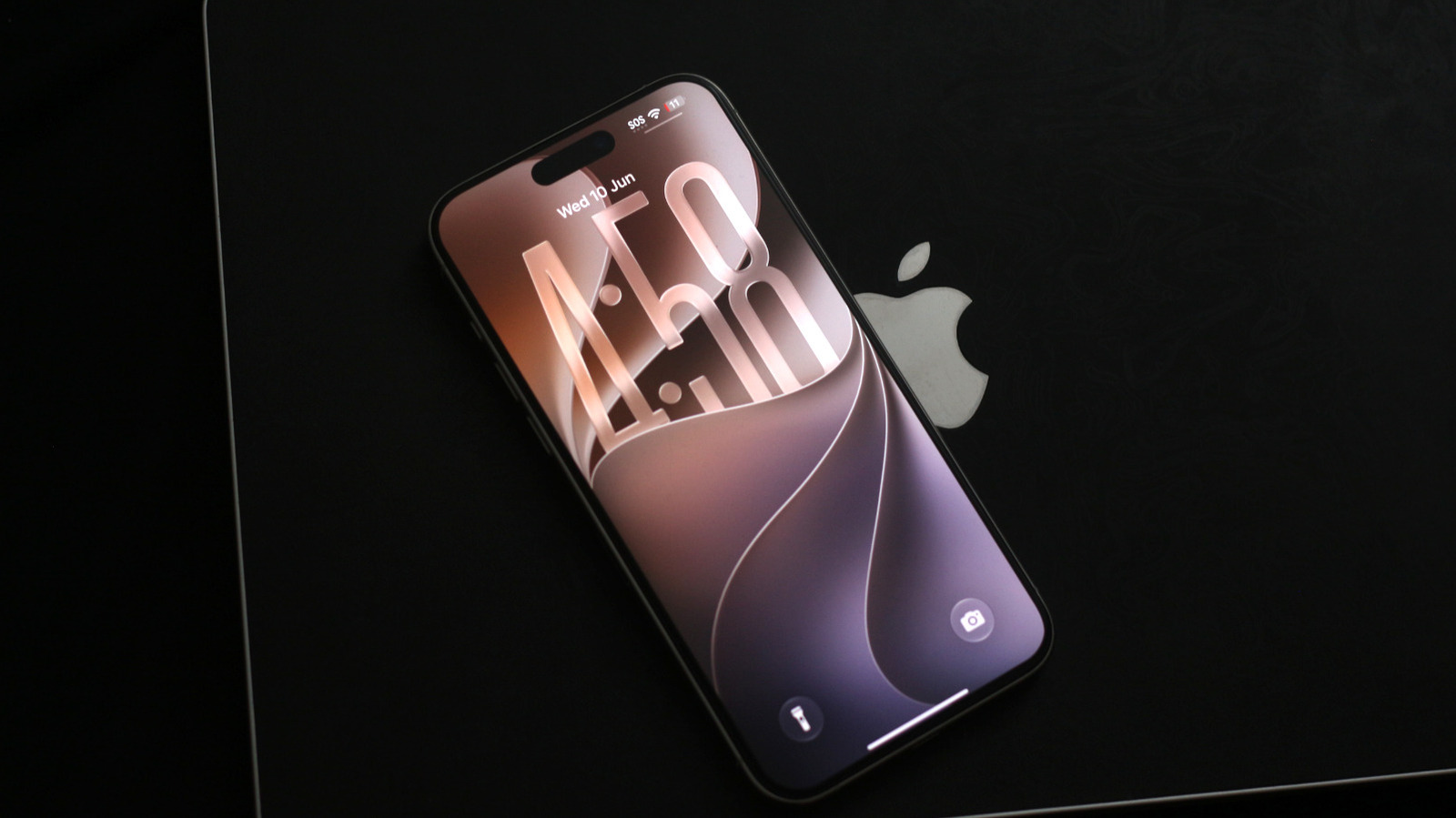
Apple has pulled the curtain back on iOS 27 and a developer beta is already available for those who want to test early. This article walks through what to expect, the real risks of running pre-release software, and sensible precautions to protect your device and data.
Developer betas let enthusiasts and app makers get hands-on with the next version before anyone else, but they are meant for testing, not daily driving. You should expect instability, flaky apps, and unpredictable battery life while you poke around. Treat it as a lab environment where things can break at any time.
Before you install anything, backup your device and confirm you can restore it if needed. Relying solely on your phone while experimenting is asking for trouble, because some bugs will be inconvenient and others could lead to data loss. A quick and current backup is cheap insurance that keeps you from getting stuck.
Not every iPhone will behave the same with a developer release, since drivers, firmware, and app support vary across models. Older hardware tends to struggle more with cutting-edge updates, while the newest phones usually get the smoothest ride. If your phone is your lifeline for work or critical contacts, wait for the public beta or final release instead of being a guinea pig.
Expect a mix of polish and rough edges: Apple often layers refinements on core apps, changes to privacy controls, and subtle interface updates, alongside experimental features that may be adjusted or removed. Some system behaviors can change in ways developers need to address, so if you rely on third-party apps, check that the developers you depend on are ready. Enthusiasts enjoy seeing the direction Apple is headed, but remember early access is a preview, not the finished product.
Installing a developer build usually requires enrollment in a developer program, and the process can bring hidden complications like incompatible accessories or tethering quirks. Battery drain, unexpected reboots, and app crashes are all part of the beta experience, and rolling back to a stable release can be time consuming. If you choose to proceed, carve out a window where you can troubleshoot without disrupting your day.
When you run into problems, document them and report issues through the official channels so engineers get the feedback they need. Developers welcome bug reports because those details help shape the public beta and final release, and real-world testing speeds up fixes. If you prefer stability, or if your device is mission-critical, the smarter move is to wait for the public beta or for Apple to ship the polished version to everyone.
