
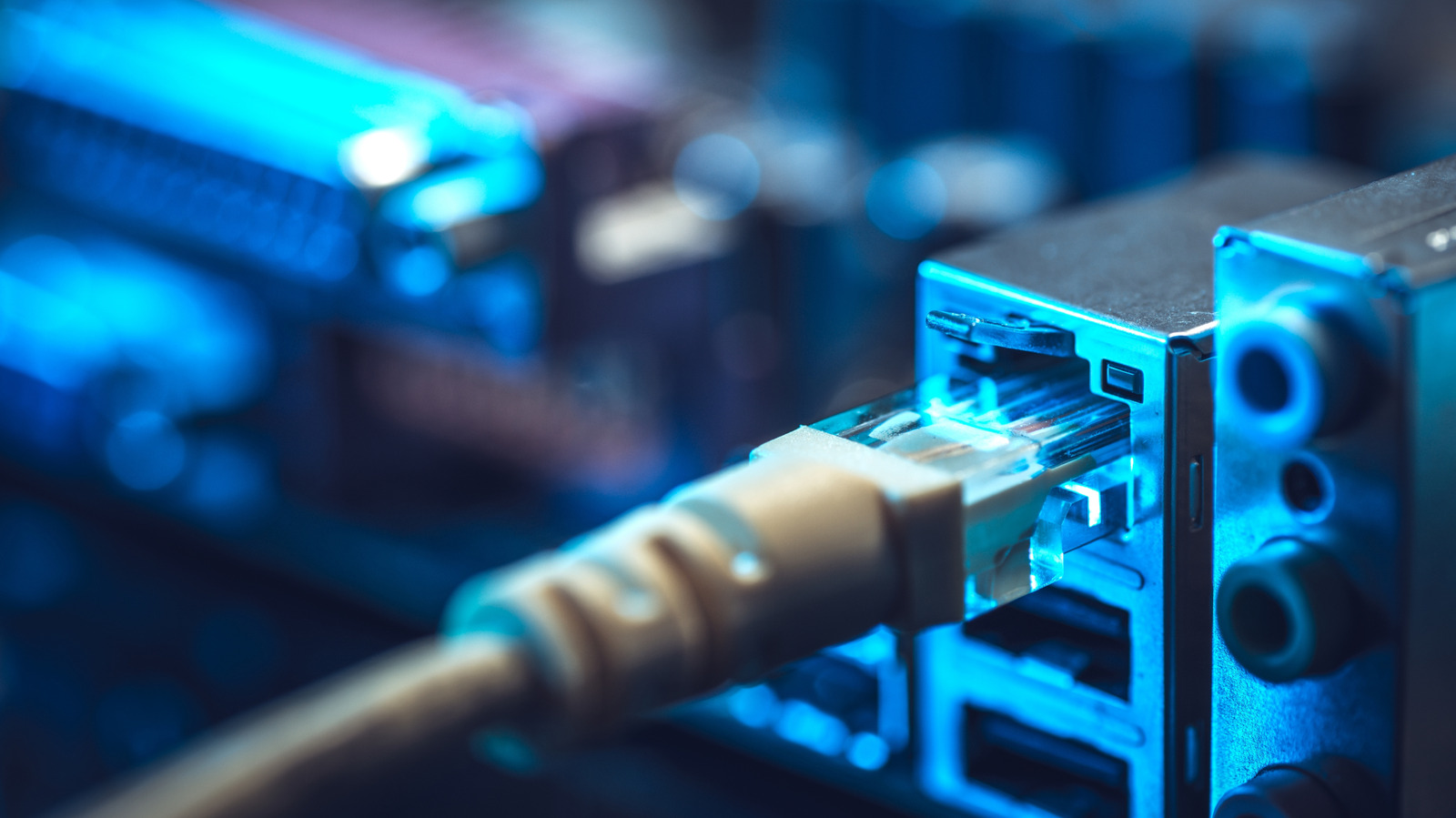
This article breaks down why wired Ethernet still matters in a wireless world, explains where it shines, and gives practical, no-nonsense advice for getting the most reliable performance from your home or office network. Expect clear comparisons of speed, latency, and stability, plus actionable tips on cabling, switches, and alternatives when running wire is a pain. Read on to decide what makes sense for your setup and how to test whether a cable will actually help.
Wi-Fi wins on convenience because it frees devices from cables and covers mobile use, but that freedom comes with tradeoffs you feel. Signals bounce around, share bandwidth, and suffer from walls, appliances, and your neighbor’s router competing on the same channels. When multiple devices stream, game, or upload simultaneously, performance can wobble and latency spikes become obvious.
Ethernet delivers consistency because each connection gets a dedicated physical path back to your network gear, which helps keep throughput steady and ping times low. Copper pairs and modern connectors avoid the unpredictability of radio waves, so transfers, backups, and voice calls behave the same minute after minute. That predictability is why professionals still wire workplaces and why serious gamers and streamers often insist on a cable.
For gaming, low latency is everything; a wired link trims milliseconds and cuts jitter that ruins reaction time in competitive matches. Content creators pushing large video files back and forth also notice huge differences with Ethernet, where sustained upload and download speeds stay near the rated capacity. Remote workers running virtual desktops or VoIP calls get fewer dropouts and clearer audio when their laptop is plugged in.
Getting started is straightforward: choose the right cable and avoid shortcuts that look cheap. Cat5e is fine for most gigabit needs under 100 meters, but Cat6 and Cat6a reduce crosstalk and handle higher bandwidths at longer lengths if you plan for future upgrades. Use a managed or unmanaged gigabit switch to expand wired ports, and keep runs tidy through walls or conduits to avoid physical damage.
When things go wrong, the fix is usually mechanical or software-based, not mystical. Check that NIC drivers and firmware are up to date, confirm port speeds and duplex settings match on both ends, and swap cables to rule out a bad run. If your router auto-negotiation misbehaves, force the port to a set speed temporarily to test stability and then address the root cause with replacement hardware if necessary.
Wired networking also tightens security without much fuss because attackers can’t just sniff the air; they need physical access or compromised devices on the LAN to intercept traffic. Power over Ethernet brings extra perks too, letting you power devices like access points, cameras, or VoIP phones without a separate outlet. For deployments where uptime matters, a hardwired backbone combined with redundant switches can keep services online during chaos.
That said, Wi-Fi keeps improving, and for many households it’s perfectly adequate for browsing, streaming, and connecting gadgets that move around. Mesh systems and Wi-Fi 6 and 6E reduce dead zones and handle more clients, so if installing cable is impractical you can still get competent results with careful placement. Remember, convenience and mobility are legitimate design goals, and a blended wired-wireless approach often delivers the best of both worlds.
If running cable isn’t an option, consider alternatives like MoCA over coax or powerline adapters that leverage existing wiring to deliver closer-to-wired performance. Those solutions aren’t magic and can be sensitive to the quality of old wiring, but they beat weak Wi-Fi in many real-world scenarios and are far easier than drilling through finished walls. Assess noise on the lines and test throughput before committing to a long-term setup.
Take one concrete step today: pick the device that frustrates you most, run a temporary Ethernet drop, and measure before and after with a simple speed and latency test so you can see the change. If the wired connection proves its value, plan a cleaner install with proper cable type and a central switch location, and leave Wi-Fi for mobile devices. You’ll end up with a network that behaves predictably and lets you save your bandwidth battles for the apps that actually need it.
