
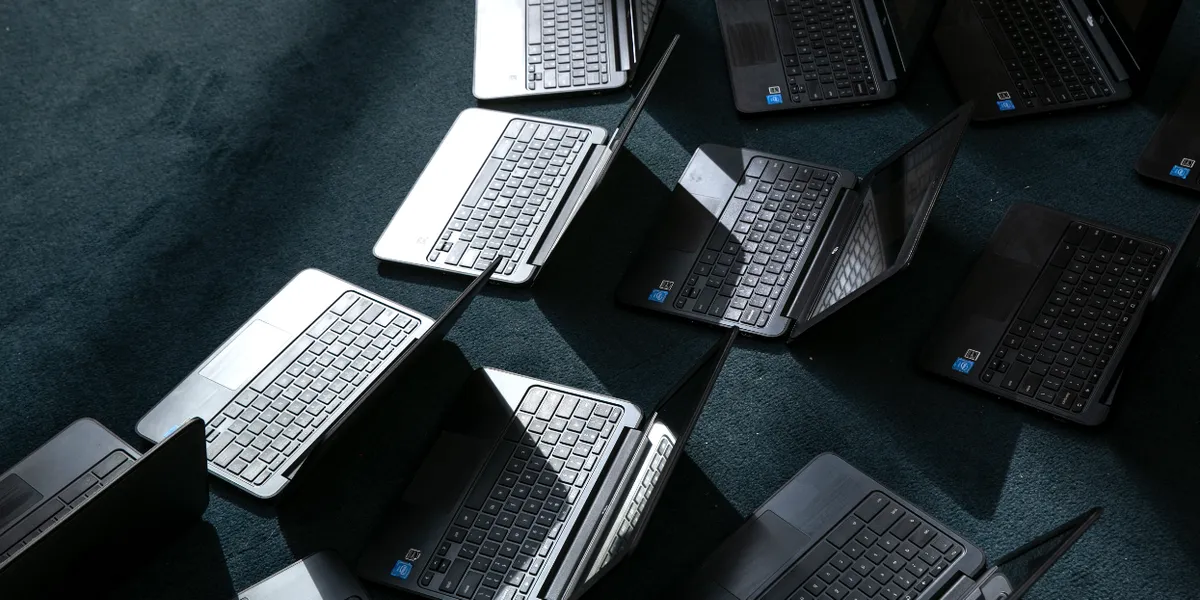
Google’s Chromebook push is entering a new phase, and that means the familiar low-cost laptop that filled classrooms, kitchens, and dorm rooms is not staying frozen in time. The shift is less about a sudden disappearance and more about a changing role, with support timelines, hardware choices, and update policies all moving the goalposts.
For anyone still using one, the big question is simple: what still works, what is changing, and what should come next? The answer depends on the age of the device, how it was used, and whether it was bought for school, family life, or basic everyday browsing.
Chromebooks earned their popularity by being cheap, fast to boot, and easy to manage. That formula made them a hit in education and a practical pick for people who wanted a no-drama laptop for email, streaming, documents, and web-based work.
But the same simplicity that made them appealing has also limited how much they can evolve. When the software support window closes or hardware ages out, a Chromebook can go from dependable to awkward in a hurry, especially if the device was purchased with the expectation of years of hassle-free use.
That is where the next chapter starts to matter. Users are being pushed to pay closer attention to update dates, device age, and whether a replacement device should stay within the Chromebook family or move to something more flexible.
School buyers are likely to feel the pressure first. Chromebooks became a staple because districts could buy them in bulk, hand them out quickly, and keep maintenance costs low, but that equation starts to break down when aging fleets become harder to support.
Parents and students may notice the change in a more personal way. A device that once felt good enough for homework and video calls can start to feel limiting when apps slow down, battery life fades, or newer browser features expect fresher hardware.
There is also the reality of what happens after support ends. A Chromebook may still power on, but the experience can become less secure and less reliable, which is a lousy combination for anyone using it to store passwords, handle schoolwork, or log into everyday accounts.
That is why preparation matters before a device reaches the end of its useful life. Checking how much support time remains, whether the machine still fits current needs, and whether the user depends on cloud tools or offline storage can make the transition far less painful.
People with older units should also think about how they actually use the laptop day to day. Someone who mostly browses the web might be fine with a light replacement, while someone juggling spreadsheets, creative tools, or lots of browser tabs may need something stronger.
The bigger lesson is that ChromeOS has always been a tradeoff. It gives users simplicity and speed, but it also asks them to stay aware of the clock ticking on support, hardware, and compatibility, which is easy to ignore until the system starts feeling old.
Even with that pressure, Chromebooks are not vanishing overnight. Plenty of models will keep serving their owners well for a long time, and the category still makes sense for buyers who want a straightforward machine without a lot of fuss.
Still, the market is clearly moving. As Google reshapes what comes next, buyers, schools, and everyday users are left making a sharper choice about when to hold on, when to upgrade, and when a laptop that once felt like the obvious answer has finally run its course.
