
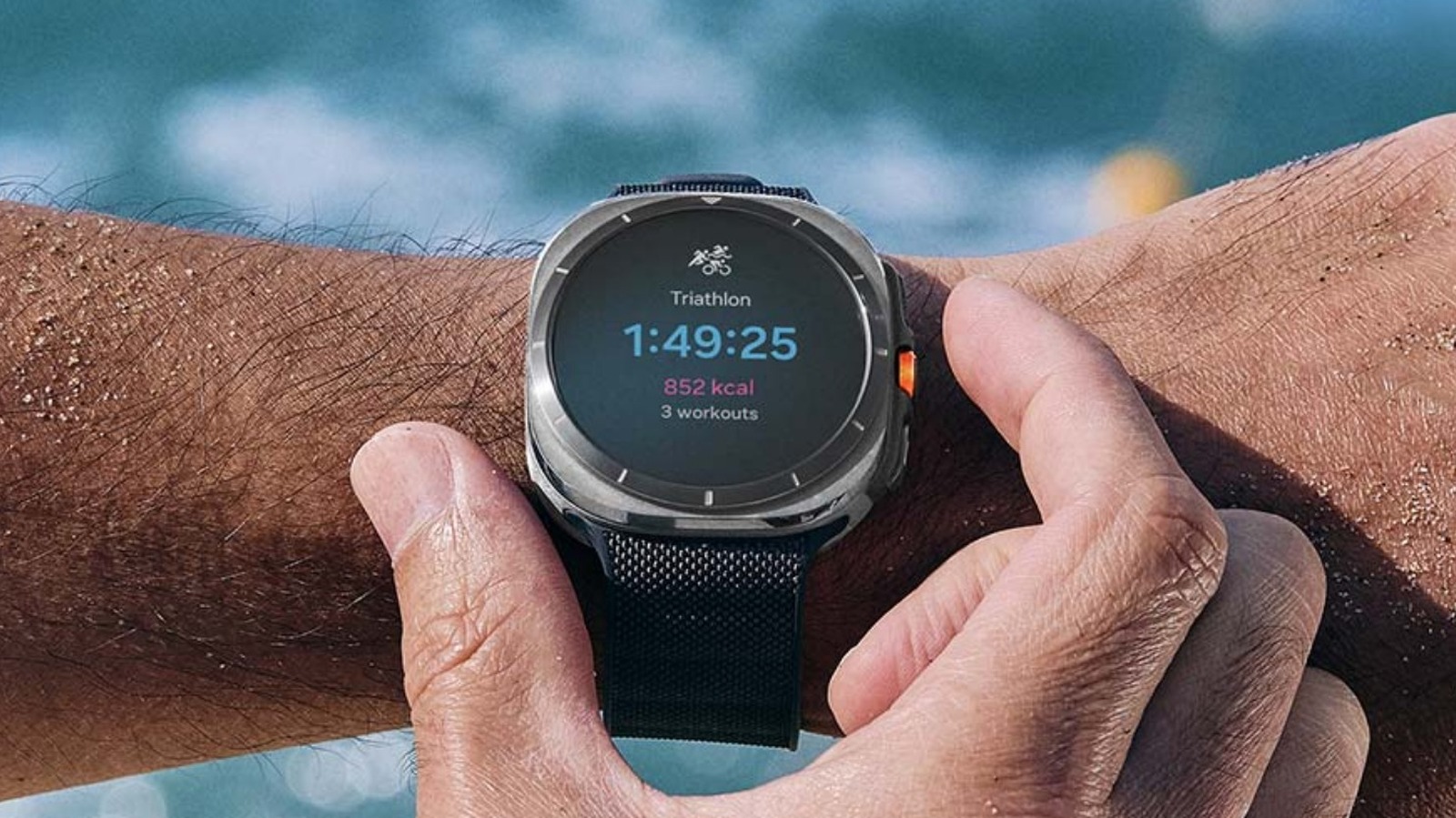
We cut through the marketing and the griping to find out how Samsung smartwatch battery life really behaves. This piece lines up Samsung’s lab claims against what owners actually experience, points out the settings and behaviors that change the outcome, and gives clear, no-nonsense advice on what to expect day to day.
Samsung’s lab numbers are a useful starting point, but they are not a promise you will reach in daily life. Labs test on controlled settings with minimal connectivity and limited notifications, so features like always-on display, LTE, and continuous GPS are often disabled during those runs. When you turn on everything that makes a modern smartwatch smart, battery life can shrink fast.
Owners report a huge range of results, from hitting the advertised figures to barely scraping through a day. The difference usually comes down to how the watch is used. Heavy notifications, third-party apps, and bright screens are common culprits, while light usage and conservative settings deliver the best real-world numbers.
Screen settings matter more than many people expect. Brightness, screen timeout, and especially the always-on display are among the biggest drains on battery. Switching the always-on display off or using a darker watch face can turn a marginal day into a comfortable two-day run for some models.
Connectivity choices also play a major role. Watches using LTE independently of a phone will burn through battery faster than paired Bluetooth models, because the radios consume significant power. Frequent GPS tracking for workouts or navigation will also chip away at battery life much quicker than casual step counting or heart rate checks.
Software and apps are another frequent source of surprises. Background syncing, weather updates, and poorly optimized third-party apps can create steady drain even when you think the watch is idle. Regularly reviewing which apps have permission to run in the background and keeping firmware updated are simple ways to reduce unexpected battery use.
Charging behavior and battery health should not be ignored. Batteries degrade over time, so a watch that matched the lab numbers at purchase can fall well short a year later. Fast charging helps keep you mobile during a busy day, but it does not fix underlying drain from settings or apps.
Some owners find that toggling power saving modes when needed is the best compromise. Those modes often reduce background activity and limit sensors to stretch battery life without turning off core functions. If you routinely need multi-day endurance, configuring a conservative profile and being mindful about which features you enable will yield better consistency than hoping for lab-level results.
If your watch drains unusually quickly, there are diagnostic steps that often reveal the issue. Start by checking recent battery usage to see which services or apps dominate the drain, uninstall or restrict anything suspicious, and reboot or factory reset if software glitches persist. If problems continue, a battery replacement or warranty support may be required, especially if capacity drops dramatically in the first year.
Choosing a model with larger capacity or simpler feature set is a practical route for those who prioritize battery over bells and whistles. Classic and flagship models often pack bigger batteries but also ship with more power-hungry features, so the real-world gain depends on how you use the device. Match the watch to your habits: heavy feature users should expect daily charging, while light users may comfortably get multiple days.
Ultimately, Samsung’s lab claims offer a benchmark, not a guarantee. Real-world battery life lives in the messy middle between specification and personal usage, shaped by settings, connectivity, apps, and time. Adjusting expectations and tweaking settings will get you closer to a reliable experience without losing the features that made you buy a smartwatch in the first place.
