
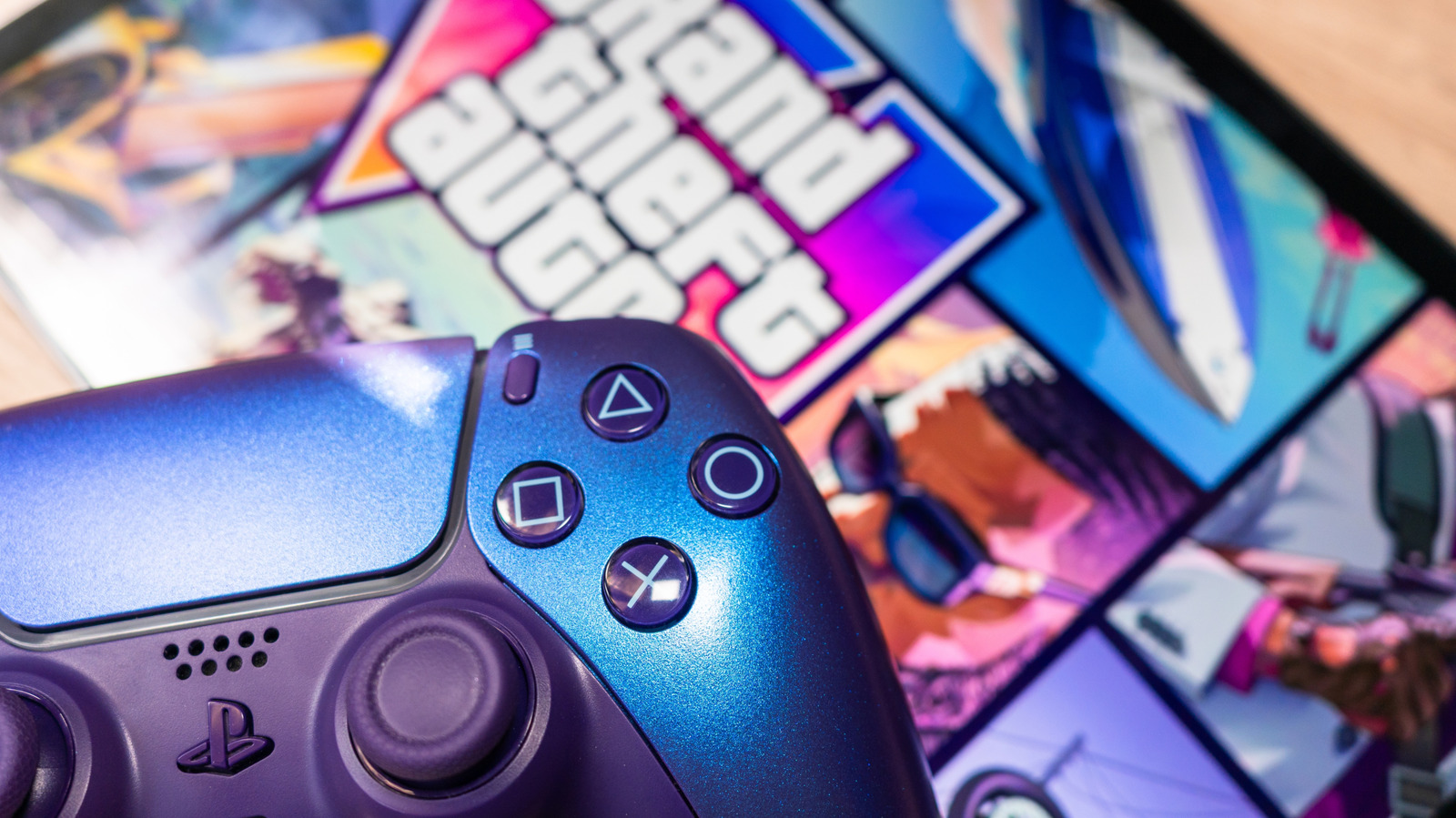
Grand Theft Auto VI brings a fresh control setup that can catch long-time players off guard fast. The good news is that the game still lets players swap back to a familiar layout, so the learning curve does not have to stick around for long.
Fans coming straight from Grand Theft Auto V will notice the biggest changes almost immediately. Some of the most familiar buttons now do different jobs, which means habits built over years can trip you up in seconds.
On PlayStation, the Cross button is the same thing many players call X, while on Xbox it is simply X. That small naming detail matters here because the control changes affect movement, combat, and basic on-foot actions in ways that feel different from the last game.
One of the most noticeable shifts is crouching, which now sits on B or Circle depending on the system. In GTA 5, that same button was tied to melee attacks, so players who mash it by instinct may find themselves ducking instead of swinging.
Melee combat also moved. Instead of using the button veterans expect, GTA 6 assigns hand-to-hand attacks to Square on PlayStation or X on Xbox, which is a big reset for anyone who learned the older layout by muscle memory.
Movement has changed too, and that is where the mismatch really starts to show. Jogging now lives on Cross or A, while sprinting has been shifted to L3 on PlayStation and LS on Xbox, turning what used to be a simple rhythm into something that can feel awkward at first.
Jumping also no longer sits where many players expect it. In GTA 6, that action moves to Cross or A, replacing the older placement that longtime players may instinctively reach for during fast movement or quick escapes.
For anyone who wants the old feel back, Rockstar keeps the fix inside the settings menu. Open the in-game settings, head to the Control Scheme tab, and cycle through the available layouts until Classic Control Scheme appears.
Once Classic is selected, the familiar GTA 5-style setup comes back into place. Running and sprinting return to Cross on PlayStation or A on Xbox, while melee attacks move back to Circle or B, which is exactly where many players expect them to be.
That classic layout also restores jump and climb to Square on PlayStation or X on Xbox. Crouching goes back to L3 or LS, making the overall feel much closer to the control setup that defined the series for years.
The Control Scheme tab does more than just switch a few buttons around. It also shows a full control map for the game, including actions tied to weapons, vehicles, boats, aircraft, and even bicycles, which now have their own place in the mix.
That full layout matters because GTA 6 is not just about running down a sidewalk and causing chaos on foot. The game throws players into all kinds of situations, and being able to check every control in one place makes it easier to stay in command when the action starts moving fast.
