
Isopropyl alcohol has long had a bad reputation around TV screens, but the story is a little more nuanced now. Some manufacturers still warn against it, while others have updated their guidance to allow it in limited situations, as long as the screen type and dilution level are right. The real trick is knowing when alcohol is safe, how much to use, and what kind of touch a delicate display can actually handle.
For a lot of modern TVs, the key detail is the model-specific guidance from the manufacturer. Samsung, for example, now says certain QLED, Neo QLED, MicroLED, and Crystal UHD sets can be cleaned with isopropyl alcohol under specific conditions, which is a big shift from the old blanket warning. That does not mean any bottle from under the sink is fair game, though, because alcohol strength matters just as much as the screen itself.
The percentage is where many people slip up. Samsung says to use isopropyl alcohol at 70% or less, not the stronger 91% or 99% versions that often get recommended for electronics in general. Stronger is not always better here, especially when the goal is cleaning a coated surface without stressing the finish or leaving the display looking dull.
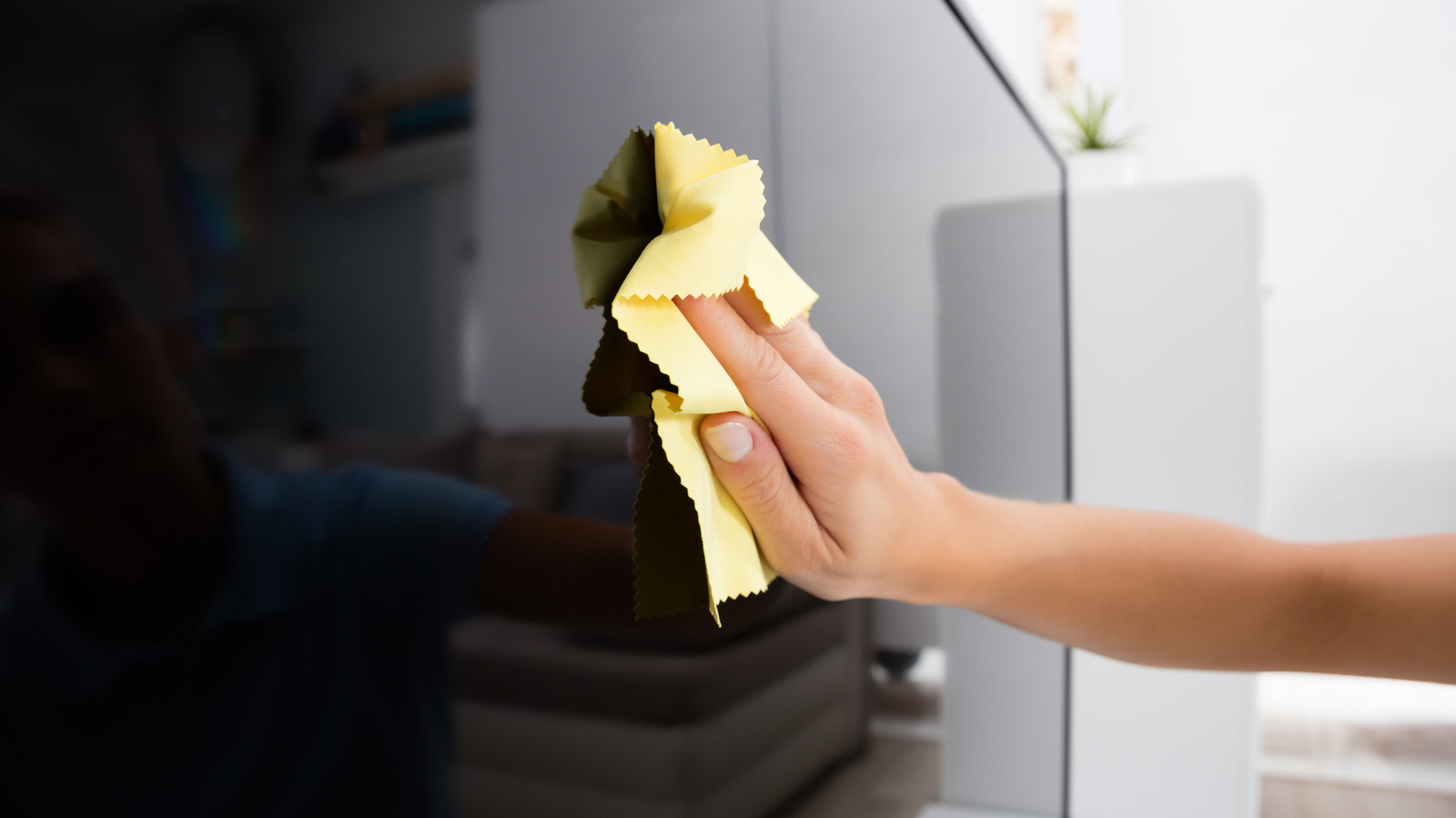
Application matters just as much as the liquid. The safest approach is to power the TV off and unplug it first, then apply the alcohol to a microfiber cloth rather than spraying the screen directly. That keeps moisture from sneaking into openings or creating a safety issue, and it also helps avoid pooling on the display, which is exactly the kind of thing that can turn a simple cleanup into an expensive headache.
Microfiber is still the star of the show. Even with alcohol, rough pads, paper towels, and abrasive scrubbing are a bad idea because they can leave tiny scratches or mess with the reflective layer on the screen. Gentle circular motions are usually enough for fingerprints and smudges, and a final pass with a dry section of the cloth helps clear away leftover moisture before it can streak.
It also helps to respect the limits of the screen coating. What looks like a stubborn mark may not need heavy pressure at all, and pushing harder can do more harm than good. A light touch is the safe move because the goal is to lift grime, not grind it into the surface.
Once the TV is handled, the same cloth can be useful elsewhere around the living room. Remote controls pick up oil and bacteria fast, so a small amount of 70% isopropyl alcohol on microfiber can clean them up nicely. That same logic extends to TV ports too, where dust can interfere with connections and stability, even if the screen itself stays spotless.
Ports need a different kind of care, though. Soft brushes and alcohol can be used on USB and HDMI openings, but only when everything is fully dry before devices go back in. For older glass tube TVs, a microfiber cloth lightly dampened with alcohol is also considered safe, which shows how cleaning needs change depending on the age and design of the set.
For anyone who would rather skip the guesswork, pre-made screen wipes are another route. Alcohol-free and ammonia-free wipes made for TVs and other displays can simplify the process, especially when there is no microfiber cloth nearby. That kind of convenience can be appealing, but the main lesson stays the same: the safest cleaning method is the one matched to the screen in front of you.
