
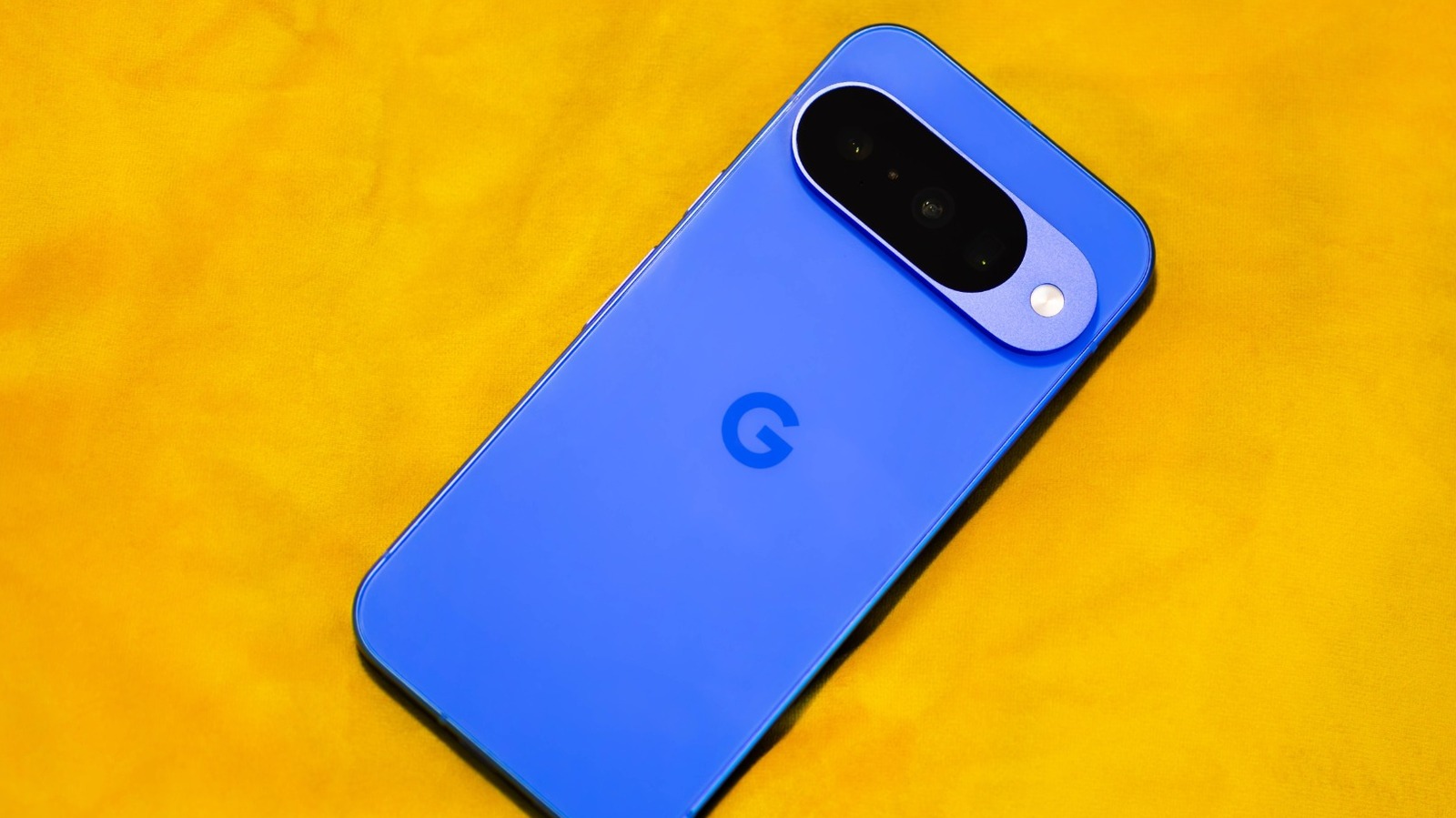
- Focus on why a Pixel can slow down even with clean Android.
- Cover freeing up storage as the first practical fix.
- Explain the impact of AICore on RAM and background load.
- Look at removing unused apps and trimming hidden clutter.
- Address background process limits and lighter home screen choices.
Google Pixel phones have a reputation for being clean, fast, and refreshingly simple, but that does not mean they stay snappy forever. When a Pixel starts dragging, the culprit is often not some deep hardware flaw, but everyday clutter, overactive background services, or settings that quietly pile on extra work. The good news is that a few smart tweaks can wake the phone back up without rooting it, voiding anything, or turning the whole thing into a science project.
The easiest place to start is storage, because a nearly full phone has a way of making everything feel slower. Once free space gets too low, the system has less room to manage temporary files, cache, and updates, and that slowdown shows up in all the little places that drive people crazy, like slow taps, stuttery app launches, and a camera that feels less responsive. Pixel’s built-in storage tools can point out what is hogging space, and features like Smart Storage and Free up space can take care of old backups, stale files, and forgotten downloads before they become a drag.
Manual cleanup helps too, especially when the big offenders are hiding in plain sight. Old photos and videos, offline maps, and bloated app caches can eat up a surprising amount of room, and clearing them out can make the phone breathe again. It is one of those boring chores that pays off fast, because a little bit of breathing room can make a Pixel feel like it just had a strong cup of coffee.
Another thing Pixel owners run into is AICore, Google’s system-level background service that helps power on-device AI features. On newer Pixels, it supports things like Gemini Nano and can quietly use RAM and storage while it does its thing in the background. That is great when you want local AI features, but if you are chasing speed, it is worth checking whether AICore is helping more than it is hurting on your device.
You do not need to tear the whole system apart to test that theory. In the Apps settings, you can find AICore, force stop it, and disable it if you want to free up some memory and reduce the background load. The important part is understanding what you are giving up, because turning it off may affect features tied to on-device AI, while the cloud-based Gemini app itself can still keep doing its thing.
Unused apps are another sneaky source of slowdown, especially when they have been sitting around for months and doing absolutely nothing useful. Pixel phones usually avoid the worst of bloatware, but even a clean device can collect a junk drawer of apps you no longer open. If an app is safe to remove, uninstalling it is the cleanest move, and for system-level stuff that does not offer a normal uninstall option, tools like Shizuku and Canta can help trim the fat without needing root access.
It also helps to keep an eye on background activity, because Android likes to hold onto apps in memory so you can jump back in quickly. That is convenient until too many apps are hanging around and RAM starts getting squeezed, which is when the phone can begin to feel sticky and sluggish. Developer Options includes a Background Process Limit setting, and while you should not crank it down recklessly, using a lighter limit can be useful if you know certain apps are the ones gumming up the works.
Then there is the home screen, which is supposed to look nice but can quietly become a little performance tax. Live wallpapers and dynamic widgets keep working after you stop paying attention to them, pulling in animation, sensor data, or updates in the background just to stay fresh. A static wallpaper and a slimmer widget setup may not look as flashy, but they keep the Pixel from spending energy on eye candy it does not need.
That is the real trick with speeding up a Pixel. Most of the time, you are not fixing a broken phone so much as removing the extra weight it has picked up along the way. Clean up storage, cut loose the background junk, and give the device fewer things to juggle, and the whole experience starts feeling a lot closer to what made Pixel phones appealing in the first place.
