
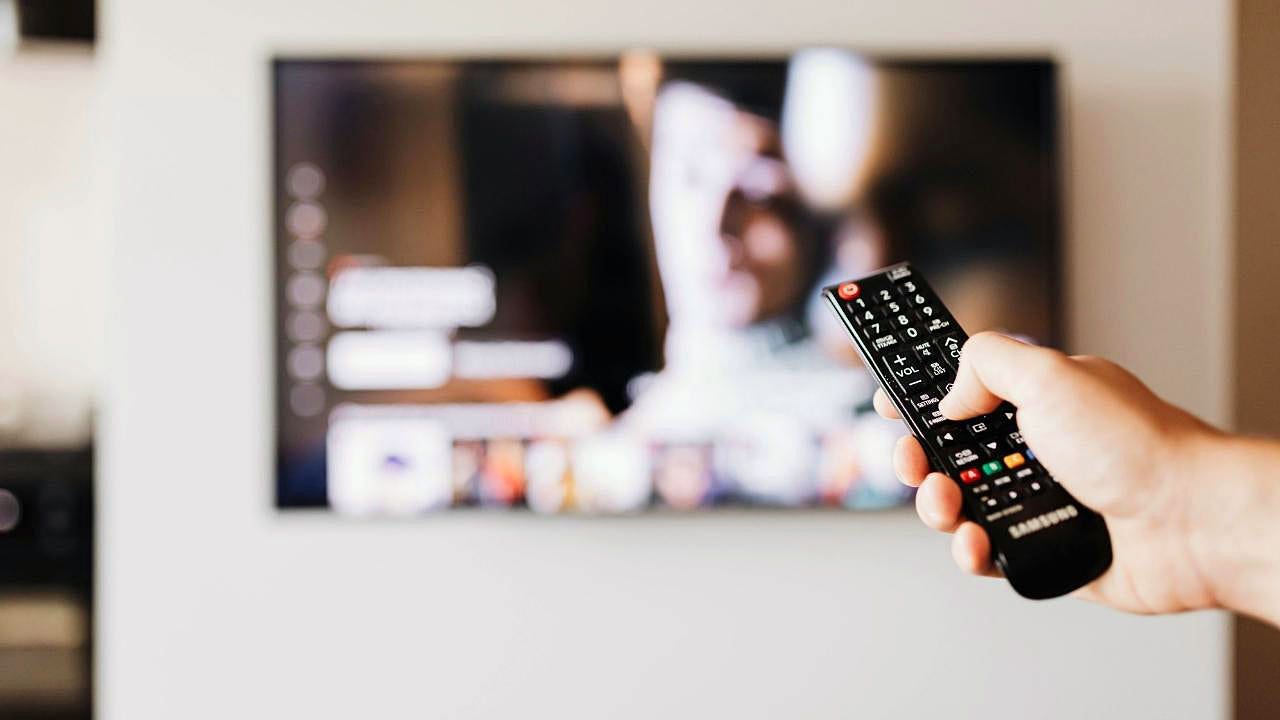
If your home network keeps growing every time you bring in a new screen, gadget, or assistant, the smartest move is to lock that device down before it ever gets comfortable on your Wi-Fi. Smart TVs, tablets, and phones often arrive packed with loose privacy settings, default permissions, and tracking features that can expose more than you realize. A few quick changes up front can keep your personal data from becoming part of somebody else’s business.
Most people do it backward. They unbox the device, connect it fast, and only later start wondering why it knows so much, asks for so many permissions, or quietly keeps sending information out in the background. That delay is exactly what hackers, data brokers, and overly curious advertisers count on.
The big issue is that modern devices are rarely innocent right out of the box. They usually ship with convenience-first settings, which means automatic connections, data sharing, ad tracking, and remote access can already be active before you touch anything. On a smart TV, that can include Automatic Content Recognition, or ACR, which watches what’s on your screen and feeds that data back into the ecosystem.
Phones and tablets can be just as nosy. Many are ready to share location details, sync data to company servers, and allow nearby device connections unless you shut that down yourself. If one device on the network is weak, the rest of the home can end up feeling the fallout.
That is why the first move should be simple: update the device, change any factory password or PIN, and get rid of the easy stuff attackers love. A brand-new gadget may still need patching, and default credentials are the kind of thing criminals routinely hunt for online. It only takes a minute to make life harder for them.
Next, dig into privacy settings instead of skimming past them. On smart TVs, look for ACR under names like Viewing Data, Live Plus, Smart TV Experience, or privacy controls, and turn it off if you do not want your viewing habits feeding ad systems. On phones and tablets, check location, camera, microphone, Bluetooth, and nearby-device access so apps only get what they truly need.
It also helps to shut off features you never use. Bluetooth, file sharing, screen mirroring, and remote access can stay open for no good reason and widen your exposure. If the feature is not helping you right now, it probably does not need to be running in the background.
For a stronger setup, give connected devices their own guest Wi-Fi or isolated network instead of putting everything on the same lane as your laptop and work gear. Use WPA3 if your router supports it, or WPA2 if that is the best option available, and make the password strong and unique. That way, a chatty TV or a cheap smart gadget does not get a free pass to the rest of your home tech.
Software updates deserve attention before anything else gets signed in. Install the latest version first, then add streaming accounts, email, payment info, or anything else sensitive. A fresh update can close holes that were sitting there waiting to be used.
Account protection matters too. Turn on two-factor authentication wherever it is available, especially on Apple, Google, Samsung, Amazon, or Roku accounts. If the device uses purchases or app installs, set a PIN so an accidental tap does not turn into an unwanted bill.
Smart TVs deserve a closer look because they are often the biggest privacy leakers in the room. Review ad tracking, voice recognition, and viewing-data settings for brands like Samsung, LG, Roku, Amazon Fire TV, and Vizio, and disable the pieces you do not want. If the menu feels buried, that is usually part of the problem, not a reason to ignore it.
Phones and tablets should get the same careful treatment. Set app permissions to the lowest level you can live with, and use options like “while using the app” or “ask every time” instead of handing over permanent access. If an app wants your camera or microphone for no obvious reason, that is a red flag worth noticing.
Finally, think about what should not be on the device at all. Delete preinstalled apps you do not use, avoid random sideloads, and stick with official app stores whenever possible. A VPN can add another layer of privacy by encrypting traffic, which helps on public Wi-Fi and can also protect devices that cannot run a VPN app directly, including some smart TVs and connected home gadgets.
Once the basics are handled, the device stops feeling like a data sponge and starts acting more like something you actually control. The difference is usually just a few settings, a little patience, and a refusal to let the default choices do the thinking for you.
