
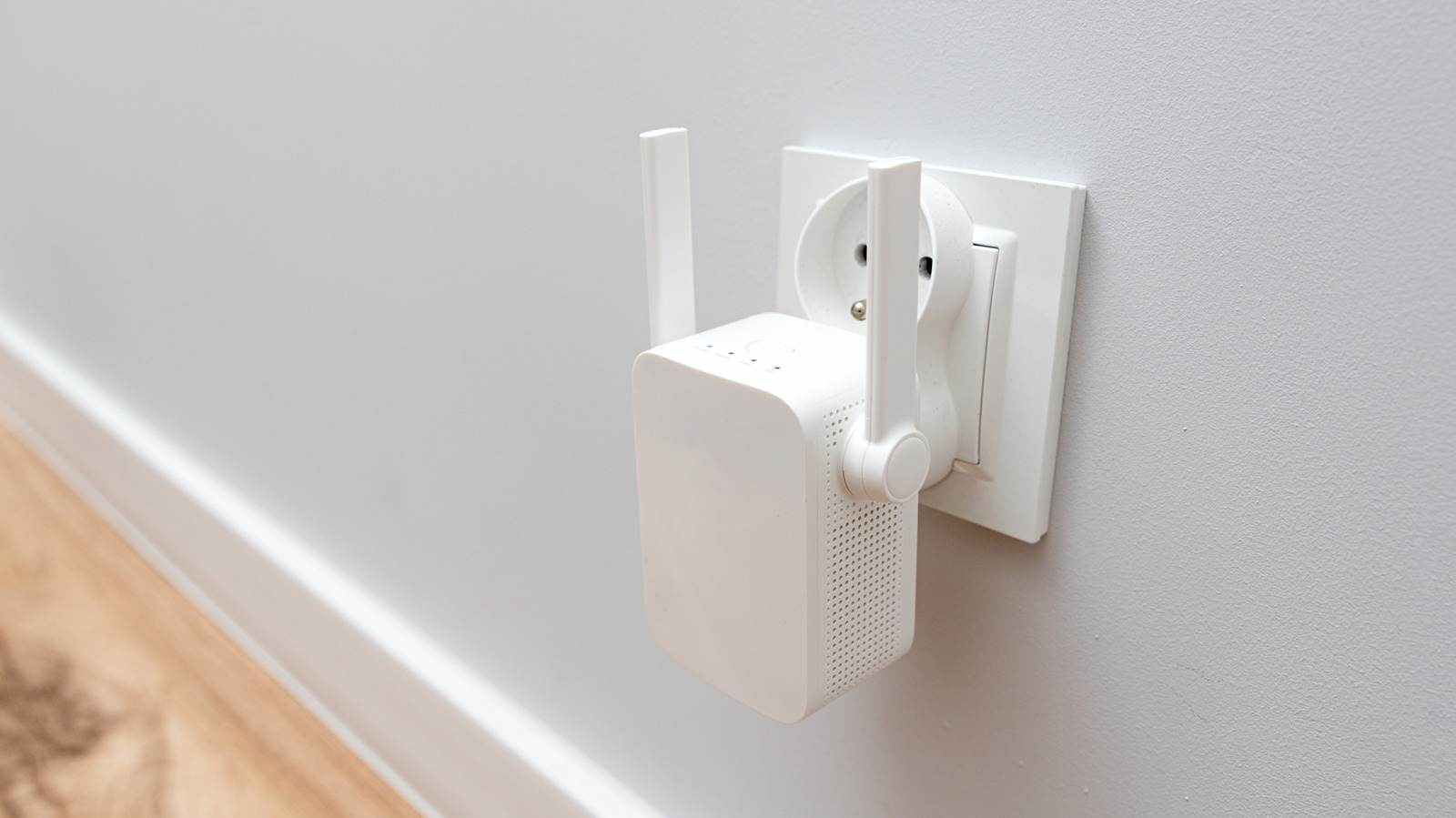
If your home Wi-Fi is a patchwork of dead zones and spotty streaming, you can fix most of it without a total router overhaul. This piece walks through what a Wi-Fi extender actually does, when it helps, its limitations, and smarter alternatives so you can make a clear decision that saves time and frustration.
A Wi-Fi extender grabs your router’s signal and rebroadcasts it to reach farther corners of the house. That sounds useful, and it can be, but an extender is not a magic speed booster. Expect coverage improvements more than raw performance gains, especially if your original signal is weak.
Placement matters more than price. Put an extender too far from the router and it repeats garbage; put it too close and you get little extra reach. Aim for a spot where it still hears the router well but also edges into the dead zone you want to fix.
Speed loss is the usual trade-off with extenders – many models halve throughput because they use the same radio to receive and transmit. If streaming 4K or gaming on a single device is your priority, that slowdown is noticeable. For basic browsing, smart speakers, and casual phone use, most people won’t be bothered.
Dual-band extenders offer some relief by using one band to talk to the router and the other to talk to clients. That helps, but it only works well when both the router and extender support it and the extender has the hardware to manage both links. Even then, wired backhaul from extender to router is always faster and more reliable if the device supports it.
Security deserves attention when you add any network gadget. Use WPA2 or WPA3 if your gear supports it, and change default passwords during setup. An unsecured extender will widen the attack surface of your home network, which you definitely don’t want.
Extenders are a solid temporary fix or a low-cost option for small coverage gaps. They shine in apartments, single rooms, or when you need internet on a patio or garage occasionally. For whole-home coverage and many devices, they start to look like a compromise rather than a solution.
Mesh systems solve many extender problems by using multiple nodes that are built to work together from the start. Mesh typically delivers smoother roaming, less manual juggling of SSIDs, and better throughput across larger houses. The trade-off is higher cost, but you get consistent performance and simpler management in return.
Powerline adapters are another alternative that uses your home’s electrical wiring to carry network traffic. They can be more reliable than wireless extenders because signals travel over copper, but performance depends heavily on wiring quality and distance. Combining powerline adapters with an access point gives you wired-like performance without running new Ethernet cable.
Before you buy, run a quick signal survey with a phone to map where the signal dips. That helps you target the right places for an extender, mesh node, or powerline unit. Also consider the number of devices and the types of tasks you do – a home office and 4K streaming need a solution that prioritizes bandwidth and latency.
Compatibility matters too. Older routers and extenders can drag the whole network down if standards don’t match. If you mix and match equipment, set the extender to a compatible mode and be prepared to tweak settings like channel and band to reduce congestion.
Setup is usually straightforward but don’t skip firmware updates after installation. Updates often fix performance issues and security holes. If you run into trouble, a factory reset and setting up again often clears stubborn glitches faster than hunting through menus.
If you want a cheap, fast fix for a single dead zone, go with a decent extender and be realistic about the result. If you want reliable, whole-home Wi-Fi with minimal babysitting, invest in a mesh system or wired options. Know what you need, and pick the tool that matches that problem instead of hoping one device will solve every issue.
