
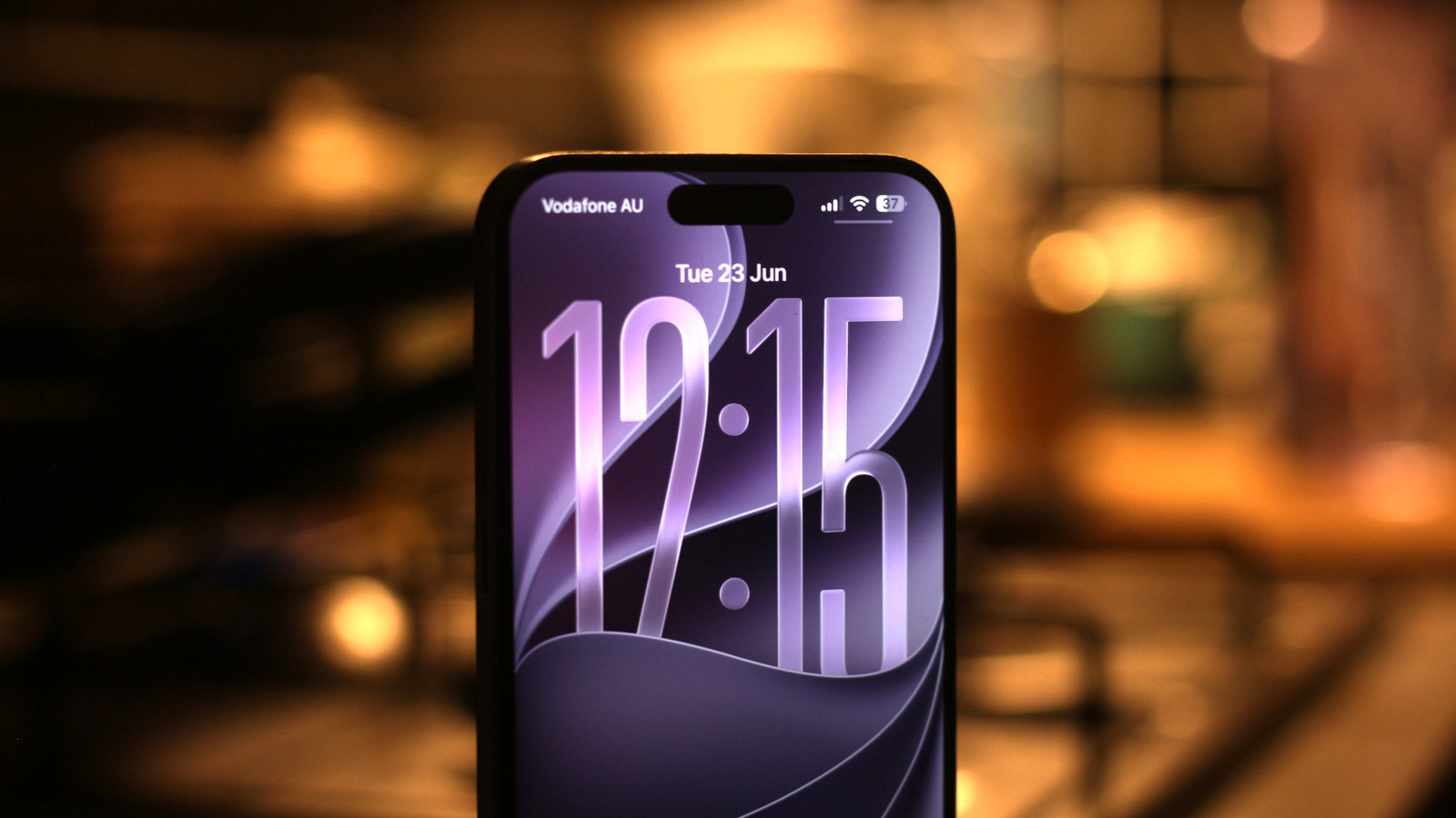
iOS 27 quietly shifts the iPhone experience by polishing small corners rather than piling on flashy new toys, and those refinements could change the way you use your phone every day. This piece walks through practical tweaks and under-the-hood improvements that matter more than headlines suggest. Read on for a clear look at what to expect and why these modest moves add up to noticeable gains in speed, convenience, and privacy.
One clear thread in iOS 27 is speed of interaction. Apple has leaned into snappier animations and faster app launches, so routine tasks feel smoother without you thinking about it. That kind of polish turns short waits into almost nothing and makes the phone feel newer without swapping hardware.
Battery handling gets smarter in iOS 27 with more nuanced charging logic and background task limits. Instead of broad strokes, the system adjusts based on real habits, which should help phones hold usable battery longer through a day. It doesn’t scream breakthrough, but for someone who relies on their device from morning meetings to late workouts, it’s a practical improvement.
Notifications and focus controls are less intrusive and more context aware, meaning fewer interruptions when you’re concentrating. The update refines how alerts are grouped and when they appear, so the right info surfaces at the right time without a flood of noise. For people juggling work and family, that balance makes the phone feel more like an assistant and less like a distraction.
Privacy nudges in iOS 27 are subtle yet meaningful, including clearer indicators and tighter sandboxing for background services. Apple continues to reduce the chance that apps quietly grab data, and the system’s prompts now focus on actions you can actually control rather than dense technical language. Those changes keep you informed and in charge without turning every permission into a decision fatigue moment.
Text input and messaging get practical attention too, with tweaks to predictive typing and clipboard handling that cut friction when composing replies. Small upgrades like smarter autocorrect and faster clipboard permissions speed up conversations and reduce embarrassing misfires. If you spend a lot of your day typing, these micro-optimizations add up to measurable time saved and fewer awkward follow-ups.
Accessibility and customization options expand in ways that matter for real users, offering more control over how information is presented and interacted with. The settings are less buried and more intelligent about suggesting tweaks based on how you use the device. That makes iOS 27 feel more personal without forcing you to dive into menus to get a better experience.
Under-the-hood stability and app resilience are the sort of quieter wins that pay off over time, with fewer random restarts and smoother background updates. Developers also get clearer signals about resource use, so third-party apps behave better on daily tasks. All told, iOS 27 is less about showy features and more about being a subtly better partner for the things you do with your phone.
