
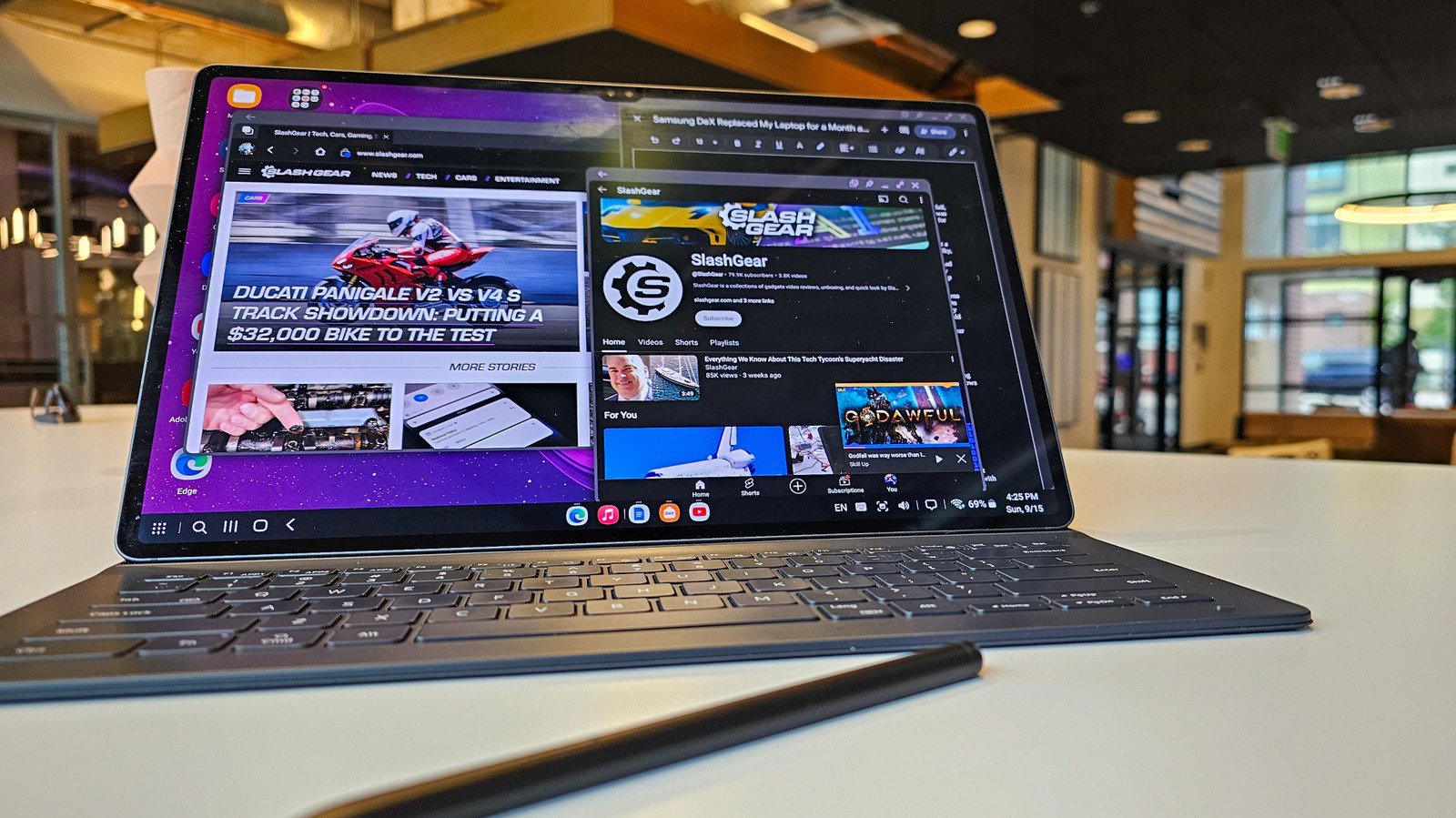
We put a high-end Samsung tablet through real-world use to see if it can genuinely stand in for a laptop, testing performance, keyboard and accessory behavior, multitasking, battery life, and the software gaps that matter for productivity.
Out of the box the tablet feels like a premium device with a crisp display and fast hardware that handles everyday tasks with ease. Browsing, email, and streaming run smoothly, and the slim design makes it easy to carry around all day. That polish gives the impression it could replace a laptop for casual users and travelers.
Attach the keyboard and the experience shifts toward a traditional laptop setup, but the change is not automatic. The keyboard cover works well for typing and quick edits, yet its layout and lack of certain keys make extended typing sessions slightly less comfortable than a full-sized laptop keyboard. The hinge and build quality are solid, though you’ll notice compromises aimed at keeping the package thin and light.
Samsung’s software tweaks aim to narrow the gap with laptops, offering windowed apps and a taskbar-like experience that mimics desktop behavior. Multitasking is practical for switching between a browser, document editor, and chat app, and split-screen works reliably in most cases. Still, the tablet OS and Android app ecosystem occasionally limit how seamlessly complex workflows translate from a true desktop environment.
Performance for CPU-bound and GPU-bound tasks depends on the chip; modern Samsung tablets handle most office work and media tasks without hiccups. Photo edits and light video work are feasible, but when you push into heavy rendering, large spreadsheet crunching, or professional-grade editing, the tablet starts to reveal its mobile roots. For people whose work demands sustained heavy lifting, a traditional laptop with bigger cooling and desktop-class software remains the safer choice.
Battery life stands out as a strength: long stretches of web browsing, document editing, and video playback push most days without a charge. That endurance is where the tablet often beats thin-and-light laptops, which trade battery for power. For commuters, students, and anyone who values unplugged uptime, this matters more than raw performance numbers.
Ports and expandability are minimal compared with most laptops, which affects workflows that rely on multiple drives, wired networking, or a variety of peripherals. USB-C handles a lot, including charging and some docks, but professionals who need dedicated ports or high-performance external GPUs will face limitations. That makes the tablet great for cloud-first work and light peripheral use, but less ideal for legacy-connected setups.
App compatibility is a recurring constraint: some desktop-class apps either don’t exist or run with reduced features on tablet platforms. Cloud-based tools and web apps close that gap, yet industry-specific software, certain developer tools, and some creative suites remain better on a laptop. For anyone locked into niche programs, the tablet is a companion device, not a replacement.
The tablet’s camera and microphone setup are better than most laptops, making it a surprisingly strong choice for video calls and on-the-go content creation. The display also shines for watching video and reviewing visual work. Those strengths make the device versatile for hybrid creators who do a mix of communication and light production.
Accessories matter more here than with a laptop: a good keyboard, a reliable stylus, and a suitable stand transform the tablet into a far more productive machine. Samsung’s ecosystem works smoothly together, and third-party peripherals can add needed flexibility. Investing in accessories narrows the practical gap between tablet and laptop for many users.
Security and management features are solid for consumer and small-business needs, with biometric sign-in and enterprise options available. Large IT departments may still prefer the control and compatibility of traditional laptops, especially where specific management tools are required. For independent professionals and small teams, the tablet’s security is robust enough for daily use.
In practice the tablet replaces a laptop for a broad group of users: writers, students, executives who live in the cloud, and travelers who prize weight and battery life. Power users, developers, and those reliant on specialist desktop software will likely keep a laptop in their toolkit. The tablet is a compelling second device and often a primary device for anyone whose work aligns with its strengths.
