
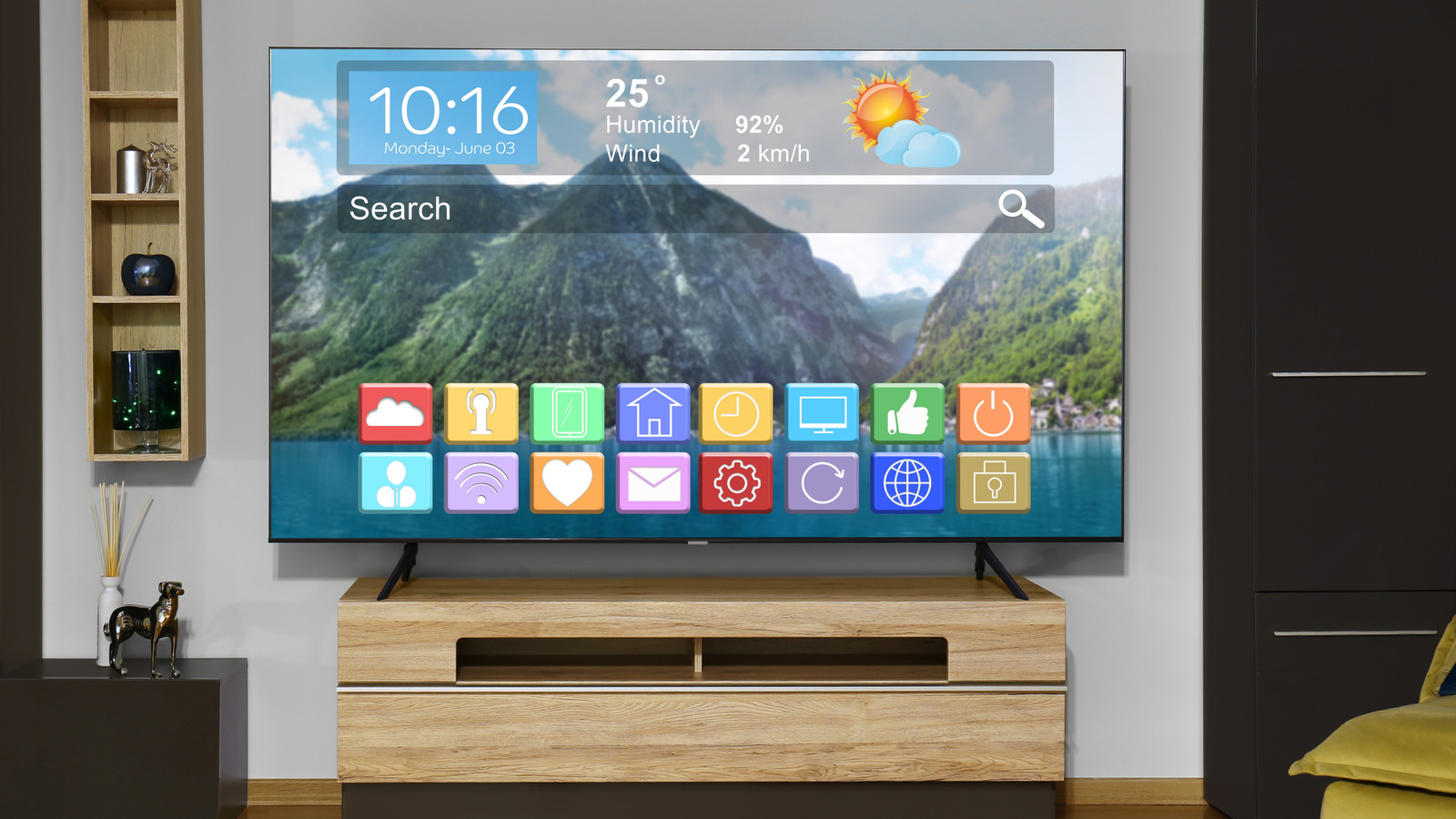
Streaming apps were the reason smart TVs became household staples, but the devices that promised simplicity now often deliver frustration: sluggish menus, irregular updates, and shaky long-term app support. This article looks at why built-in TV operating systems lag behind expectations, how that affects viewing, and what practical steps consumers and manufacturers can take. Expect clear, usable advice and an honest take on when a TV’s smart features help and when they hold you back.
When streaming services exploded in popularity, TV makers raced to bake apps into their sets so customers could cut the cord and keep a tidy setup. That strategy worked at first because people wanted one screen that did it all without extra boxes. Over time, however, the mismatch between flashy service requirements and modest TV hardware became obvious, and the shine started to wear off.
Performance problems are the most obvious symptom for everyday users. Menus that freeze, apps that crash, and buffering even on fast Wi-Fi make the TV feel dated within a couple of years. Many built-in systems run on slow processors and tiny amounts of memory, so the newest app updates strain the hardware and slow everything down.
Updates are another major headache because they determine whether an app will keep working and whether the TV stays secure. Some manufacturers push regular system updates for only a short period after purchase, leaving older sets stranded as app developers move on. Without ongoing support, apps can become incompatible or vanish, turning a smart TV into a dumb display overnight.
The app ecosystem itself is fragmented across different TV platforms, which creates headaches for both developers and customers. Streaming services have to maintain multiple versions of the same app, and developers sometimes drop support for platforms with small user bases. That means features get added late or not at all on some TVs, and niche apps might never appear on certain models.
There are reliable workarounds that avoid betting your viewing experience on a TV maker’s software roadmap. External streaming devices and sticks give you a fast, frequently updated platform and can often be tucked behind the TV. Casting from a phone or tablet is another option that keeps you on the latest app versions, though it isn’t as seamless as a built-in app for shared family use.
If you’re shopping for a TV, focus on long-term usability rather than the list of apps it ships with today. Check the manufacturer’s stated update policy and favor models that support common platforms known for regular updates. Also look for multiple HDMI ports, ease of using external devices, and a remote that handles shortcuts cleanly so you can quickly switch to a streaming stick if needed.
Manufacturers have a role to play: clearer promises about update timelines, better hardware choices for future-proofing, and simpler ways to install or access third-party platforms would cut a lot of frustration. Some brands have started to decouple smart features from the display hardware, allowing software updates independently from the TV’s production cycle, which is a promising direction. Until that becomes standard, buyers should assume the smart part of a TV will age faster than the panel itself.
Smart TVs still offer great value when they work, but the convenience can vanish when the software stops keeping pace. Choosing a TV with future flexibility, or pairing a good panel with a small external player, usually gives the best balance of picture quality and long-term app access. With a little planning, you can keep your living room simple without being held hostage by aging software.
