
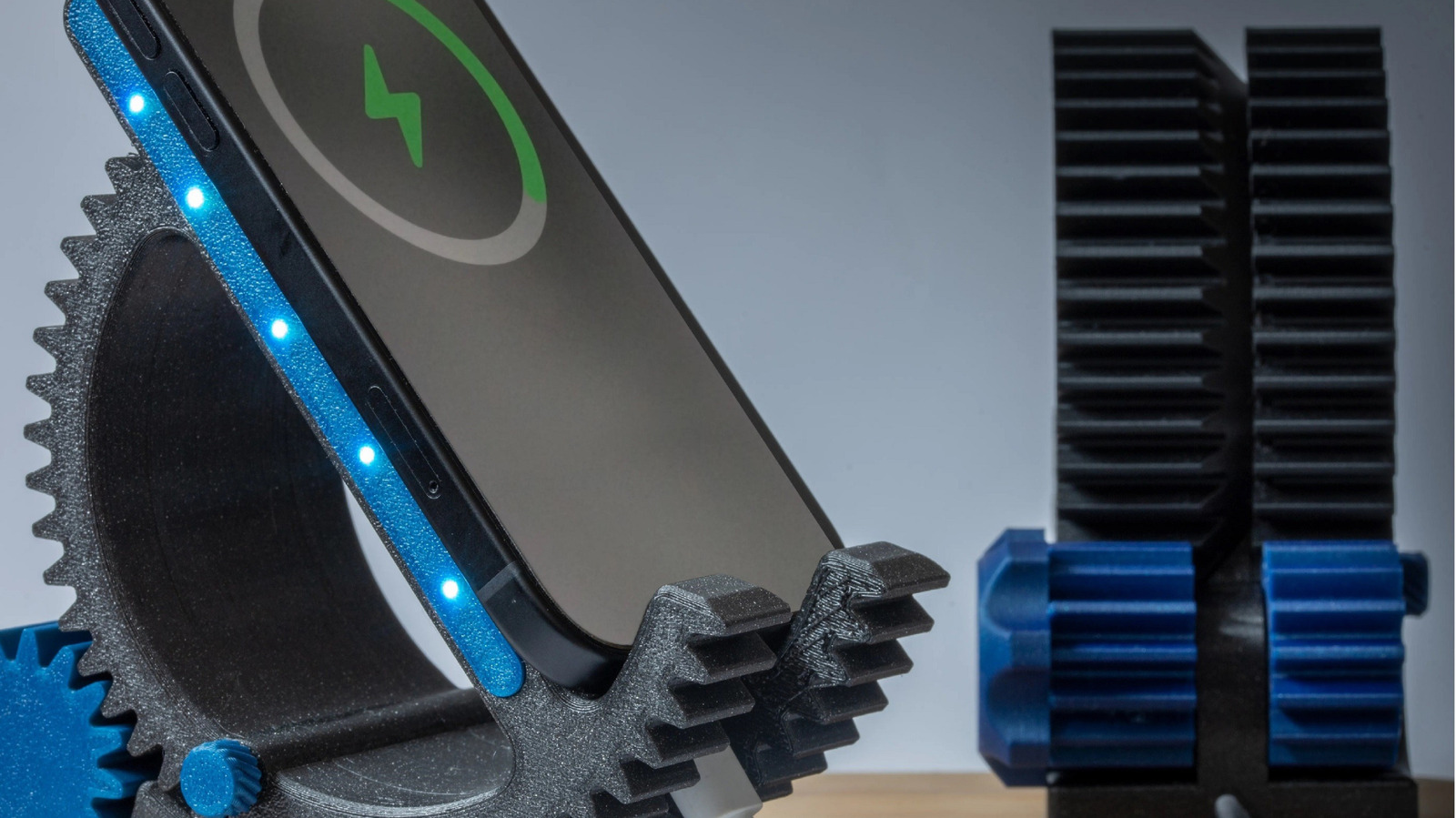
3D printing turns ordinary smartphone accessories into custom tools that fit your life, not the other way around. This article walks through why printing your own accessories makes sense, which items give the biggest payoff, what materials and design choices matter, and practical tips to get reliable results fast. Expect clear, usable ideas you can try at home or iterate with a maker community.
The smartphone accessory market is awash with countless products, but using 3D printing to create your own can provide even more usefulness in comparison. Off-the-shelf items try to be everything to everyone and often fail on fit or durability. When you print your own, you prioritize the features you actually need and ditch the filler.
Start by picking accessories that benefit most from customization, like phone stands, mounts, and grips. These items rely heavily on size, angle, and ergonomics, so a tailored fit makes a dramatic difference in everyday use. Photography attachments and charging docks also gain from precise tolerances and bespoke cable routing.
Material choice shapes how an accessory performs and lasts, so it deserves attention before you slice the first file. PLA is easy and affordable for prototypes and display pieces, while PETG and ABS bring better heat and impact resistance for everyday gear. Flexible filaments like TPU are perfect for grips, bumpers, and snap-fit features that need vibration damping or elastic deformation.
Design decisions determine whether a printed part is merely decorative or genuinely useful, so think about tolerances, supports, and assembly from the start. Allow for filament shrinkage in hole diameters and plan clips with slight clearances to avoid brittle snaps. Adding chamfers and fillets can turn stress concentrators into durable transitions without complicating the print too much.
Use simple real-world tests to validate your designs quickly before committing to long prints or expensive materials. Print small-scale test pieces to check fit with your phone case, tripod threads, or cable channels and iterate until the motion and fit feel right. That quick feedback loop is the biggest advantage of in-house fabrication compared with waiting for shipped products.
Finishing techniques transform a utilitarian print into something you actually want to keep on a desk or in a bag, so invest a little time in post-processing. Sand and polish visible surfaces, use solvent smoothing for ABS if you need a glossy look, and apply light coats of spray paint or TPU-compatible dyes for color and abrasion resistance. For functional parts, a thin layer of epoxy can seal layers and make clips stronger without changing dimensions much.
Printing for durability means thinking about layer orientation, infill patterns, and reinforcements during the design phase. Place load-bearing features so layers align with force paths instead of across them, and consider higher infill or internal ribs where stress concentrates. For screw mounts, design in metal inserts or expand the contact area rather than relying on thin printed threads.
If you want to attach accessories to existing gear, measure twice and design for assembly rather than forcing parts to snap together. Include alignment pins, keyed slots, or captive fasteners to make repeated assembly reliable and reduce wear on fragile clips. Modular designs that separate cosmetic shells from structural cores are easier to tweak and repair without a full reprint.
The maker community accelerates progress with libraries of validated designs and real-world advice, so plug into forums and file repositories for tried-and-true templates. You can remix popular mounts or adapt trays and docks that already account for printer tolerances and common phone dimensions. Sharing back your tweaks helps others avoid the mistakes you corrected and raises the quality of community resources.
Budget and time are practical constraints, so prioritize projects that replace expensive or poorly made store-bought items first. Small wins like a custom cable organizer, a precise tripod adapter, or a desk dock with integrated cable channels add usability faster than chasing highly complex assemblies. That approach builds skills and confidence for larger, more ambitious prints later on.
Security and safety matter when your accessory supports expensive electronics or a mounted phone, so design with redundancy and low-risk failure modes in mind. Avoid thin cantilevers under heavy loads and test mounts on inexpensive phone mockups before trusting them with your device. With sensible design and iteration, 3D printed smartphone accessories become practical upgrades that are inexpensive to improve and quick to replace when a better idea comes along.
