
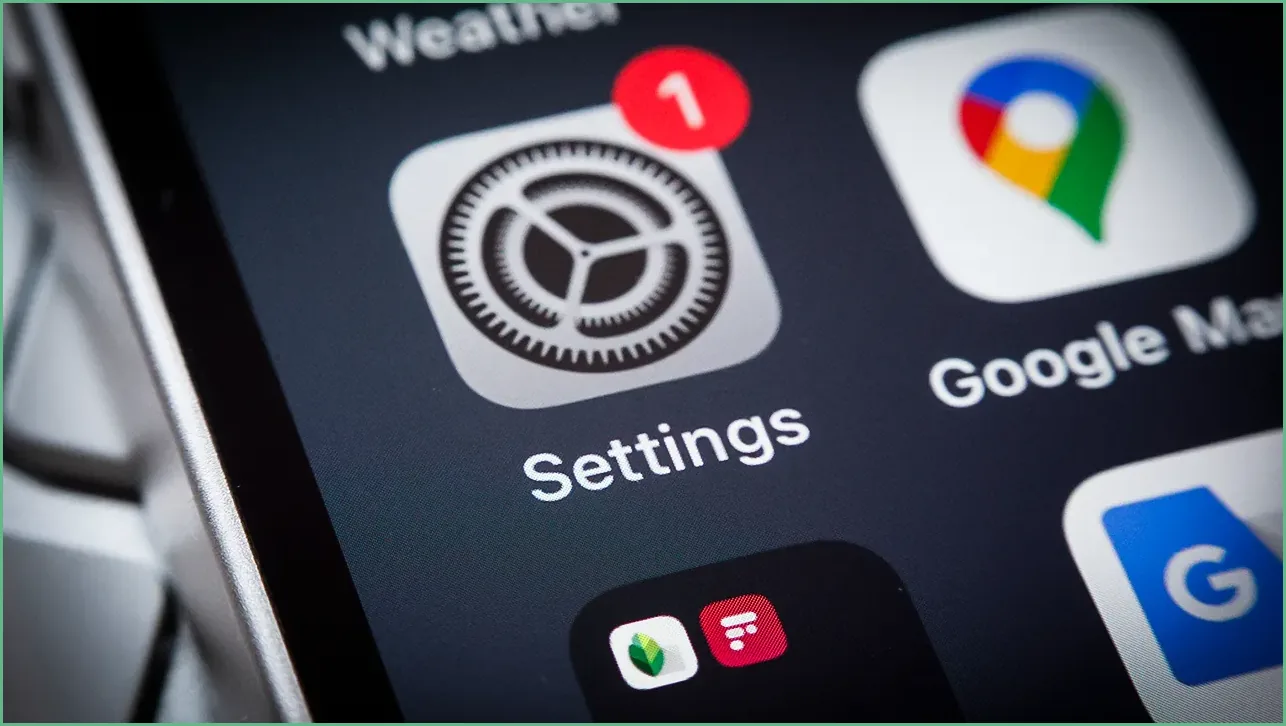
Background app refresh quietly updates apps so they’re ready when you open them, but that convenience can chew through battery and mobile data; this article explains what background refresh does, why switching it to Wi‑Fi only helps, how to turn it off entirely, the Android equivalents like background data limits and Data Saver, and practical tips for balancing freshness with power and data savings.
Apps that refresh in the background pull content and run tiny tasks so you see the latest info the moment you open them. That seamless experience is handy, but every background fetch consumes battery and, if you’re on cellular, eats into your data allotment. For many users the cost adds up faster than expected, especially with dozens of apps allowed to update automatically.
One simple move is to limit background activity to Wi‑Fi only, which keeps apps updated when you’re on a stable connection without using mobile data. When apps refresh only over Wi‑Fi, you still get up‑to‑date content at home or work, but your cellular plan stays intact. The result is less background drain and a clearer sense of control over when data is used.
If you prefer to stop background updates entirely, that option exists too, and it’s the most aggressive way to conserve battery and data. Turning the feature off prevents apps from fetching new content unless you open them, which can delay real‑time updates but saves resources. This tradeoff is worth it for users chasing longer battery life or strict data caps.
On Android phones the labels differ, but the outcome is the same: restrict background data or background activity to limit what apps can do when they’re not in front of you. Many manufacturers add their own battery management layers, so the exact menu names vary, but the controls are broadly similar. Data Saver is another tool that blocks most apps from using background data unless you explicitly allow them.
Pick settings that match how you use your phone: leave critical apps permitted to refresh and clamp down on the rest. Messaging and navigation apps might need background access, while streaming apps, shopping apps, and many social feeds can wait until you open them. Managing app‑by‑app permissions gives you the best mix of convenience and conservation.
Remember that some apps rely on background activity for real‑time alerts or syncing, so test changes for a day or two and adjust if notifications arrive late or content loads slowly. Also keep in mind that aggressive background restrictions can affect wearable syncs, calendar updates, or location‑based reminders. Tweak conservatively at first so you can undo anything that breaks your core workflows.
Battery life and data use are not fixed facts; they respond to how you configure your device and apps. By choosing Wi‑Fi‑only refresh or selectively turning off background access, most people can see noticeable gains in both areas without losing essential app behavior. Small changes across a handful of apps add up to real savings over weeks and months.
Finally, keep an eye on your phone’s built‑in usage reports to spot which apps are the worst offenders and revisit settings as your habits change. Periodic cleanup—removing or disabling apps you no longer use—also reduces background noise without constant micromanagement. Those simple maintenance habits keep your phone running smoother and longer between charges.
