
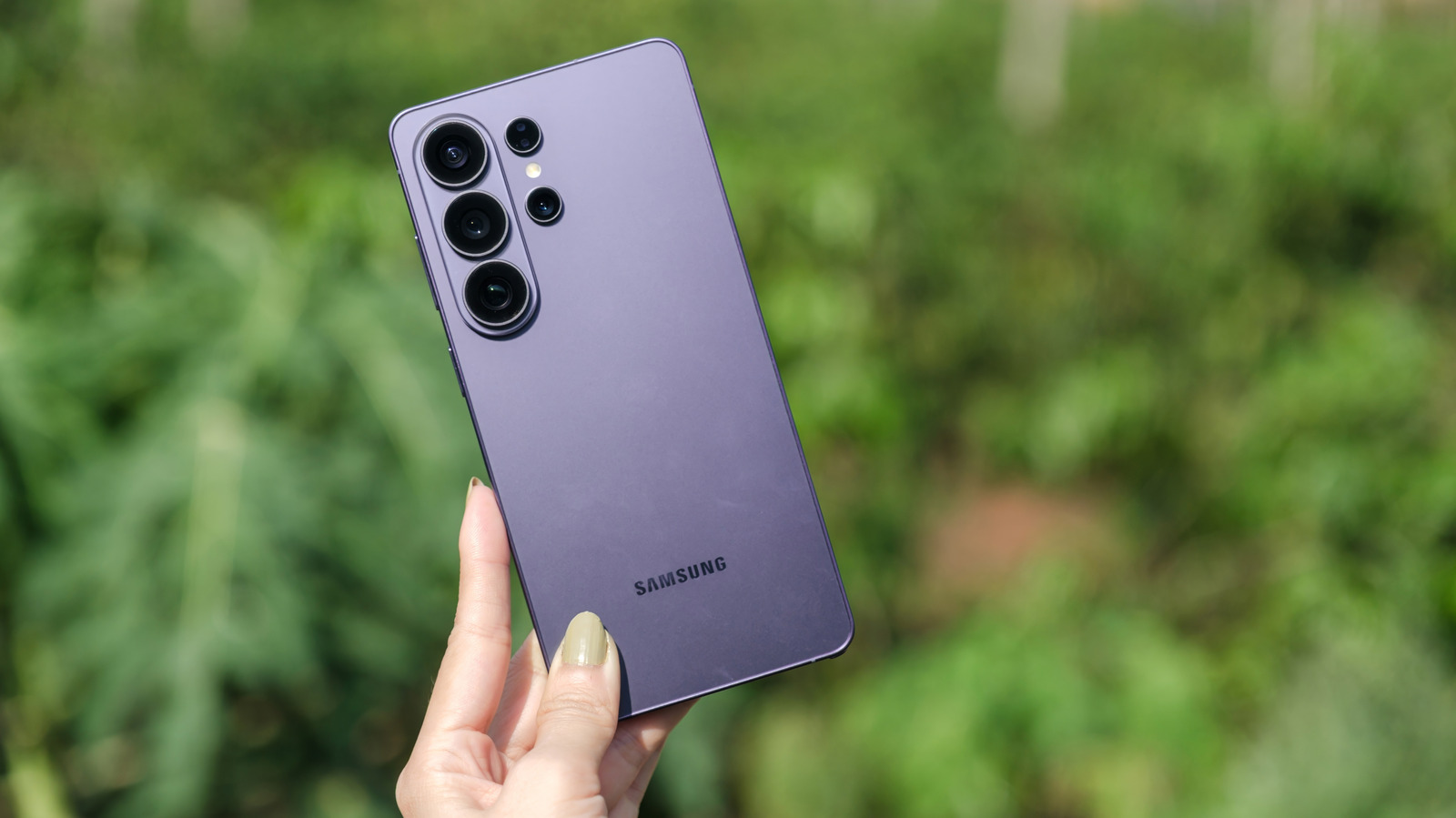
Samsung’s next software refresh is shaping up to be a busy one, with One UI 9.5 bringing a mix of privacy, camera, health, and personalization upgrades. The update is already in beta for the Galaxy S26 family, and the early look suggests Samsung is leaning hard into features people will notice right away. From locking apps to building better camera shortcuts, the changes point to a cleaner, smarter phone experience.
One of the biggest additions is native app locking, which finally gives Samsung users a more direct way to protect individual apps. Instead of relying only on Secure Folder, the new system lets apps be locked with biometrics or a screen lock method, while keeping notifications and widget details out of sight. That makes it a lot easier to keep private information tucked away without jumping through extra hoops.
The process is meant to feel simple, too. A long press on an app brings up a padlock option, and deeper controls live inside the App lock menu in settings. Samsung is also tying this into the Galaxy S26 Ultra’s Privacy Display, so locked apps can stay shielded even when that flagship privacy feature is active.
Camera fans are getting a nicer toolkit as well. Samsung is adding two customizable shortcut buttons in Pro and Pro Video modes, one on each side of the shutter, so core controls are easier to reach in a hurry. Things like timer, aspect ratio, histogram, and camera settings can be placed where they are actually useful instead of buried in menus.
Presets are getting a boost, too. Settings that once needed Samsung’s Camera Assistant app can now be saved in a more direct way, covering details such as focus behavior, exposure, shutter speed, and white balance. Samsung is also freshening up the main camera interface with bigger buttons, and the Galaxy S26 series gets a built-in 24 MP option right inside the stock camera app.
There is also chatter around an improved zoom bar, which should make it easier to dial in shots smoothly. Even in beta form, the camera changes already feel aimed at people who want faster control and less fumbling around when the moment matters. That kind of cleanup may not sound flashy at first, but it makes a difference every day.
Samsung Health is picking up a more personal side with Mindful Note. The feature sits inside the Mindfulness tab and works like a journaling space, giving users prompts, reflection tools, and the option to add pictures or free-write in everyday moments.
The prompts are broken into sections such as Relationships, Work and goals, About yourself, and What If…?, which makes the whole thing feel more guided without being stiff. There is also a mood tracker with a wide range of emotions and tags for things like sleep, exercise, or work, turning the app into something more useful than a simple wellness checklist.
Medications is expanding beyond its current region limits as well, which should make Samsung Health feel more complete for more people. The feature already handles prescription tracking, supplement logging, and custom reminders, so widening access gives it a more practical role in daily life. That kind of rollout gives the app more real-world value instead of just piling on extras.
Samsung is also nudging the home and lock screens further into custom territory. Live effect adds a depth-style look to selected lock screen photos, creating a more dimensional feel when the phone moves, while the new 4×2 clock widget gives the home screen a fresh way to show time. It is the sort of polish that does not scream for attention, but once it is there, it is hard not to notice how much more alive the phone feels.
