
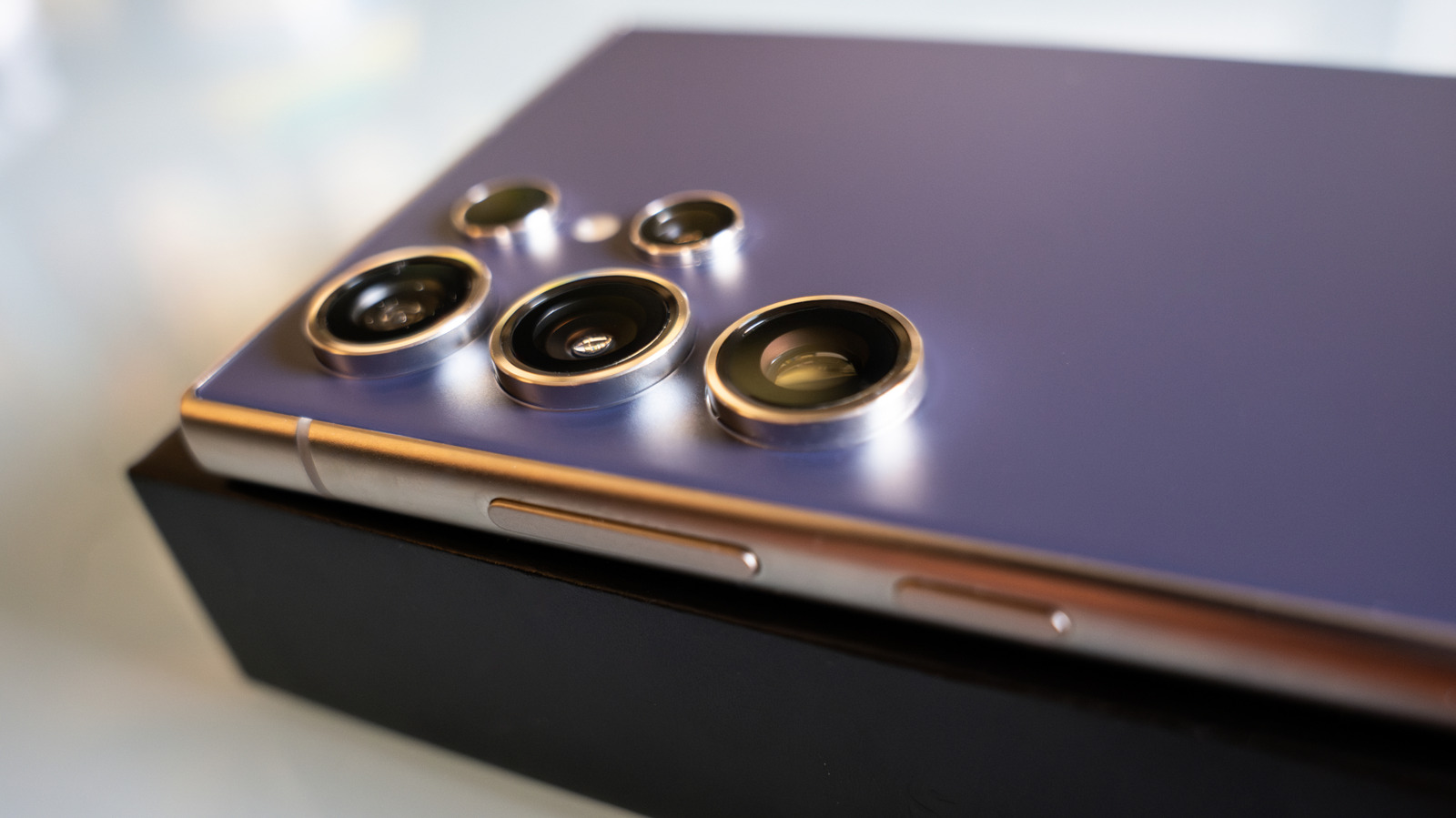
The power button on an Android phone does a lot more than wake the screen or shut things down. On many Samsung Galaxy devices, it has quietly turned into a side key packed with shortcuts, safety tools, and app launches that can save time when you actually need them. Once you know the tricks, that one little button starts feeling a lot less basic.
One of the most important shortcuts is Emergency SOS. Tap the side key five times fast and the phone can kick into emergency mode, even if the screen is locked, by sounding an alarm, sharing location, and reaching out to the contacts you picked ahead of time.
That same feature can be set up to send alerts with a countdown, which helps keep accidental presses from turning into real trouble. Samsung also lets you add medical details in the Safety and Emergency area, so first responders or helpers can see allergies, blood type, or other vital info right away.
The long press is another place where Android users may get a surprise. On newer Galaxy phones, holding the side key often opens Gemini instead of the old power menu, which means the button is now tied to an assistant that can answer questions, draft messages, or search inside the phone.
If you miss the old shutdown screen, you can switch the behavior back in settings. That choice really comes down to habit, because some people want the classic power menu while others would rather jump straight into an assistant without digging through apps.
Another handy move is the classic button combo for screenshots. Press the power button and volume down together, and the phone grabs whatever is on the screen almost instantly, which is still one of the fastest ways to save something before it disappears.
Timing matters here, because holding the buttons too long can trigger a forced reboot instead. Samsung also offers a Palm Swipe option, though a lot of people still prefer the old button combo because it feels more reliable and less fussy in day-to-day use.
The side key can also be customized to launch an app or tool with a double press. That means you are not stuck with one boring button behavior, and you can map it to things like the camera, torch, magnifier, notes, or another app you use all the time.
That flexibility is where the feature really starts to shine. Instead of hunting through a crowded app drawer, you can open something important with a quick double tap, which is especially nice when your hands are full or you are in a hurry.
For many people, the best double-press option is the camera. Samsung’s Quick Launch Camera can open the camera app from a locked screen, and some setups even let you jump straight into video, portrait, or selfie mode without any extra taps.
That speed matters more than it sounds like it should. A lot of everyday moments do not wait around, whether it is a kid doing something adorable or a pet acting ridiculous, and shaving off those extra seconds can make the difference between getting the shot and missing it.
Inside the camera settings, the volume buttons can also be set to shoot photos or record video. Pair that with a double press on the side key, and you get a pretty slick setup that goes from locked phone to ready-to-shoot in almost no time at all.
What makes all of this useful is how invisible it can be until the moment you need it. The side key may look simple on the outside, but on modern Android phones it can turn into an emergency lifeline, a shortcut to your assistant, a screenshot tool, a custom app launcher, or the fastest camera button you already own.
