
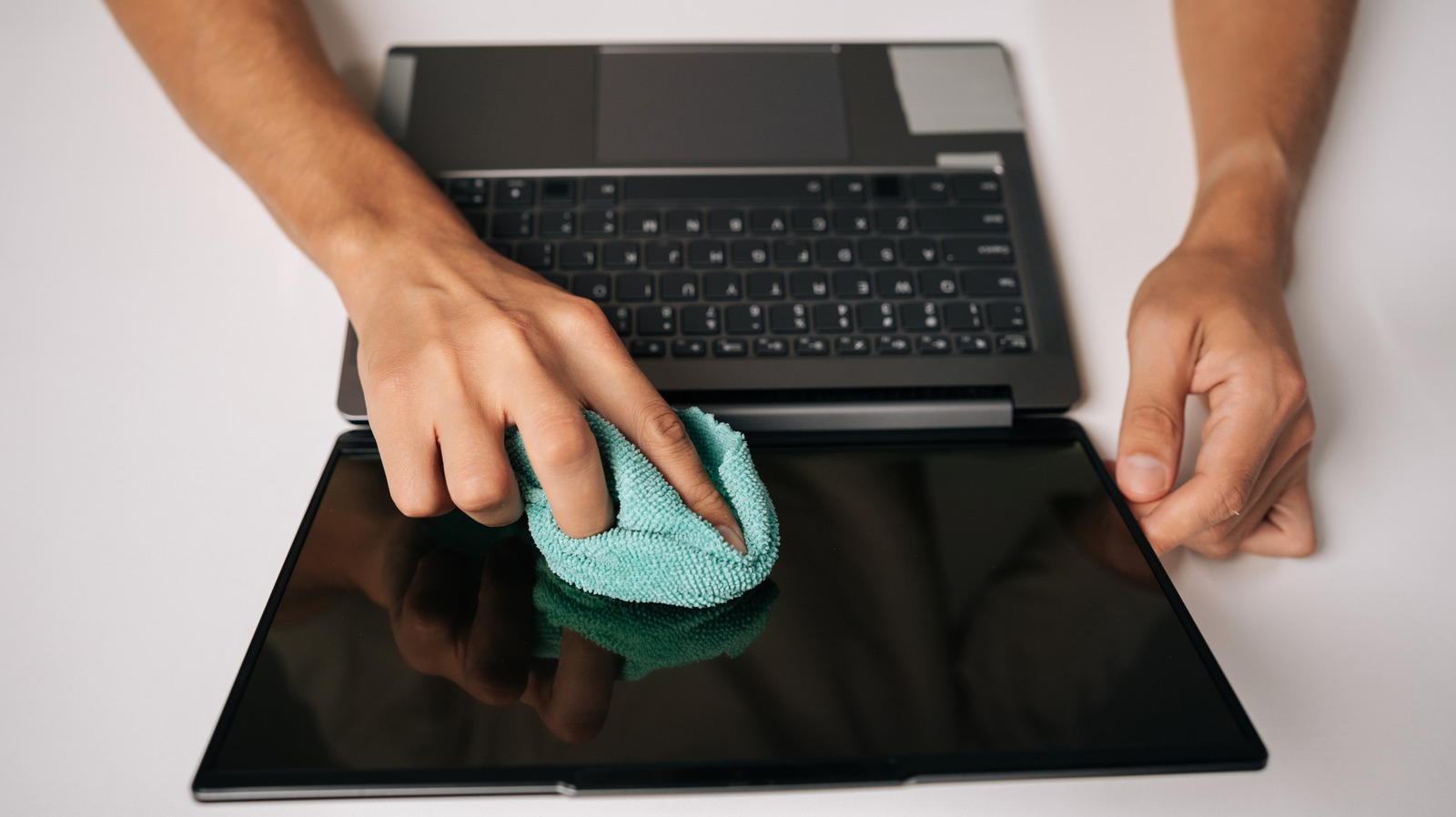
Quick take: screens get grimy fast and you want a safe, simple way to clean them. This article explains when eyeglass cleaner is okay, what to avoid, and the step-by-step routine that won’t void warranties or strip delicate coatings. Read on for practical, no-nonsense guidance so your laptop or monitor looks great without risking damage.
Modern laptop panels and external monitors come in many finishes, from matte to glossy and OLED to IPS LCD. That variation matters because coatings and pixel structures react differently to liquids and chemicals. Treating every display like simple glass is a shortcut to streaks, haloing, or long-term coating failure.
Eyeglass cleaner can be safe, but only under two conditions: the formula must be free of ammonia and strong alcohols, and the product must explicitly state it is safe for coated lenses. Many eyeglass solutions are designed for delicate anti-reflective and oleophobic layers, which is exactly what some screens use. If the bottle says nothing about coatings, assume risk and skip it.
Even when you use a coating-safe eyeglass spray, the method matters more than the product. Power the device off and unplug it, then use a clean, lint-free microfiber cloth. Spray the cleaner onto the cloth, never directly onto the screen, and wipe gently using slow circular or vertical strokes to avoid pushing liquid into edges or ports.
When in doubt, distilled water is your friend. Pure distilled water on a microfiber cloth removes most fingerprints and dust without chemicals. For stubborn greasy smudges, a manufacturer-approved screen cleaner or a cloth lightly dampened with distilled water and a tiny drop of mild dish soap can be effective, but rinse the cloth and wipe again with plain distilled water to remove any residue.
Avoid common household products that feel tempting because they work on windows. Window cleaners, bleach, ammonia, abrasive sprays, and paper towels can harm coatings and scratch the surface. Isopropyl alcohol and other solvents may remove protective layers on OLED and anti-reflective screens, so do not use them unless the device maker explicitly permits it.
Tools matter: microfiber cloths with tight weaves lift oil without scratching, while paper towels, tissues, and rough rags leave micro-abrasions. If dust is the issue, use a soft brush or canned air first to blow away particles so you do not grind them into the glass while wiping. Replace or wash microfiber cloths regularly; a dirty cloth is worse than no cloth at all.
Frequency of cleaning depends on use. Daily heavy-fingered sessions benefit from a quick microfiber pass each evening, while deeper cleanings can be monthly or as needed. Be careful with pressure: excessive rubbing can wear down thin coatings over time, so gentle, patient wiping wins every time.
If your device is under warranty, check the manufacturer’s cleaning recommendations before experimenting. Some companies sell their own screen-cleaning kits engineered for the exact coating they use, which removes guesswork. When you follow the device guidance, you preserve image quality and avoid voiding warranty protections.
Final practical note: if you decide to use an eyeglass cleaner, check the ingredient list and labels first. Only use products that promise compatibility with anti-reflective or oleophobic coatings, and always apply to the cloth rather than the screen. That small habit is the difference between a show-off screen and a costly repair bill.
