
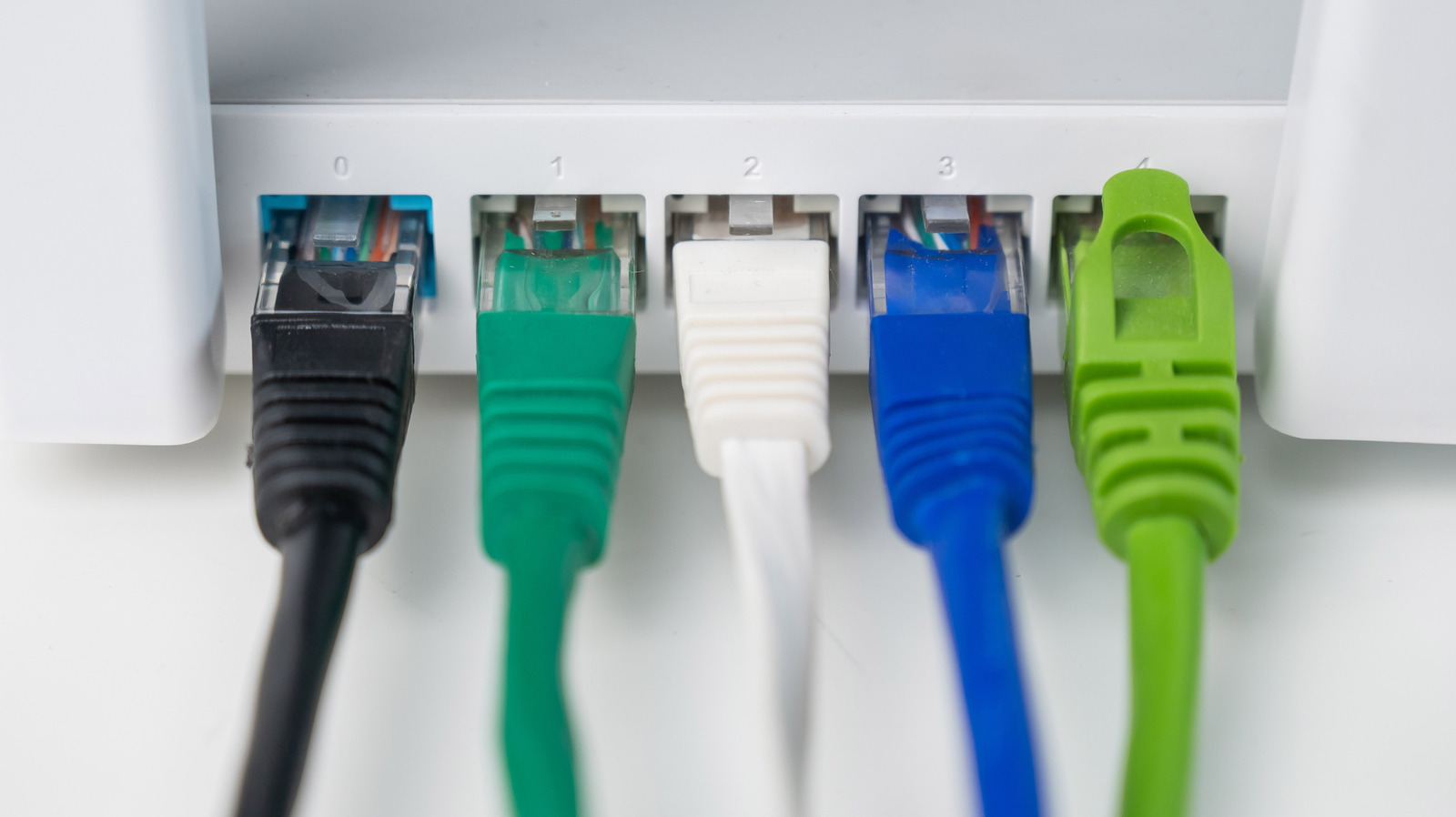
Running out of Ethernet ports on your router happens fast once you start connecting cameras, consoles, smart TVs, and work gear, but expanding your wired network is straightforward and cheap. This piece walks through practical, no-nonsense ways to add ports and avoid the usual speed and mess tradeoffs. Read on to pick a direction that fits your gear, budget, and skill level.
First, recognize why you might be out of ports. Modern homes often mix high-bandwidth devices and always-on IoT gadgets, and most consumer routers only ship with four LAN jacks. When everything needs a stable wired connection, those jacks disappear in a hurry.
The simplest option is a basic unmanaged Ethernet switch. It plugs into one router port and immediately multiplies available ports without configuration, so it’s plug-and-play for most people. Look for a Gigabit switch to keep things fast and future-proof.
If you need more than extra ports, a managed switch gives you control over traffic, VLANs, and port priorities. That’s useful when you want to separate guest devices or prioritize a work machine over a streaming box. Managed switches are pricier and require some setup, but they pay off in performance and security for busy networks.
For apartments or homes where running cables is tricky, powerline adapters can extend wired connectivity over electrical wiring. They’re not as reliable as a direct Ethernet run and performance depends on your building’s wiring, but they eliminate long cable runs. Modern powerline kits with pass-through outlets and Gigabit support are surprisingly viable for many rooms.
Another non-invasive choice is MoCA adapters that use coax cable already in the walls for stable, low-latency wired links. If your place has coax outlets and you want near-Ethernet performance, MoCA often beats powerline and Wi-Fi extenders. Like any option, check compatibility and the condition of your existing coax lines first.
>If you’re thinking long term, consider running new Ethernet cabling to key rooms. Cat6 cabling supports Gigabit and beyond and keeps latency low for gaming and media servers. It’s the cleanest solution when you own the house or have easy access to cable routes, and colors and labels make maintenance painless.
Sometimes the bottleneck isn’t the number of ports but uplink speed. If your router’s WAN or switch uplink is 100 megabit, adding Gigabit ports won’t help much. Match the capacities: use gigabit switches and ensure the uplink between devices isn’t the weak link in your chain.
Cascading switches—daisy-chaining multiple switches—is common but needs planning. Keep the network simple: plug one switch into the router and use secondary switches only when necessary, and avoid long chains that flood one uplink. If traffic demands are high, consider a higher-capacity switch with multiple uplink ports or link aggregation for redundancy and throughput.
Power over Ethernet, or PoE, is handy if you need to place cameras, access points, or VoIP phones without separate power cables. PoE switches feed both data and power over a single cable, cutting clutter and simplifying installation. Make sure devices support the PoE standard your switch provides, whether it’s PoE or PoE Plus.
Cable quality matters more than most people expect—Cat5e handles Gigabit, but Cat6 or Cat6a is safer if you want headroom for future speeds. Keep runs under recommended lengths and avoid running parallel to high-voltage lines to reduce interference. Properly terminate and label each end to avoid troubleshooting headaches later.
Addressing network addressing and security is important when you add many wired devices. Use DHCP reservations or static IPs for things that need consistent addresses, like printers and servers, and place cameras or smart-home gear on a segmented network. A switched setup with VLANs can isolate vulnerable devices while keeping traffic tidy.
Think about placement and heat—dense switches generate heat and need ventilation, especially in closets or enclosed cabinets. Mount larger switches on a shelf or rack and leave space around them to prevent thermal throttling. Also consider surge protection and backup power if uptime matters.
Budget shapes your route: cheap unmanaged switches expand ports instantly, mid-range managed switches add control, and cabling plus PoE or MoCA are for long-term reliability. Shop with your use case in mind: gaming, streaming, remote work, or home security each favors different choices. With the right mix, you get stable wired connections without overpaying or overcomplicating things.
