
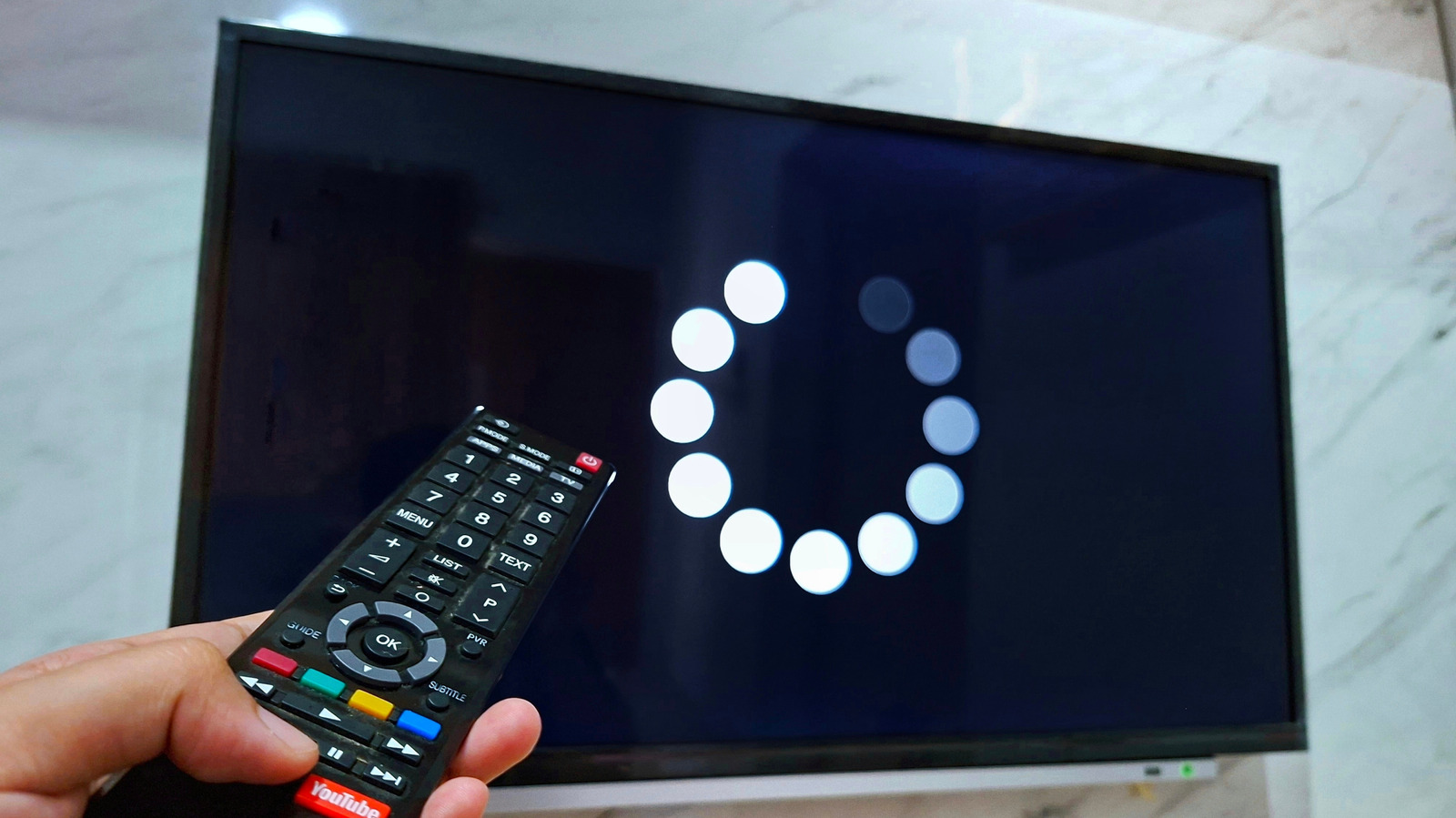
Many tech pros recommend rebooting your smart TV on a regular schedule, even when everything looks fine. This piece explains why a restart helps, what to watch for, and simple routines you can use to keep your picture and apps running smoothly. You’ll get clear, practical reasons and easy next steps without jargon or fluff.
Smart TVs are basically small computers hidden inside a sleek display, and like any computer they accumulate minor glitches over time. Memory leaks, stalled apps, and background processes can slowly sap performance, making menus sluggish and streaming hiccup. A regular restart clears temporary memory and shuts down background tasks that aren’t visible but still affect responsiveness.
Firmware and app updates can also behave oddly until the TV gets a fresh boot. Sometimes an update installs but won’t fully take effect until the system completes a restart cycle, leaving features half-applied or apps unstable. Restarting forces the device to reload its software cleanly, which often resolves odd behaviors that otherwise look like permanent faults.
Network issues are another common culprit that a restart can fix. Smart TVs constantly negotiate Wi-Fi and streaming connections, and those sessions can get stuck or drift into a bad state. Turning the TV off and on reestablishes the network handshake, usually restoring reliable streaming without needing to reset your router or dig into advanced settings.
Power management quirks can build up when a TV is left on for long stretches or kept in standby for months. Capacitors and small subsystems can behave unpredictably after extended uptime, and a full restart gives them a clean slate. That quick reset often reduces screen flicker, odd sound behavior, or intermittent input lag that otherwise requires a service call.
If you rely heavily on apps and casting, you’ll notice restarts make app launches snappier and reduce crashes. Streaming platforms constantly push updates, and leftover app processes can cause conflicts or hog resources. A scheduled restart keeps the system lean so apps have the memory they need to run properly.
Security and privacy are quieter benefits of a restart routine you might not think about. Temporary keys, session tokens, and cached data can persist longer than they should; restarting cycles those elements and reduces exposure from lingering sessions. It’s a simple step toward better hygiene for a device that handles sensitive accounts and payment info.
How often should you reboot? For most households, once a week is a sensible rhythm: frequent enough to prevent gradual slowdowns but not so often that it becomes a chore. If you use the TV 24/7 for gaming or media servers, consider a brief nightly restart or an automatic schedule set in the TV’s system menu to keep things tidy without manual effort.
When restarting, aim for a full power cycle rather than a quick standby—unplug for 30 seconds or use the TV’s power-off option, then power back up. That forces hardware and software to reinitialize fully, which is more effective than simply toggling sleep mode. If problems persist after a proper reboot, a deeper look at firmware updates, network configuration, or a factory reset may be warranted.
Restarting is a low-effort habit that pays off with smoother menus, fewer app crashes, and more reliable streaming. It’s a practical part of maintaining a smart TV and something you can do in under a minute to avoid bigger headaches later. Try a simple weekly routine and watch how often it solves the small problems that otherwise feel mysteriously persistent.
